
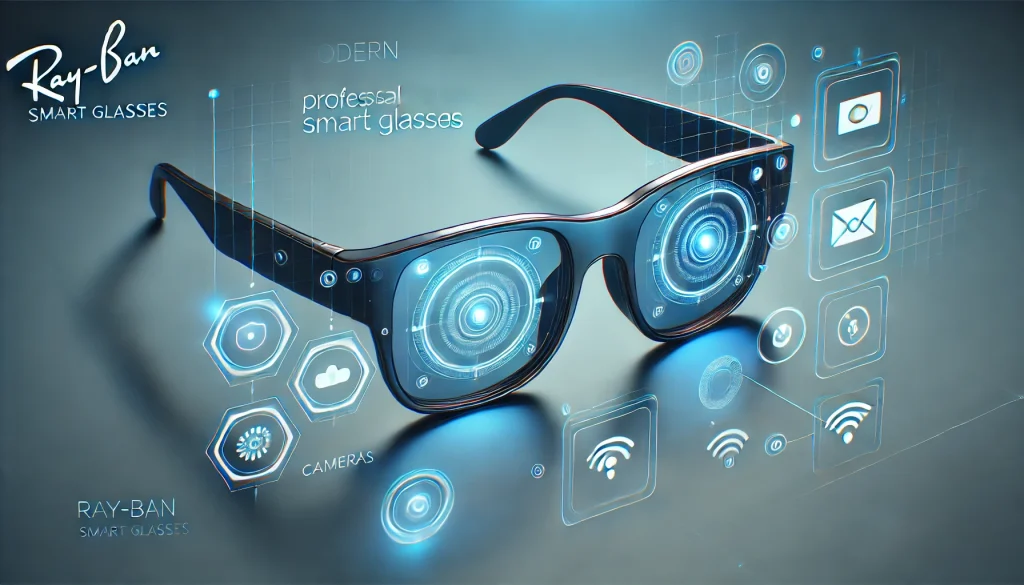
Ray-Ban, an iconic name in eyewear, has stepped into the future with its innovative Ray-Ban Smart Glasses. Designed in collaboration with Meta, these glasses promise a seamless blend of style and technology, allowing users to capture photos, record videos, and even take calls—all while maintaining the classic Ray-Ban aesthetic.
In this review, we’ll explore whether it live up to the brand’s reputation and the growing expectations for wearable tech. From their sleek design to their functionality, we’ll provide an in-depth analysis to help you decide if these are the right pair for you.
Overview
It combine the elegance of traditional eyewear with cutting-edge technology. Available in various iconic styles like the Wayfarer and Round, they boast discreetly integrated tech features that enhance everyday convenience. If you want smart wearables that don’t scream “gadget,” Ray-Ban Smart Glasses are designed to blend in while still doing a lot. In day-to-day use, Ray-Ban Smart Glasses feel more like stylish eyewear first, with tech as a bonus—especially for commuting, quick errands, and casual outings where pulling out a phone feels disruptive.
Key Features:
- Built-in cameras for photos and videos (5MP resolution)
- Open-ear speakers for immersive audio
- Microphone for hands-free calls and voice control
- Pairing with the Meta View app for easy sharing
- Lightweight, durable design
The glasses come in several lens options, including polarized and prescription-friendly models, ensuring versatility for different users. That flexibility is a big reason Ray-Ban Smart Glasses appeal to both fashion-focused buyers and practical everyday wearers who need Rx lenses. Their battery life promises up to 6 hours of mixed usage, with a charging case included for on-the-go power. For travel days, Ray-Ban Smart Glasses can be especially handy when you want quick photo moments without digging for your phone.
Pros and Con
Here’s a quick snapshot to help you decide if Ray-Ban Smart Glasses fit your needs. If you want stylish, discreet smart eyewear for quick photos/videos, calls, and casual audio, the pros are compelling. If you need all-day battery, top-tier audio in loud places, or a lower price, the cons may matter more.
| Pros | Cons |
|---|---|
| Timeless Design: Keeps Ray-Ban’s iconic look while integrating smart features seamlessly. | Limited Battery Life: May not last a full day with heavy use. |
| Ease of Use: Simple touch controls and voice commands. | High Price Point: Costs more than standard eyewear and many smart alternatives. |
| Strong Core Features: Great for HD photos/videos and hands-free calling. | Privacy/Data Concerns: Some users may be cautious due to Meta ecosystem integration. |
| Comfortable Fit: Lightweight enough for long wear. | Audio in Noisy Areas: Open-ear speakers can struggle in loud environments. |
| Privacy-Friendly Indicator: LED light signals when recording is active. | Niche Appeal: Best for tech enthusiasts/content capture—less essential for casual users. |
In-Depth Analysis of Meta’s Ray-Ban Smart Glasses
Design and Build Quality
It retain the brand’s iconic style, with options like the classic Wayfarer and Round frames. The materials feel premium, combining lightweight acetate with sturdy hinges for a comfortable yet durable fit. Despite the embedded tech, they look virtually indistinguishable from standard Ray-Bans—a huge win for those valuing discretion. This “normal glasses” look is one of the biggest strengths of Ray-Ban Smart Glasses, because you’re more likely to wear them consistently. Even small design details—like balanced weight distribution—help Ray-Ban Smart Glasses stay comfortable during longer walks or extended outdoor time.
Functionality and Performance
The standout feature of these glasses is their dual 5MP cameras, capable of capturing crisp photos and videos. The open-ear speakers deliver decent audio quality, though they may falter in noisy settings. Pairing with the Meta View app is straightforward, enabling users to edit and share content with ease. Voice commands add hands-free convenience, making them ideal for multitasking.
In practice, Ray-Ban Smart Glasses shine most in “in-the-moment” content—quick clips, street scenes, family moments, and point-of-view shots that feel more natural than phone filming. If you’re someone who documents experiences casually, Ray-Ban Smart Glasses can make sharing feel effortless instead of forced. For calls, Ray-Ban Smart Glasses are best in quieter environments where the microphones can pick up your voice clearly.
Usability
Navigating the controls feels intuitive, thanks to the touch-sensitive temples and responsive microphones. The glasses are lightweight, making them comfortable for extended use, though prolonged wear during hot weather may be less pleasant. After a short learning curve, most users can operate Ray-Ban Smart Glasses without thinking—tap to capture, voice to control, and you’re done. That low-friction experience is exactly what makes Ray-Ban Smart Glasses feel “useful” rather than gimmicky.
Battery Life and Charging
Battery life varies based on usage, with up to 6 hours under moderate conditions. The included charging case is convenient but requires frequent recharges during heavy use, which may inconvenience some users. If you’re recording lots of video, Ray-Ban Smart Glasses will drain faster, so they’re better viewed as a “moments” device than an all-day camera rig. Still, the case makes Ray-Ban Smart Glasses easier to top up between meetings, commutes, or classes, which helps offset the shorter runtime.
Privacy and Security
Privacy concerns are addressed through features like the LED indicator for recording and Meta’s encryption policies. However, skeptics may still hesitate due to the product’s reliance on Meta’s ecosystem. A smart habit is to treat Ray-Ban Smart Glasses like you would a phone camera: be mindful in private spaces and communicate clearly when recording. Because Ray-Ban Smart Glasses are subtle, using them responsibly matters even more for trust and comfort around others.
Comparison with Similar Products
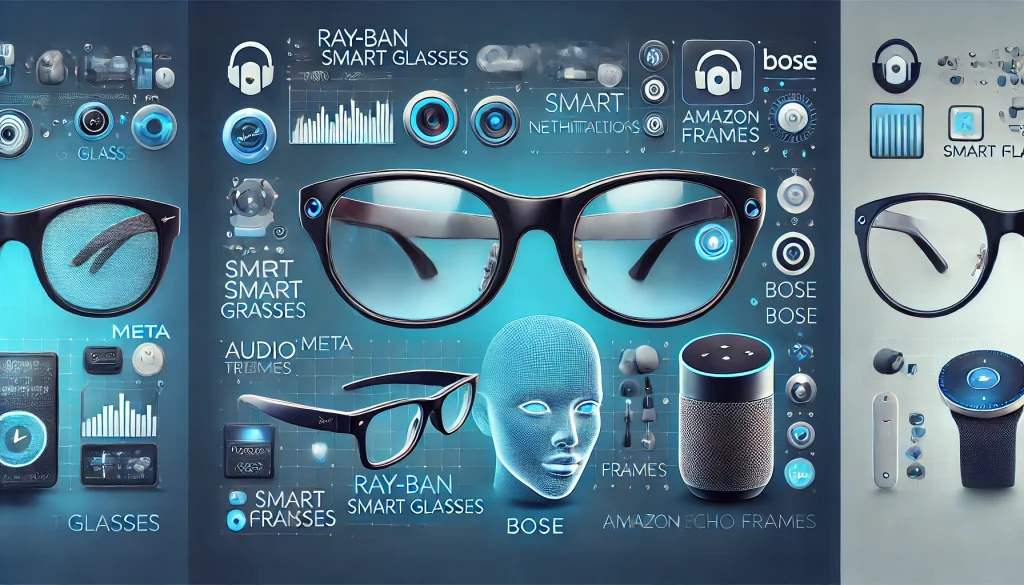
It stand out in design compared to competitors like Bose Frames and Amazon Echo Frames. While Bose offers superior audio quality, Ray-Ban excels in aesthetics and camera functionality. Amazon’s frames focus on Alexa integration, making them ideal for smart home users but less versatile overall. If your top priority is capturing photos and clips, Ray-Ban Smart Glasses have the clearest advantage in this group. If your priority is music immersion, you may lean away from Ray-Ban Smart Glasses and toward audio-first options—but you’ll trade away the camera convenience.
Key Differences:
- Design: Ray-Ban leads with iconic, stylish options.
- Audio: Bose Frames provide richer sound quality.
- Smart Features: Ray-Ban offers a more balanced suite, with cameras and app integration.
- Price: Ray-Ban is among the pricier options.
FAQ
How do Ray-Ban Smart Glasses connect to a smartphone?
Ray-Ban Smart Glasses connect to smartphones via Bluetooth and sync with the Meta View app, available for both Android and iOS devices.
Are Ray-Ban Smart Glasses suitable for prescription lenses?
Yes, Ray-Ban Smart Glasses support prescription lenses, making them versatile for everyday use.
What is the video quality of Ray-Ban Smart Glasses?
The glasses capture HD videos at 5MP resolution, suitable for casual recording.
Conclusion
Ray-Ban Smart Glasses successfully blend style and technology, making them a standout option for those seeking functional yet fashionable eyewear. While they shine in design and usability, minor drawbacks like limited battery life and their high price tag may deter some buyers.
If you’re a tech enthusiast or a Ray-Ban loyalist, these smart glasses offer an exciting way to enhance your daily experiences. For casual users, however, the investment might feel steep.
Rating: 4/5
Resources:
- Ray-Ban: Meta smart glasses 2024 | Ray-Ban® USA
- meta.com: Ray-Ban Meta Smart Glasses
- Moor Insights & Strategy: RESEARCH NOTE: Ray-Ban Meta Smart Glasses
- The Verge: Ray-Ban Meta smart glasses: a turning point
- Forbes: Ray-Ban Stories Review: Comfortable But Limited
