
Cloud gaming has taken the gaming industry by storm, promising high-quality gaming experiences without the need for expensive hardware. With services like NVIDIA GeForce NOW, Xbox Cloud Gaming, and Google Stadia gaining traction, the idea of playing AAA games on nearly any device is becoming a reality. For many players, Cloud Gaming is also about flexibility—jumping into a session on a laptop during breaks, then continuing on a TV later at home without moving a console. That convenience is a big part of why Cloud Gaming continues to attract both casual and dedicated gamers.
In this review, we explore the concept of it, its key features, and its potential to revolutionize how we play games. Whether you’re a casual gamer or a hardcore enthusiast, understanding the ins and outs of this technology is crucial in deciding if it’s the right fit for you. We’ll focus on what actually shapes your day-to-day experience: input lag, image quality, stability, and how good the game catalog feels for your favorite genres.
Overview
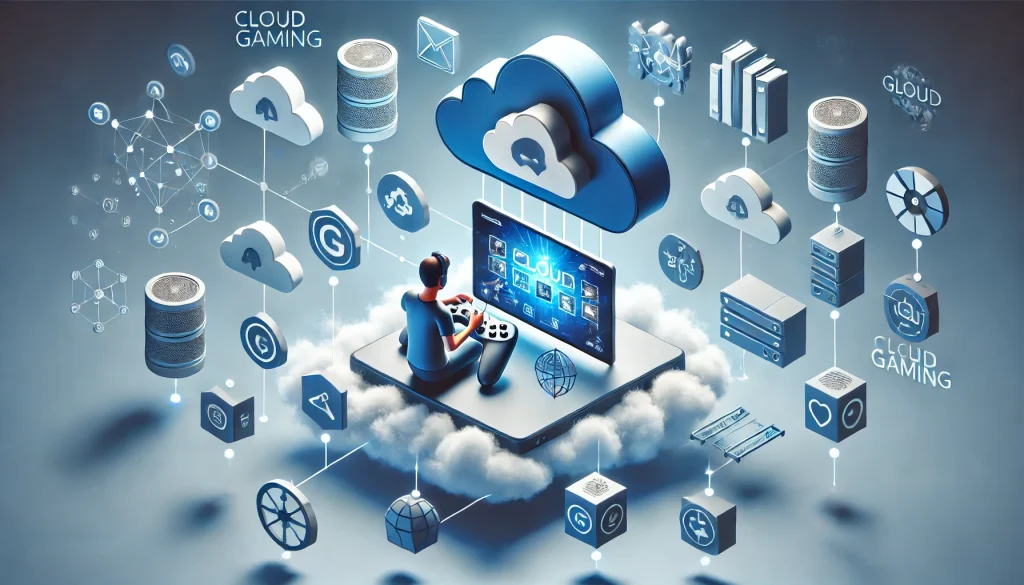
Cloud gaming, also known as gaming-as-a-service, allows players to stream games directly from powerful remote servers to their devices. Instead of running games on a high-end PC or console, all you need is a stable internet connection and a compatible device like a smartphone, tablet, or even a smart TV. In simple terms, your device becomes a “screen and controller,” while the heavy computing happens in a data center. That’s why Cloud Gaming can feel almost magical when it works well—especially on low-spec hardware that normally couldn’t run modern titles.
Key Features:
- Device Independence: Play on smartphones, tablets, laptops, and more.
- Cost Efficiency: No need for expensive gaming hardware.
- Instant Play: No downloading or installing large game files.
- Cross-Platform Accessibility: Start a game on one device and continue on another seamlessly.
- Subscription-Based Model: Access a library of games for a fixed monthly fee.
Despite its promises, it faces challenges like latency, internet speed requirements, and limited game libraries in some services. It’s also worth noting that Cloud Gaming performance can vary by location—being closer to a server region often means smoother gameplay and fewer spikes. Network consistency matters more than raw speed, so a stable connection with low jitter can outperform a faster but unstable line.
Key Features:
- Device Independence: Play on smartphones, tablets, laptops, and more.
- Cost Efficiency: No need for expensive gaming hardware.
- Instant Play: No downloading or installing large game files.
- Cross-Platform Accessibility: Start a game on one device and continue on another seamlessly.
- Subscription-Based Model: Access a library of games for a fixed monthly fee.
Despite its promises, it faces challenges like latency, internet speed requirements, and limited game libraries in some services.
Pros and Cons
Here’s a quick, at-a-glance summary of what Cloud Gaming does best and where it still struggles—so you can decide if it matches your internet quality, budget, and play style.
| Pros of Cloud Gaming | Cons of Cloud Gaming |
|---|---|
| Affordability: No need to buy a high-end PC or console. | Internet Dependency: Needs fast, stable internet to run well. |
| Portability: Play almost anywhere on phones, tablets, laptops, or TVs. | Latency Issues: Input lag can impact competitive games. |
| Instant Play: No huge downloads or installs—start quickly. | Limited Libraries: Some services lack certain popular titles. |
| Automatic Updates: Patches and updates are handled in the cloud. | Subscription Costs: Monthly fees can add up over time. |
| Eco-Friendly: Less demand for physical hardware production. | Compression Artifacts: Visual quality may look softer than local play. |
| Cross-Device Continuity: Start on one device, continue on another. | Location Variability: Experience can vary based on server distance/region. |
In-Depth Analysis
Performance
Performance largely depends on your internet connection. Services like NVIDIA GeForce NOW and Xbox Cloud Gaming offer resolutions up to 4K with minimal input lag, provided you have a robust connection (at least 25 Mbps for optimal results). However, rural areas often struggle with connectivity, impacting the overall experience.
For competitive titles, Cloud Gaming can be hit-or-miss because reaction-based gameplay magnifies small delays. In slower-paced genres—RPGs, strategy games, turn-based titles, and many single-player adventures—Cloud Gaming often feels far more forgiving and enjoyable. Wired ethernet or strong Wi-Fi (5 GHz / Wi-Fi 6) can make a noticeable difference, reducing stutters and improving controller responsiveness.
Usability
Setting up it is straightforward. Most platforms allow users to sign up, log in, and start playing instantly. Cross-device functionality adds significant convenience. Services like Google Stadia even offer browser-based access, eliminating the need for additional apps.
One of the best things about Cloud Gaming is how “low friction” it can be: no patches, no storage juggling, no installs. That said, your experience can depend on your controller setup. Using a supported controller (or a low-latency Bluetooth connection) helps the controls feel tighter. Some users also prefer playing on TVs or monitors with a “game mode” enabled to reduce display input lag.
Game Library
Game availability varies across platforms. Xbox Cloud Gaming integrates seamlessly with Xbox Game Pass, offering hundreds of titles. Conversely, Google Stadia’s library is narrower, though it features exclusives and popular games. The lack of uniformity in offerings might frustrate gamers looking for specific titles.
To evaluate a service, check (1) the games you’ll actually play, not just the total count, and (2) whether your favorite publishers are present. Cloud Gaming is most satisfying when your go-to genres are well supported. If you mainly play sports games, shooters, or niche indies, you’ll want to verify the catalog first. Rotating libraries can also be a factor, so keep an eye on which titles leave and enter over time.
Pricing Models
Subscription-based models dominate it. NVIDIA GeForce NOW has free and premium tiers, while Xbox Cloud Gaming includes Game Pass Ultimate for $16.99/month. Though cost-effective compared to traditional gaming setups, long-term subscriptions may not suit everyone.
A helpful way to judge value is to compare total annual cost against your play habits. If you play many games each month, Cloud Gaming can be a bargain. If you only finish one or two games a year, owning a few titles outright (or using a free tier occasionally) might be better. Also consider “hidden costs” like upgrading your router, increasing your internet plan, or buying a controller—Cloud Gaming reduces hardware needs, but it doesn’t always eliminate spending.
Future Prospects
As internet infrastructure improves, latency and accessibility issues should diminish. The integration of 5G networks and advancements in cloud server technology point toward a promising future for it, potentially making it the primary way people enjoy games.
Looking ahead, Cloud Gaming is likely to improve through better codecs (sharper streams at lower bandwidth), wider server coverage, and deeper platform integrations. If publishers continue embracing streaming licenses and cross-save support, Cloud Gaming becomes even more convenient—especially for players who move between devices frequently.
Comparison
Cloud Gaming vs. Traditional Gaming
| Aspect | Cloud Gaming | Traditional Gaming |
|---|---|---|
| Hardware Needs | None; runs on any device. | Requires expensive consoles/PCs. |
| Game Library | Limited by platform subscriptions. | Broad, with support for physical copies. |
| Performance | Dependent on internet speed. | Unaffected by internet but limited by hardware specs. |
| Cost | Subscription-based; low upfront costs. | High initial cost; no recurring fees. |
| Portability | Play anywhere with internet. | Restricted to hardware location. |
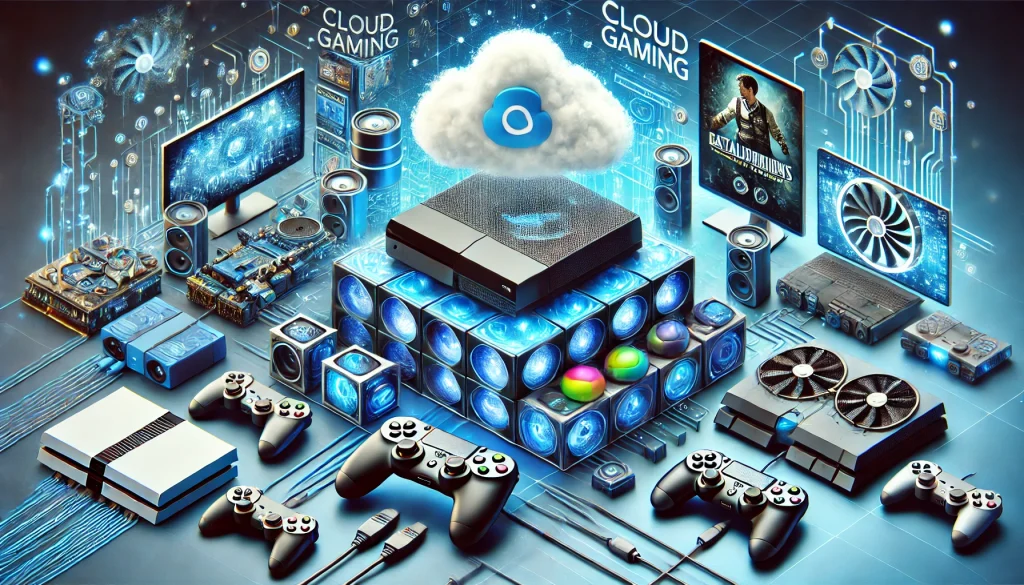
While traditional gaming offers stability and a broad library, cloud gaming excels in portability and affordability, making it ideal for casual players and those who prioritize convenience.
Conclusion
Cloud gaming is a revolutionary concept that democratizes access to high-quality gaming. It shines in affordability, portability, and convenience but struggles with internet dependency and latency. While it may not yet fully replace traditional gaming, it serves as a viable alternative for casual gamers and those with limited access to expensive hardware.
For gamers with stable internet and a love for mobility, it is worth trying. With the industry continuously evolving, its potential seems limitless.
Rating
4/5 ⭐⭐⭐⭐
FAQ
How much internet speed do you need for it?
A minimum of 15 Mbps is required for standard performance, while 25 Mbps or more is ideal for 1080p or higher resolutions.
Can it replace consoles and PCs?
It has the potential to do so for casual gamers, but competitive players may prefer traditional setups for better latency and precision.
Are there free cloud gaming services?
Some platforms like NVIDIA GeForce NOW offer free tiers, though with limitations like capped session lengths.
Resources:
- cloudbase.gg: Xbox Cloud Gaming Review – Is It Worth It In 2024?
- The New York Times: The Best Cloud Gaming Services Aren’t Great (Yet)
- PCWorld: Xbox Cloud Gaming review: It’s all about the games
- Digital Trends: I ditched my consoles and went to cloud gaming for a week
- Asurion: What’s cloud gaming and how does it work?
