A few years ago, I watched a friend lose access to an email account, then a shopping account, then a cloud drive, all because one weak login was reused in too many places. It felt less like a technical failure and more like watching someone’s digital house get entered through the same flimsy back door again and again. That is why learning Strong Passwords matters so much in cybersecurity. It is not just for IT teams, security analysts, or people who work in high-stakes industries. It matters for parents, students, freelancers, gamers, and anyone with a bank login, social profile, or work account.
Good password habits reduce the risk of account takeover, identity theft, and the messy domino effect that follows a breach. Modern guidance also emphasizes length, uniqueness, password managers, and multi-factor authentication over the old habit of forcing constant resets or relying on tricky symbol rules alone. In other words, better security does not have to feel miserable. It can be practical, memorable, and surprisingly manageable when you set it up the right way.
Tools Needed
You do not need a dark room, three monitors, or movie-style hacker skills to improve your security. What you need is a calm half hour and a few smart tools. For most people, the essentials are a password manager, access to the email account tied to important logins, a phone for multi-factor authentication, and a short list of accounts that matter most, such as banking, work, shopping, and social media. That is the real foundation of Strong Passwords: not panic, but preparation.
A manager helps generate and store long unique credentials, while MFA adds a second checkpoint if a password is stolen. It also helps to install pending software patches, because even great login habits work best when your devices are current and protected.
| Tool or Requirement | Why You Need It |
|---|---|
| Password manager | Stores and creates unique credentials securely |
| Email account access | Needed for resets and security alerts |
| Authenticator app or phone | Supports MFA or 2FA |
| Updated device | Reduces exposure to known vulnerabilities |
| Account inventory | Helps you prioritize critical logins |
Strong Passwords Instructions
Step 1: Start with your most important accounts
Begin where the damage would hurt most: email, banking, cloud storage, work tools, and your primary phone account. I usually tell people to think of email as the master key to the whole building, because password resets often flow through it. When building Strong Passwords, start there first. Make the password unique, long, and not tied to your birthday, pet name, or favorite team. If that account falls, everything connected to it becomes easier to target.
Step 2: Build long passwords or passphrases you can actually live with
This is where people often overcomplicate things. Security guidance now leans heavily toward length over fussy complexity rules, and passphrases can be easier to remember than short scrambled strings. A long, original phrase built from unrelated words or a memorable sentence pattern is often far stronger than a short clever-looking code. For Strong Passwords, aim for length, uniqueness, and unpredictability rather than just swapping an “a” for “@” and calling it a day.
Step 3: Use a password manager and stop reusing credentials
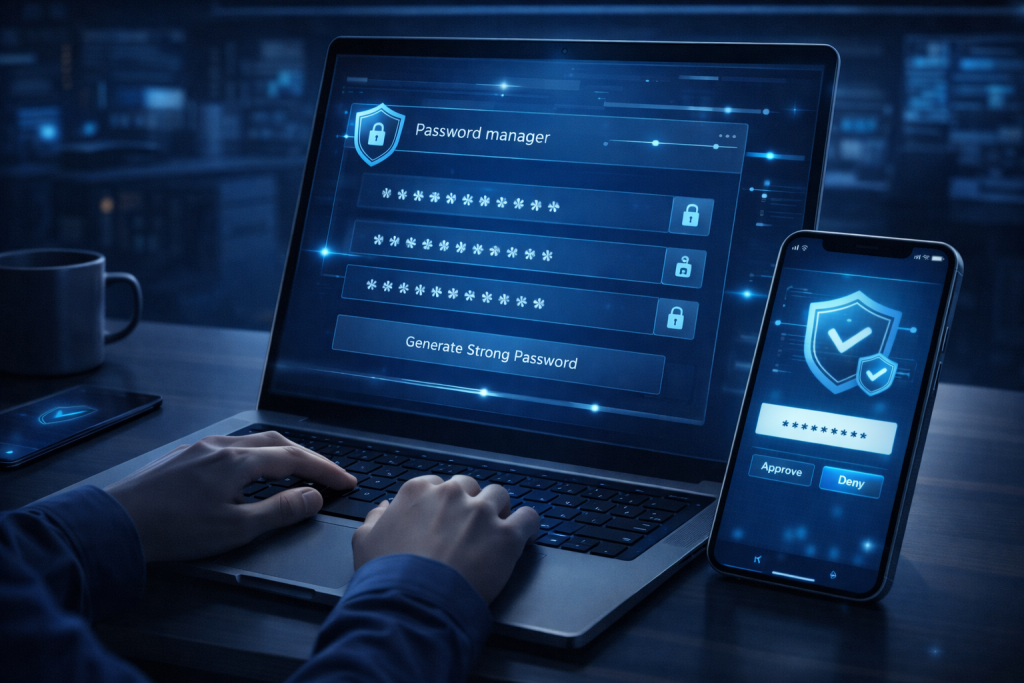
This is the step that changes everything. A password manager removes the impossible task of remembering dozens of different logins and replaces it with one strong master passphrase and better habits. It can also generate long random credentials for every site, which sharply lowers the danger of reuse after a breach. If you want Strong Passwords without turning your brain into a filing cabinet, this is the practical route. Just protect the manager itself with MFA and a memorable master passphrase.
Step 4: Turn on MFA wherever it is available
Even an excellent password can be stolen through phishing, malware, or reused credentials from old leaks. MFA adds another barrier, usually through an app, device prompt, or security key. Think of it as the deadbolt after you install a stronger front door. In the real world of Strong Passwords, this matters because attackers do not always “guess” credentials. Sometimes they buy them, trick them out of people, or pull them from past breaches. MFA helps stop that chain reaction.
Step 5: Review, update, and maintain your system
Once your critical accounts are secure, move through the rest in batches. Delete old accounts you no longer use. Replace recycled logins. Check for breach alerts inside your password manager or browser tools. And do not assume frequent forced changes are always the answer. Current guidance summarized from NIST-focused material suggests changing passwords when there is evidence of compromise, a user request, or a real security need, rather than on an arbitrary schedule alone. That makes Strong Passwords more sustainable and less likely to turn into weak patterns.
Tips and Warnings
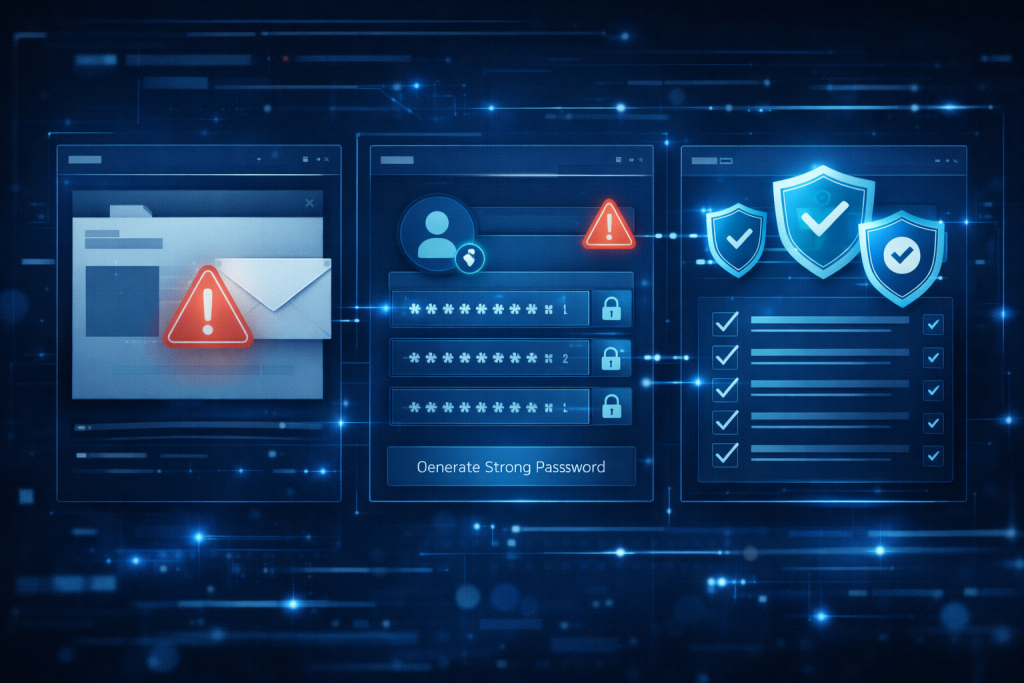
The biggest mistake people make is believing good security has to feel miserable. It does not. The smartest approach is the one you will actually keep using six months from now. That is why Strong Passwords work best when they are part of a simple system: one trusted manager, one memorable master passphrase, unique credentials for every account, and MFA on anything valuable. Avoid obvious themes, such as your child’s birthday plus an exclamation point, and avoid tiny variations across sites. Attackers know these habits. They also know people get tired, rush through setup screens, and ignore alerts after a long day. That human side matters as much as the technology.
I once helped someone secure a dozen accounts after a minor breach scare, and the hardest part was not the software. It was the resistance. “I’ll never remember all this,” they said. Ten minutes later, with a manager installed and the first few accounts updated, the whole thing felt lighter. Security often becomes easier the moment you stop trying to memorize everything yourself. Be careful with password reset questions too, because public details and social clues can make those easier to exploit. And do not ignore device hygiene.
Delaying Windows Update or leaving old apps unpatched can undermine otherwise sensible account protection. Also, tools like Express VPN may help privacy in some situations, but they do not replace sound password habits or MFA. Watch out for phishing, fake login pages, Deepfakes used in social engineering, and broader Cyber Threats that try to trick you rather than technically outsmart you. That is how a lot of modern Hacking attempts succeed.
| Tip or Warning | Why It Matters |
|---|---|
| Use unique credentials everywhere | Limits breach spillover from one site to another |
| Favor length over gimmicks | Longer passwords and passphrases are harder to crack |
| Turn on MFA | Adds protection when passwords are stolen |
| Skip public recovery answers | Personal facts are often easy to research |
| Do not rely on memory alone | Managers reduce reuse and human error |
Conclusion
Good security rarely begins with a dramatic overhaul. More often, it starts with one small, sensible change and builds from there. That is the beauty of Strong Passwords. You do not need to become a cybersecurity expert overnight. You just need a repeatable method: secure your email first, create long unique passphrases or generated credentials, use a password manager, enable MFA, and keep reviewing your accounts over time.
Once that system is in place, the stress level drops fast. You stop recycling weak logins. You stop guessing which version of an old password you used on a random site three years ago. And you make life much harder for attackers. Try it today with your top three accounts. That first step is usually the one that turns good intentions into real protection.
FAQ
How do Strong Passwords improve cybersecurity for everyday users?
In cybersecurity, everyday users are often targeted through reused credentials, phishing, and weak account recovery settings. Strong Passwords improve protection by making credentials harder to guess, harder to crack at scale, and less useful across multiple services when each account has its own unique login. Pairing them with MFA and a password manager creates a much stronger defense than relying on memory or simple variations alone.
Are Strong Passwords with passphrases better for long-term cybersecurity habits?
Yes. For many people, passphrases support better long-term cybersecurity habits because they are easier to remember and can still be very secure when they are long, unique, and not based on common sayings. Guidance summarized from NIST-focused material also emphasizes length and screening against weak or breached choices over forcing complicated symbol rules by themselves. That makes secure habits easier to keep.
Do Strong Passwords still matter in cybersecurity if I already use MFA?
Absolutely. MFA is a major layer of defense, but it does not make poor password practices harmless. Strong Passwords still matter because not every login supports MFA equally, some recovery flows are weaker than the main login, and attackers often combine phishing, old breach data, and social engineering. The safest setup is strong unique credentials plus MFA, not one or the other.
Resources
- UpGuard. The Password Security Checklist.
- StrongDM. 13 Password Management Best Practices You Need to Know in 2024.
- Cybernews. How to Create a Strong Password.
- ITsASAP. NIST Password Guidelines: 9 Rules to Follow [2024 Update].
- CanIPhish. 10 Tips for Creating Strong Passwords in 2024.