
When people first started working from kitchen tables, spare bedrooms, and coffee shops, it felt liberating. No commute. More flexibility. A little more breathing room in the day. But that freedom came with a quiet trade-off. In many cases, the office firewall, IT desk, and controlled network were suddenly replaced by home Wi-Fi, personal devices, and a hundred tiny shortcuts that felt harmless in the moment. That is exactly why Secure Remote Work matters so much in cybersecurity today.
I’ve seen secure remote work play out in ordinary ways. Someone logs in from an airport using public Wi-Fi because they “just need five minutes.” Another person delays Windows Update because a restart feels inconvenient before a meeting. A team member opens a polished fake invoice, not realizing that modern scams can look almost perfect, especially with Deepfakes and increasingly believable phishing tactics. None of this happens because people are careless. It happens because people are busy.
The good news is that strong protection does not have to feel technical or intimidating. With the right habits, tools, and a little consistency, professionals can build a setup that feels both flexible and safe. That makes Secure Remote Work more sustainable, more resilient, and far less stressful for everyone involved.
Tools Needed
Before you start locking things down, gather the basics for secure remote work. Think of this as setting your home before a storm: you do not wait for the wind to rise before checking the windows. A secure setup usually includes a company-approved device, strong password management, multi-factor authentication, an updated operating system, endpoint protection, and a secure internet connection.
Some teams also rely on device monitoring, encrypted cloud storage, and a trusted VPN such as Express VPN when policy allows. If you use personal equipment for business tasks, that should be reviewed immediately because mixed-use devices create blind spots. Good cybersecurity is not built from one magic app. It comes from layers that work together quietly in the background while you focus on your job.
| Tool or Requirement | Why It Matters |
|---|---|
| Company-approved laptop or device | Reduces unknown security risks |
| Password manager | Creates and stores strong unique passwords |
| Multi-factor authentication | Adds a second barrier beyond passwords |
| Updated operating system | Patches known vulnerabilities |
| Antivirus or endpoint protection | Detects malware and suspicious activity |
| Secure home Wi-Fi | Prevents easy unauthorized access |
| Encrypted file-sharing tools | Protects sensitive data in transit and storage |
Secure Remote Work Instructions
Step 1: Audit Your Work Devices
Start by reviewing every device used for work. That means laptops, phones, tablets, and even personal machines that occasionally access company email. Check whether each one has current updates, approved security software, full-disk encryption, and screen-lock settings. This step sounds basic, but it is the foundation. Most security problems do not begin with cinematic Hacking. They begin with overlooked basics, outdated systems, and one weak door left unlocked.
Step 2: Secure Your Internet Connection
Secondly, for Secure remote work, secure your connection next. Change the default password on your home router, turn on WPA3 or WPA2 encryption, and avoid public Wi-Fi for sensitive tasks unless your organization explicitly approves a safe VPN workflow. If your work involves financial records, legal files, customer data, or internal strategy documents, your network hygiene matters even more. A strong connection setup quietly reduces exposure to common Cyber Threats without adding friction to your day.
Step 3: Strengthen Access Controls
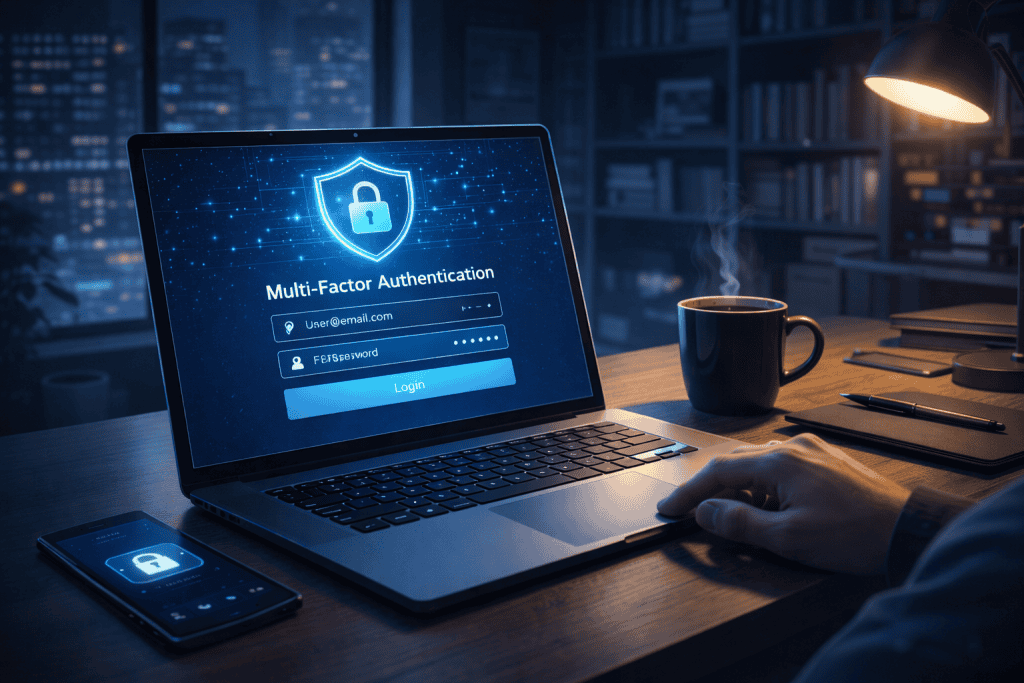
Lock down identity and access. Enable multi-factor authentication on email, messaging apps, cloud drives, admin dashboards, and collaboration platforms. Then review who has access to what. People should only have the permissions they actually need. This is where many teams get sloppy over time. Temporary access becomes permanent. Old accounts linger. Shared logins keep circulating. Clean access control is not glamorous, but it dramatically lowers risk.
Step 4: Spot and Avoid Phishing Attacks
Train yourself to pause before clicking. Suspicious links, urgent invoices, fake meeting invites, and “password reset” messages thrive in fast-moving digital environments. Read carefully. Hover over links. Confirm unusual requests through another channel. If a CEO suddenly asks for gift cards or wire transfers in a rushed tone, stop and verify. In distributed teams, social engineering works because it preys on speed, distance, and trust.
Step 5: Handle Work Data Safely
Create a routine for safe data handling. Store files only in approved platforms, back them up properly, and avoid downloading confidential material onto unmanaged devices. Keep work and personal accounts separate. When you finish for the day, log out of critical systems and lock your screen. These habits may feel small, but together they create a safer rhythm for Secure Remote Work, one that protects both the individual and the organization.
Secure Remote Work Tips and Warnings
The easiest mistake people make in secure remote work is assuming cybersecurity is a one-time setup. It is not. It is more like brushing your teeth or locking your front door: simple, repeatable, and only effective when done consistently. One of the best habits you can build is a weekly five-minute security check. Look for pending updates, review unfamiliar login alerts, and make sure your backup and authentication settings are still active. That tiny ritual can catch problems before they become expensive headaches.
Another important tip is to reduce digital clutter. Old browser extensions, unused apps, random file-sharing tools, and saved passwords in multiple places create confusion. Confusion creates risk. Keep your environment clean, simple, and intentional. If your company has a security policy, actually read it. Not because policies are thrilling, but because they often answer the exact questions people guess their way through every day.
There is also a human side to security. People working from home are often distracted by deliveries, family members, background noise, and meeting fatigue. That is real life. Build safeguards around that reality. Use privacy screens if others can view your monitor. Wear headphones for sensitive conversations. Step away before responding to unusual requests that sound urgent or emotional. A calm pause is often the best defense.
Finally, report issues early. If you clicked something strange, entered credentials on the wrong page, or downloaded a suspicious file, say so immediately. Silence is what turns minor incidents into major ones. Good security cultures do not punish fast reporting. They reward honesty and quick action.
| Tip or Warning | Why It Helps |
|---|---|
| Run a weekly security check | Catches issues before they escalate |
| Keep devices and apps updated | Closes known vulnerabilities |
| Separate work and personal use | Reduces accidental exposure |
| Verify urgent requests offline | Prevents social engineering success |
| Report mistakes immediately | Limits damage and speeds response |
| Avoid tool overload | Makes security easier to follow |
Conclusion
Securing modern work outside the office is not about fear. It is about building calm, reliable habits that support flexibility without sacrificing protection. The process starts with trusted devices, secure networks, strong authentication, and smarter awareness around phishing, access control, and file handling. When those pieces come together, Secure Remote Work becomes far easier to manage with confidence.
The best part is that none of these steps require superhero-level technical knowledge. They require attention, consistency, and a willingness to pause before taking shortcuts. Start with one improvement today: update your device, turn on multi-factor authentication, or review your router settings. Then keep going. Bit by bit, a stronger routine takes shape. And once it does, Secure Remote Work stops feeling like a cybersecurity risk waiting to happen and starts feeling like a flexible, secure way to do great work from anywhere.
FAQ
How can Remote Work stay secure for small teams in cybersecurity without a full IT department?
Small teams can still build strong protection by focusing on the essentials first. Use company-approved devices, require multi-factor authentication, keep systems updated, and store files only in trusted cloud platforms. In cybersecurity, consistency often matters more than complexity. Even without a full IT department, clear policies, password managers, endpoint protection, and fast incident reporting can make Remote Work much safer.
What are the most common cybersecurity mistakes people make during Remote Work from home?
The biggest mistakes are usually simple ones: reusing passwords, ignoring updates, saving sensitive files on personal devices, clicking rushed email requests, and using insecure home networks. In cybersecurity, attackers often exploit convenience more than technical brilliance. To protect Remote Work from home, workers need clear routines, limited access permissions, and a habit of verifying anything unusual before acting on it.
Which cybersecurity best practices improve Remote Work security for distributed companies?
The most effective long-tail approach is combining technical controls with human habits. Distributed companies should use device encryption, identity management, endpoint monitoring, employee awareness training, secure collaboration tools, and regular policy reviews. They should also create an easy reporting culture so people speak up quickly after mistakes. In cybersecurity, the healthiest systems are the ones people can actually follow, and that is what strengthens Remote Work over time.
Resources
- Host Duplex. How to Secure Secure Remote Working Environments.
- Puredome. Navigating Secure Remote Working Security Risks in 2024.
- Novalnet. The Work-from-Anywhere Nightmare: Securing Your Secure Remote Workforce in 2024.
- Phishgrid. Cybersecurity Best Practices for Secure Remote Work.
- vDesk.works. The 2024 Guide for Seamless and Secure Secure Remote Work.