
The first time I tried building a GPU mining rig, I thought it would be plug-and-play. It wasn’t. Cables didn’t fit, drivers crashed, and my power supply groaned like it was begging for mercy. But somewhere between the frustration and the first successful hash, it clicked. GPU mining isn’t just about earning cryptocurrency. It’s about learning how powerful systems behave under pressure and how easily they can be compromised if security is ignored.
In the Cryptocurrency world, GPU mining is more than a hobby. It’s a hands-on way to understand encrypted workloads, system hardening, and real attack vectors like cryptojacking and wallet theft. Whether you’re a professional testing hardware resilience or a curious builder exploring futuristic technology, learning how to build a secure mining setup gives you skills that extend far beyond crypto.
GPU Mining Materials or Tools Needed
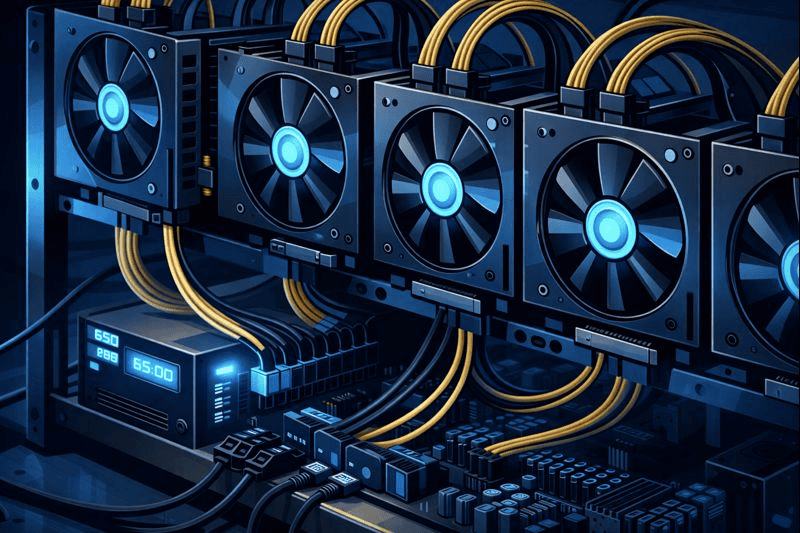
Before you touch a screwdriver, preparation matters. GPU mining rigs are less forgiving than standard PCs. One weak component can destabilize the entire system. I learned early that buying cheap power supplies or skipping cooling costs more in the long run.
You also need to think defensively from day one. Mining rigs stay online for long periods, which makes them attractive targets. Hardware quality and Cryptocurrency basics work together here. Strong components reduce crashes, and secure configurations reduce risk.
| Tool / Material | Why It’s Needed |
|---|---|
| GPUs (Graphics Cards) | Perform hashing calculations |
| Mining Motherboard | Supports multiple GPUs |
| Power Supply Unit (PSU) | Delivers stable power safely |
| Open Mining Frame | Improves airflow and access |
| Operating System | Runs mining software securely |
| Mining Software | Connects hardware to the blockchain |
| Crypto Wallet | Stores mined assets safely |
| Firewall & Monitoring Tools | Protects against intrusions |
GPU Mining Instructions
Step 1: Plan Your Build and Choose Hardware
Planning saves money and headaches. Start by deciding what you want from GPU mining. Are you experimenting, learning Cryptocurrency skills, or aiming for efficiency? That answer shapes your hardware choices.
Not all GPUs are equal. Some offer better power efficiency, others better raw performance. Look at hash rate versus energy use, not just price. Choose a motherboard designed for mining to avoid compatibility issues. A reliable PSU is non-negotiable. Cheap units fail, sometimes catastrophically.
This stage is where advanced technology meets practical thinking. Good planning turns a pile of parts into a stable system.
Step 2: Assemble the Rig and Manage Heat
Assembling a GPU mining rig feels more like building a test bench than a PC. Mount the motherboard on the frame, connect the CPU, RAM, storage, and then add GPUs one by one. Take your time. Rushing leads to missed cables and loose connections.
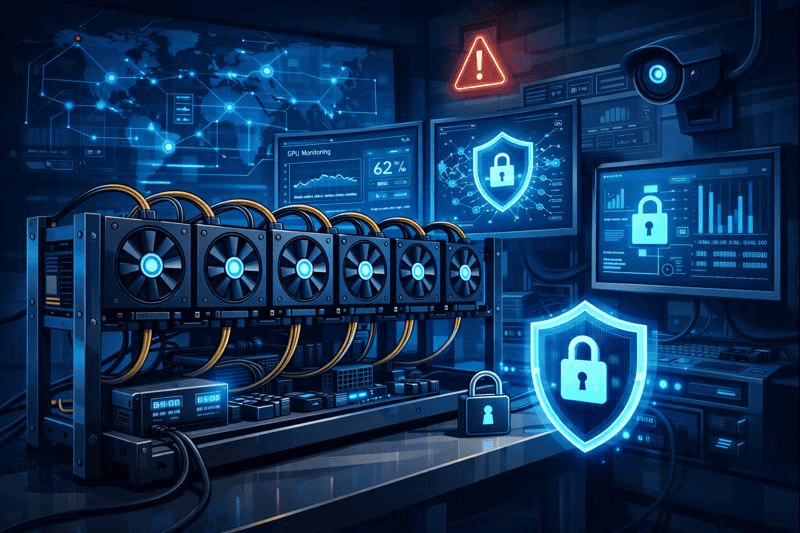
Heat is your silent enemy. GPUs running 24/7 generate serious warmth. Space them evenly, ensure unobstructed airflow, and avoid stacking cards too close together. I once lost a GPU simply because I underestimated airflow.
Thermal stability protects performance and hardware lifespan.
Step 3: Install the Operating System Securely
Install a clean operating system and update it immediately. This step is often rushed, and that’s a mistake. Outdated systems are prime targets for exploits.
Disable unnecessary services, turn off remote access unless required, and apply basic hardening. Treat your mining rig like a server, not a home PC. A minimal setup reduces attack surfaces and improves stability.
This is where Cryptocurrency discipline pays off. You’re building something valuable. Protect it accordingly.
Step 4: Configure GPU Mining Software
Choose mining software only from trusted, well-documented sources. Avoid random downloads or “optimized” versions from forums. Many contain hidden malware.
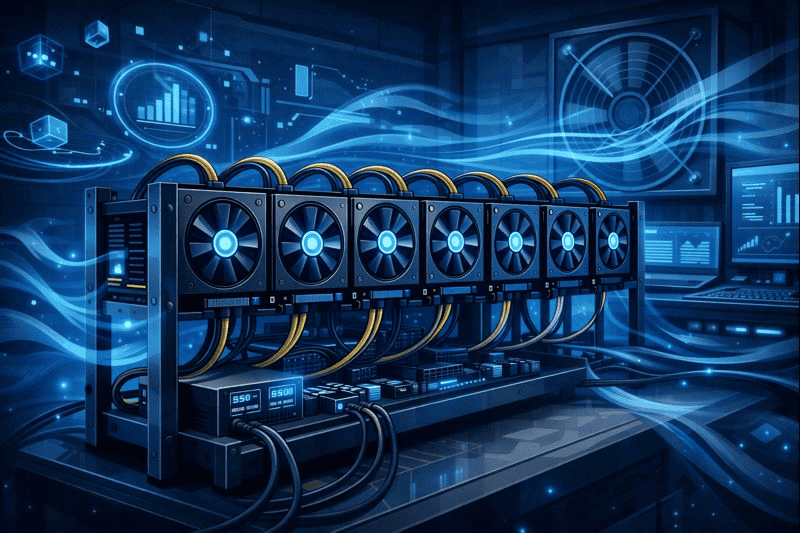
Configure the software with your wallet address and preferred mining pool. Start with default settings before tweaking performance. Watch hash rates, GPU temperatures, and system logs closely during the first few hours.
GPU mining software is powerful, but it assumes you know what you’re doing. Slow, careful adjustments beat aggressive overclocking every time.
Step 5: Network Security and Wallet Protection
Your network setup matters more than most guides admit. Place your mining rig on a separate network segment if possible. Avoid sharing it with personal devices or smart home gear.
Use strong, unique passwords and enable firewalls. Store assets in a secure wallet, ideally hardware-based. Never leave large balances in mining software wallets.
This step protects you from one of the most common threats in crypto: silent theft. Cryptocurrency is not optional here. It’s the difference between profit and regret.
Step 6: Monitor, Maintain, and Optimize
Once running, your job isn’t over. GPU mining requires ongoing attention. Monitor performance dashboards, temperature alerts, and system logs daily.
Schedule updates carefully and never update everything at once. Small changes can have big effects. Clean dust regularly and inspect cables for wear.
Over time, you’ll learn your rig’s personality. That familiarity helps you catch issues early and keep the system efficient and secure.
GPU Mining Tips and Warnings
GPU mining rewards patience and punishes shortcuts. One common mistake is overclocking too aggressively. Chasing small performance gains often leads to instability, crashes, or permanent hardware damage.
Another issue is ignoring network hygiene. Mining rigs are attractive targets for attackers because they generate value continuously. Keep them isolated from personal systems and iot devices whenever possible.
Be cautious of “all-in-one” tools promising automatic optimization. Many are poorly maintained or intentionally malicious. Stick to well-known software with active communities.
Finally, remember electricity costs. Efficient setups often outperform brute-force builds. Smart tuning beats raw power.
| Tip or Warning | Why It Matters |
|---|---|
| Avoid extreme overclocking | Prevents hardware failure |
| Use hardware wallets | Reduces theft risk |
| Segment your network | Limits attack exposure |
| Monitor temperatures | Protects GPUs |
| Ignore hype tools | Avoids malware |
GPU mining blends Innovation with discipline. Treat it like infrastructure, not a toy.
Conclusion
Building a GPU mining rig is a lesson in patience, problem-solving, and Cryptocurrency awareness. You’ve learned how to plan hardware, secure software, protect wallets, and maintain performance over time.
Whether you’re experimenting with new inventions or building practical skills, GPU mining offers real-world insight into how modern systems operate under load. Take it slow, stay security-focused, and enjoy the process. The knowledge you gain is often more valuable than the coins you earn.
FAQ
How does GPU mining intersect with cybersecurity risks?
GPU mining systems are high-value targets in cybersecurity because they run continuously and process encrypted workloads. Threats like cryptojacking, remote exploits, and wallet theft are common. Building a secure GPU mining setup teaches practical defense strategies used in enterprise cybersecurity environments.
Is GPU mining still worth learning for cybersecurity professionals?
Yes. GPU mining provides hands-on experience with system hardening, monitoring, and threat detection. Many professionals use mining rigs as personal labs to understand distributed computing security and long-tail scenarios like secure GPU mining on home networks.
Can GPU mining coexist with other connected technologies safely?
It can, but isolation is key. GPU mining rigs should be separated from personal systems and smart environments. This reduces risk to sensitive data and prevents mining-related attacks from spreading across connected networks.
Resources
- Webopedia. What Is GPU Mining?
- OSL Academy. What Is GPU Mining and How to Build a GPU Mining Rig
- Investopedia. How Does Bitcoin Mining Work?
- Blockpit. What Is Bitcoin Mining?
- Lenovo. What Is a GPU Mining Rig?
