There is a strange feeling that comes with sending a private message online. You press send, and for a second you trust that your words will reach the right person and nobody else. In cybersecurity, that trust matters more than most people realize. Whether you are a journalist sharing a source, a business owner sending contracts, a gamer protecting personal chats, or just someone who wants everyday privacy, End-to-end Encryption helps create a safer digital space. It protects messages so only the sender and intended recipient can read them, not the app provider, not your internet service provider, and not random snoops lurking on public networks.
I remember helping a relative move from plain text messaging to a secure app after she had a scare with a fake account pretending to be her bank. She did not care about technical jargon. She cared that her family photos, account details, and voice notes stayed private. That is exactly why this matters. In cybersecurity, strong privacy tools are not just for experts in dark hoodies. They are for ordinary people who want fewer risks, less exposure, and more control over their own conversations.
Tools Needed
Before you begin, you do not need a lab full of advanced gear. You need a reliable device, a secure messaging or email service that supports End-to-end Encryption communication, and a few minutes of attention. In practice, the real preparation is less about buying tools and more about building careful habits. A smartphone or laptop with current software is your starting point. From there, choose a trusted platform with clear privacy settings and a reputation for secure design.
You should also make sure your device lock, backups, and recovery options are set properly. One weak setting can undo a lot of good security. Think of it like locking your front door but leaving the side window open. In cybersecurity, the small details often decide whether your information stays private or slips out when you least expect it.
| Tool or Requirement | Why It Matters |
|---|---|
| Smartphone, tablet, or computer | Needed to install and use secure apps |
| Updated operating system | Fixes known vulnerabilities and improves safety |
| Trusted messaging or email platform | Provides End-to-end Encryption communication features |
| Strong screen lock or password | Stops casual access to your device |
| Backup and recovery settings | Helps you regain access safely if needed |
End-to-end Encryption Instructions
Step 1: Choose a Trusted Encrypted Communication Platform
Start by choosing a service that clearly states it protects messages from sender to recipient. Do not assume every chat app does this by default. Some platforms encrypt data in transit but can still read your messages on their servers. Read the privacy or security page, look for transparent explanations, and check whether encrypted chats must be switched on manually. In cybersecurity, assumptions are where trouble usually begins. A few extra minutes of checking now can save you from a much bigger mess later.
Step 2: Update Your Device and Install the App Safely
Update your device and install the app or service from an official source. This sounds basic, but it is one of the most overlooked parts of staying secure. An outdated phone or laptop can have weaknesses that make private communication easier to intercept. Turn on automatic updates where possible, including Windows Update if you use a Windows device. A secure service running on an insecure device is like pouring clean water into a dirty glass. The foundation matters just as much as the tool itself.
Step 3: Secure Your Account and Privacy Settings
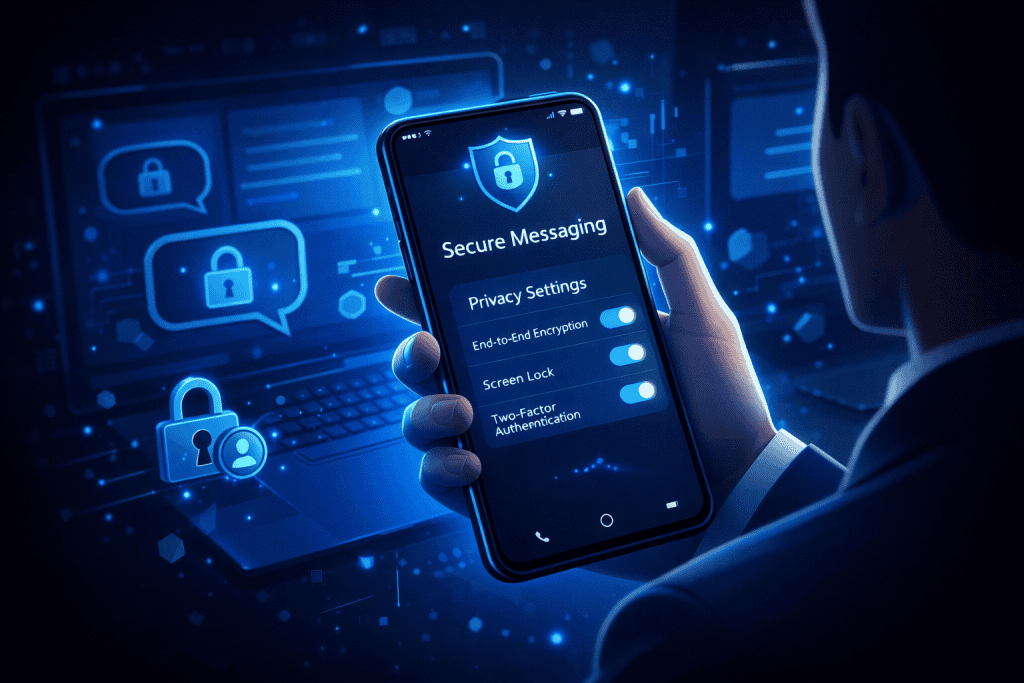
Set up your account with a strong password and enable multi-factor authentication if it is offered. Then review privacy settings carefully. Turn off features you do not need, such as cloud syncing for sensitive chats if the backup is not encrypted the same way. This is the stage where a lot of people rush, click through every prompt, and miss important protections. Slow down. Read what each option does. Good cybersecurity is often less about brilliance and more about paying attention when everyone else is skimming.
Step 4: Verify Contacts Before Sharing Sensitive Information
Verify the identity of the person you are messaging if the platform allows it. Many secure apps offer security codes, QR checks, or device verification tools. Use them, especially for work, money matters, or highly personal information. It may feel awkward the first time, but it quickly becomes normal. I once watched two coworkers laugh through a verification check on a video call, only to discover one had nearly messaged the wrong contact with client files. That tiny pause spared them a serious privacy problem.
Step 5: Use Encrypted Communication the Right Way Every Day
Use the service consistently and sensibly. Send sensitive conversations only through protected channels, and do not weaken them by copying private details into regular email, screenshots, or unprotected notes. Also stay alert to social engineering. Even the best encryption cannot save you from tricking yourself into sharing secrets with the wrong person. Watch for suspicious links, urgent requests, and signs of Hacking, Cyber Threats, or identity manipulation such as Deepfakes. Some users add extra privacy layers with tools like Express VPN, but your first priority should always be choosing a properly encrypted service and using it correctly.
End-to-end Encryption Tips and Warnings
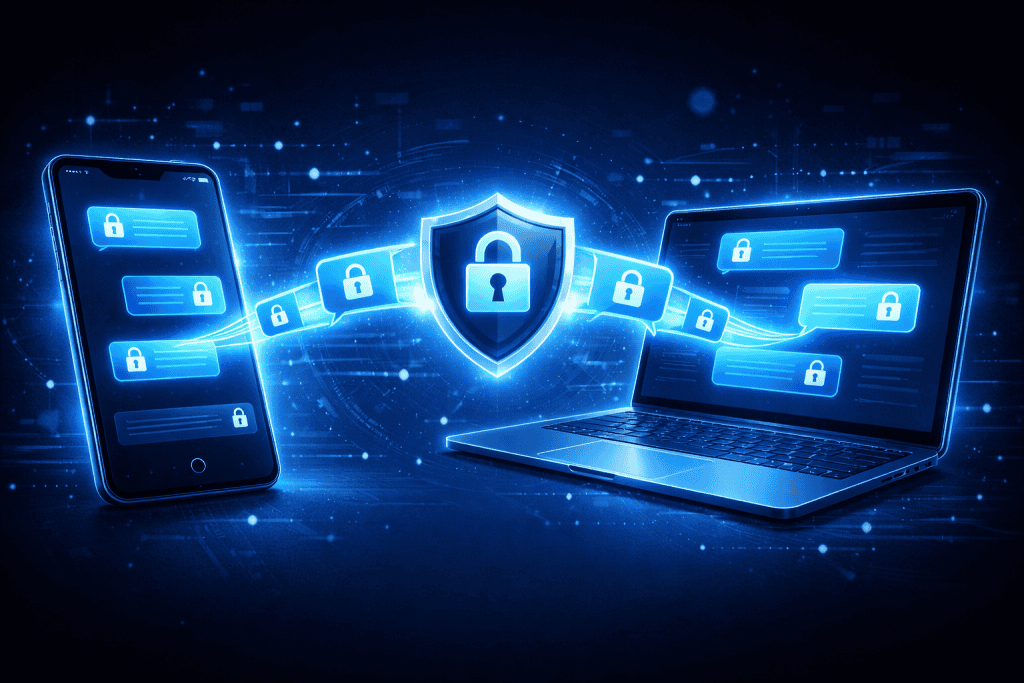
The biggest tip is simple: privacy tools work best when your habits match your intentions. If you use secure messaging for one conversation and then share the same details over ordinary SMS, you have punched a hole in your own shield. In cybersecurity, consistency beats occasional caution. Keep your apps updated, lock your devices, and be careful with backups, screenshots, forwarded messages, and shared computers. It also helps to remember what encryption does not do. It protects message content, but it may not hide who you contacted, when you contacted them, or what you gave away voluntarily in conversation.
A common mistake is assuming every message inside an app is equally protected. Some services offer encrypted chats only in specific modes. Another is trusting a platform because it is popular, not because it is secure. Popular apps can still have confusing settings or weak defaults. Be realistic too: encryption is not magic. If your phone is stolen while unlocked, or malware is already on your device, your private data may still be exposed. That is why good cybersecurity always layers defenses. Use secure communication, but pair it with healthy skepticism, strong passwords, verified contacts, and careful device management.
| Tip or Warning | Why It Matters |
|---|---|
| Check whether encryption is on by default | Some apps require manual activation |
| Verify contacts before sharing sensitive details | Prevents sending data to impersonators |
| Avoid weak or reused passwords | Reduces account takeover risk |
| Be cautious with backups and screenshots | Private content can leak outside the encrypted app |
| Keep devices updated and locked | Protects against known exploits and casual access |
Conclusion
Securing your communication does not require a degree in cybersecurity. It starts with a clear choice: use tools built for privacy, set them up with care, and use them consistently. From selecting a trusted service to updating your device, verifying contacts, and watching for manipulation, each step strengthens your digital safety. End-to-end Encryption is most powerful when paired with smart habits, because privacy is never just about the app. It is about the way you use it every day.
If this feels slightly technical, that is normal. Most people learn security the same way they learn anything useful, one practical step at a time. Start small. Protect one app, one conversation, one account. Then build from there. The payoff is worth it: fewer risks, more confidence, and a little more peace every time you hit send.
FAQ
How does End-to-end Encryption improve cybersecurity for personal and business communication?
In cybersecurity, the main benefit is control over message privacy. End-to-end Encryption ensures that only the sender and intended recipient can read the content of a message. That makes it far harder for service providers, attackers, or anyone intercepting data traffic to access sensitive information. For businesses, this helps protect customer data, internal discussions, and confidential files. For individuals, it protects everyday conversations, financial details, and personal media from unnecessary exposure.
What are the best practices for using End-to-end Encryption on mobile devices in cybersecurity?
The strongest approach is to combine End-to-end Encryption with solid device security. Keep your phone updated, install apps only from official stores, lock your screen with a strong PIN or biometric method, and enable multi-factor authentication when available. In cybersecurity, mobile safety is not just about the app. You should also verify contacts, avoid public charging risks, review backup settings, and stay alert to phishing attempts that try to trick you into giving away access.
Can End-to-end Encryption stop all cybersecurity threats and online privacy risks?
No, and that is an important truth. End-to-end Encryption is excellent for protecting message content, but cybersecurity includes many other risks beyond intercepted messages. It does not automatically stop malware, account theft, device theft, or scams that trick you into sharing information willingly. It also may not hide metadata such as who you contacted or when. Think of it as one of the strongest locks on your digital door, but not the whole security system.
Resources
- Cyberlutions. Securing Communication Channels from Eavesdropping Using End-to-End Encryption.
- SSL2BUY. End-to-End Encryption (E2EE).
- GlobalSign. How End-to-End Encryption (E2EE) Works.
- Howset. Implementing End-to-End Encryption in Messaging Apps.
- The Sagenext. What Is End-to-End Encryption?.