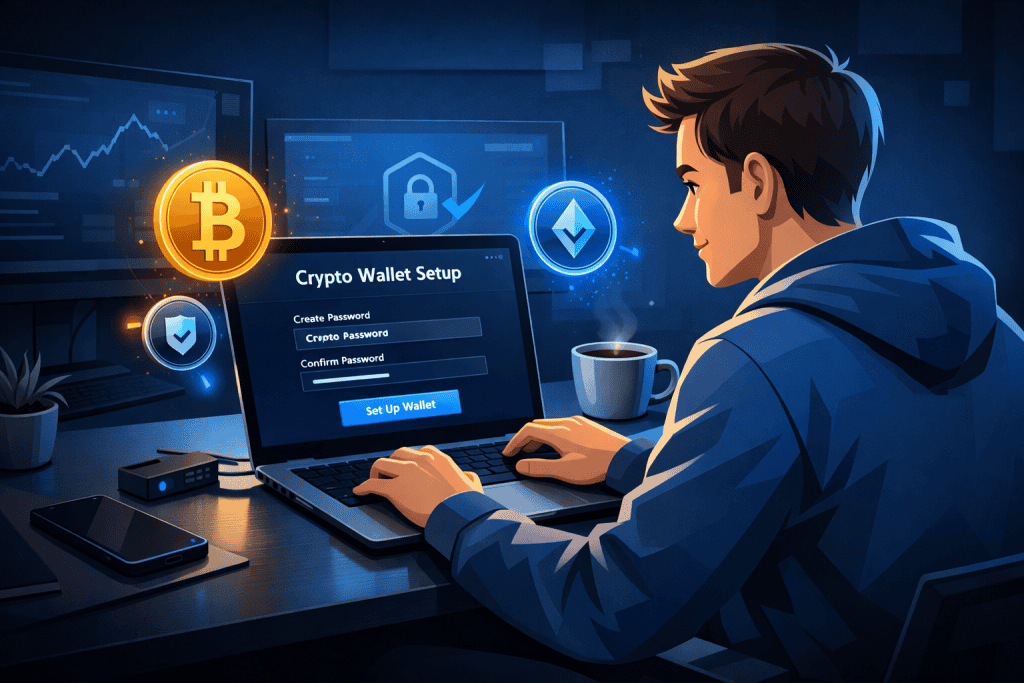
Getting started with crypto can feel a little like being handed the keys to a futuristic vault without an instruction manual. The good news is that setting up a Cryptocurrency Wallet is much easier than it first appears. Once you understand the basics, the process feels less like decoding a secret language and more like setting up any other important digital tool, just with higher stakes and better rewards.
A wallet lets you store, send, and receive digital assets, and it gives you more direct control over your funds than leaving everything on an exchange. That control is one of the biggest advantages in cryptocurrency, especially for beginners who want to move carefully and for professionals who need safer asset management. Many security guides stress the same essentials: choose the right wallet type, protect your private keys, use strong passwords, and keep backups offline. Think of it like locking up valuables at home. You do not just shut the front door. You lock it, store a spare key safely, and stay alert. That is exactly the mindset that helps in the Cryptocurrency Wallet setup process.
Tools Needed
Before you begin, gather everything you need so the setup feels smooth instead of stressful. You will want a reliable phone or computer, a stable internet connection, and enough quiet time to read each screen carefully. You should also have a notebook or recovery card ready for writing down your seed phrase offline, since several security sources warn against storing it casually in screenshots, cloud notes, or email drafts. If you plan to hold larger amounts, a hardware option may be worth considering because offline key storage generally offers stronger protection.
| Tool or Material | Why You Need It |
|---|---|
| Computer or smartphone | To download and install the cryptocurrency wallet app |
| Secure internet connection | To avoid risky public network exposure |
| Notebook or recovery card | To write down your seed phrase offline |
| Strong unique password | To protect cryptocurrency wallet access |
| Optional hardware device | Useful for long-term storage and extra security |
| Small test amount of crypto | Helps confirm your wallet works properly |
Cryptocurrency Wallet Instructions

Step 1: Choose the right wallet type
Start by deciding what kind of wallet fits your needs. If you want convenience for regular use, a mobile or desktop cryptocurrency wallet may feel easiest. If you care most about security and plan to hold assets for a while, a hardware wallet is often the stronger option because it stores keys offline. I like to compare this choice to picking bags for travel. A daily backpack is practical, but a safe deposit box offers better protection for valuables. Pick based on how often you will access your funds and how much risk you are willing to manage in the cryptocurrency space.
Step 2: Download from an official source
Once you choose a wallet, download it only from the official website or trusted app store listing. This step sounds obvious, but it is where many people slip. Scam apps and phishing pages can look almost identical to the real thing. Security experts consistently recommend double-checking the web address, spelling, and publisher details before installing anything. During this stage, slow down. A cautious extra minute now is far cheaper than losing access later. If screenshots are needed, this is the point where seeing the official download page can help beginners avoid fake links.
Step 3: Create your account and record recovery details
Open the app and follow the prompts to create your Cryptocurrency Wallet. You will usually be given a recovery phrase, sometimes called a seed phrase, which acts like the master backup to your funds. Write it down by hand and store it somewhere private and offline. Do not save it in your phone gallery. Do not email it to yourself. Do not tuck it into a random document called “notes-final-final.” Multiple guides emphasize that offline storage is one of the simplest and most effective security habits you can build.
Step 4: Set a strong password and enable extra security
Next, create a long, unique password and turn on any added protection such as two-factor authentication, PIN codes, or biometric login if the cryptocurrency wallet supports it. Strong password practices and layered authentication remain standard recommendations because weak credentials are one of the easiest openings for attackers. This is the moment to resist lazy shortcuts. “123456” belongs in a comedy sketch, not in your crypto setup. A good password should be hard to guess and never reused from another account tied to the Crypto Market.
Step 5: Test with a small transaction
Before moving a large amount, send a tiny test transaction to your new Cryptocurrency Wallet. This small step can save you from expensive mistakes. Confirm that the receiving address is correct, wait for the transaction to appear, and then try sending a small amount back if needed. It is a little like dipping a toe into cold water instead of diving in blindly. This also helps you get comfortable with network fees, confirmation times, and the basic flow of sending and receiving on the Blockchain. Once the test works, you can use the cryptocurrency wallet with far more confidence.
Cryptocurrency Wallet Tips and Warnings
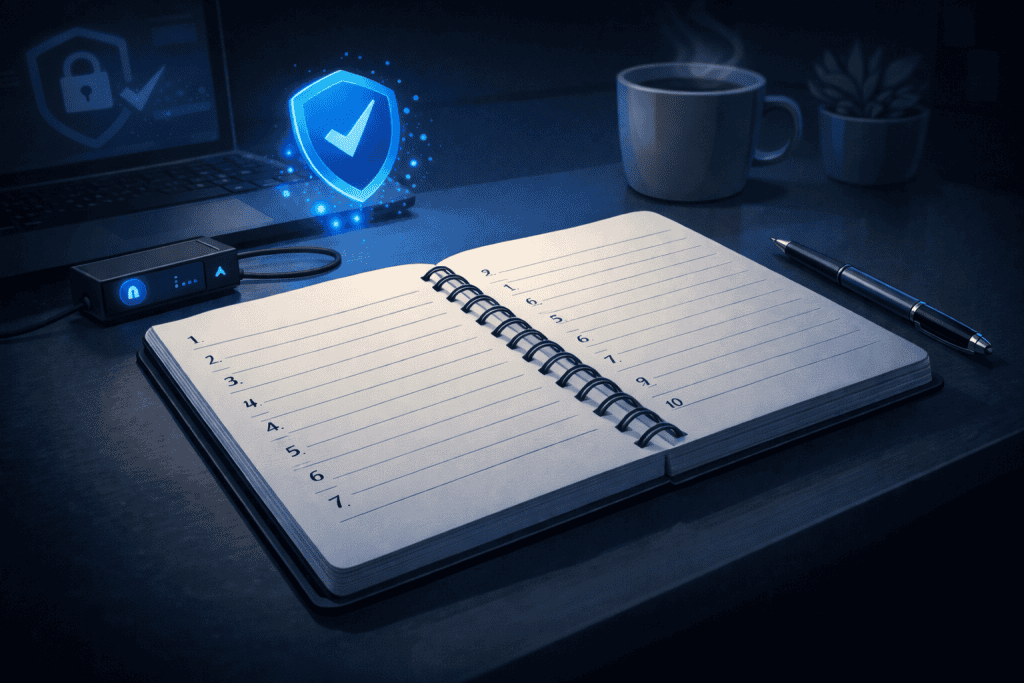
Setting up a cryptocurrency wallet is only the beginning. Keeping it secure is the real long game. A good habit is to treat your wallet like a house key mixed with your bank PIN and passport. If someone gets it, the damage can be serious. That is why your first priority should always be protecting your recovery phrase, keeping software updated, and staying suspicious of any message that pressures you to click fast or “verify” your account. Official guidance repeatedly highlights updates, offline backups, and phishing awareness as core protection strategies.
One mistake beginners make with a Cryptocurrency Wallet is assuming that the biggest risk is some dramatic Hollywood-style hack. In reality, it is often a simple human error: copying the wrong address, downloading the wrong app, or storing sensitive details in the wrong place. I have seen people treat a seed phrase like a grocery list, scribbled somewhere easy to lose. That is a dangerous habit. Your backup belongs somewhere dry, private, and memorable. Some users even keep two written copies in separate secure places, which can reduce the risk of loss from theft, fire, or accidental damage.
Another smart move is keeping only spending funds in a hot wallet while moving long-term holdings to colder storage. That approach can make sense for anyone treating crypto as an Investment, especially if they hold Bitcoin or other major assets for months rather than daily use. Think of it as carrying some cash in your pocket while leaving the bulk safely stored elsewhere. Also remember that not every message, giveaway, or urgent warning in the Coin Market is legitimate. If a stranger wants your seed phrase, private key, or remote access, the answer is no. Always no.
| Tip or Warning | Why It Matters |
|---|---|
| Write recovery phrases offline | Protects you from cloud leaks and hacked devices |
| Never share private keys | Anyone with them can control your funds |
| Update wallet software regularly | Updates often patch security issues |
| Test transactions first | Helps catch address mistakes early |
| Avoid public Wi-Fi for setup | Reduces exposure to network attacks |
| Verify links and domains carefully | Phishing sites often imitate official brands |
Conclusion
By now, setting up a Cryptocurrency Wallet should feel much more approachable. The main path is simple: choose the right wallet type, download it from an official source, record your recovery phrase offline, create strong login protection, and test everything with a small transaction before moving larger amounts.
Those steps may not feel flashy, but they are what make the difference between confidence and chaos. In cryptocurrency, the small boring details are often the details that save you. Once your setup is complete, you will have more direct control over your digital assets and a better understanding of how secure ownership really works. Take your time, move carefully, and do not rush the learning curve. The best setup is not the fastest one. It is the one you understand well enough to trust and maintain.
FAQ
1. How do I choose the best Cryptocurrency Wallet for beginners in cryptocurrency?
The best option depends on how you plan to use it. If you want convenience and easy access, a mobile wallet is often the easiest starting point. If security matters more than speed, a hardware wallet may be a better fit because it keeps keys offline. Beginner-friendly cryptocurrency users should look for a wallet with a clear interface, strong backup options, and support for the assets they plan to hold. The safest choice is usually the one you can use correctly and consistently.
2. Is a Cryptocurrency Wallet safer than leaving funds on an exchange in the cryptocurrency category?
In many cases, yes, because a personal wallet gives you more control over your keys and your access. When funds stay on an exchange, you are relying heavily on that platform’s security and policies. A personal wallet reduces that dependence, though it also gives you more responsibility. That means your safety depends on how well you protect your password, recovery phrase, and devices. Control and responsibility always travel together in cryptocurrency.
3. What is the safest way to back up a Cryptocurrency Wallet for long-term cryptocurrency storage?
The safest backup method is usually writing your recovery phrase by hand and storing it offline in a secure place. Some people use a second backup in another secure location to protect against physical loss or damage. Avoid saving the phrase in screenshots, email drafts, cloud drives, or chat apps. For long-term holders, pairing offline backups with a hardware wallet can create a stronger security setup for digital asset storage.
Resources
- Techopedia. How to Secure Your Crypto Wallet.
- Investopedia. How to Create a Crypto Wallet.
- SwissMoney. How to Secure Crypto Wallet.
- Security.org. Cryptocurrency Security: How to Keep Your Crypto Safe.
- Medium. How to Create a Secure Crypto Wallet in 2024.