
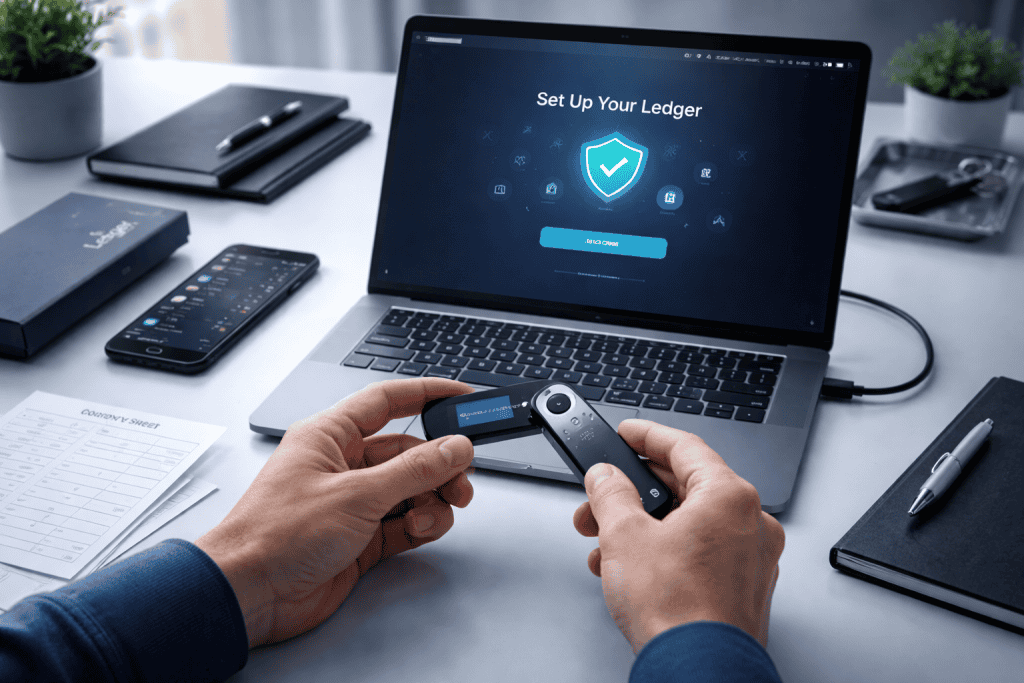
The first time I helped a friend move digital assets off an exchange and into a hardware wallet, the mood changed fast. What started as casual curiosity turned into full concentration the moment the recovery phrase appeared on screen. That’s the moment many people realize this is not just another app login. Using Crypto Ledger in the world of Cryptocurrency is about taking real ownership of your assets instead of leaving them exposed to exchange outages, phishing attempts, or weak personal security habits. It gives everyday holders, traders, and even industry professionals a safer way to store coins while keeping control in their own hands.
That matters whether you’re protecting long-term savings, managing client funds, or simply trying to sleep better at night during a wild Crypto Market swing. A good hardware wallet setup creates distance between your funds and online threats. More importantly, it builds confidence. Once you understand the process, Crypto Ledger stops feeling technical and starts feeling practical, like locking your front door before bed. It’s one of the smartest habits you can build in modern Cryptocurrency.
Tools Needed
Before you begin with Crypto Ledger, gather everything in one quiet place and give yourself a little time. Rushing this setup is how people make avoidable mistakes. You’ll need your Ledger device, a computer or smartphone compatible with Ledger Live, a stable internet connection for downloading official software, and a pen and recovery sheet for writing your secret phrase by hand. I always recommend doing this at a clean desk with notifications muted, because even a small distraction can lead to skipped steps. You should also verify that the device packaging looks intact and that you are installing software only from Ledger’s official site. Think of this as preparing a safe workspace before handling anything valuable.
| Item | Why You Need It |
|---|---|
| Ledger hardware wallet | Stores private keys offline for stronger protection |
| Computer or smartphone | Used to install Ledger Live and manage accounts |
| Ledger Live app | Official software for setup, updates, and account access |
| Internet connection | Needed for downloads, updates, and blockchain syncing |
| Pen and recovery sheet | Used to write and store your recovery phrase securely |
| Quiet private space | Helps you avoid errors, screenshots, or interruptions |
Crypto Ledger Instructions
Step 1: Unbox Your Crypto Ledger and Check the Package
Start by unboxing your Ledger device carefully and checking that it appears new and untampered with. Then download Ledger Live from the official website, not from ads, random links, or app copies. Connect the device and follow the on-screen prompts to begin setup. When I first did this, I was tempted to click through quickly like any normal install. Don’t. With Crypto Ledger, the opening setup is where your security foundation is created, so every screen deserves your full attention.
Step 2: Create Your PIN Code
Create a PIN code directly on the device. Pick one that is hard to guess but easy enough for you to remember without storing it in your notes app. Avoid birthdays, repeated digits, or anything obvious. This PIN is the first barrier between your wallet and anyone who gets physical access to it. Crypto Ledger works best when your habits are strong, not just the device itself. A thoughtful PIN adds a simple but meaningful layer of protection right away.
Step 3: Write Down Your Recovery Phrase
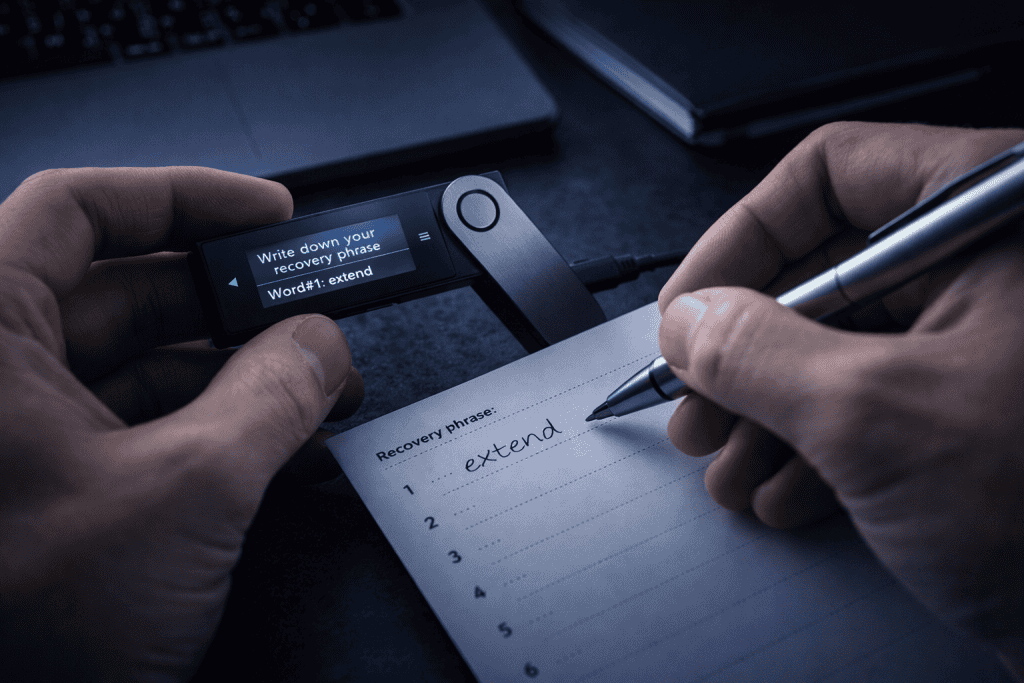
Write down your recovery phrase exactly as shown on the device, in the exact order, using the recovery sheets provided or another offline paper backup. Do not take a photo. Do not save it in cloud storage. Do not email it to yourself. This phrase is the master key to your wallet. If the device is lost, damaged, or stolen, this is what restores your access. In any Blockchain system, ownership comes down to control of keys, and this step defines that control.
Step 4: Confirm the Recovery Phrase
Confirm the recovery phrase on the device when prompted. This step may feel repetitive, but it’s there for a reason. It forces you to verify that each word was written correctly and in the proper sequence. One wrong word can make recovery impossible later. I’ve seen people treat this like busywork and regret it. Crypto Ledger is designed to slow you down at the exact moments that matter most, which is a good thing when real money is involved.
Step 5: Install Coin Apps and Create Accounts
Once the device is initialized, install the apps for the coins you want to manage, such as Bitcoin or Ethereum, through Ledger Live. Then create accounts inside the software so your wallet can receive and track assets. This doesn’t mean the coins live inside the device like files on a USB stick. Instead, the wallet secures the keys that authorize transactions on the network. That distinction helps beginners understand why hardware wallets are so important in Cryptocurrency.
Step 6: Send a Small Test Transaction
Transfer a small test amount before moving your full balance. This is the part I always insist on, especially for first-timers. Copy the receiving address from Ledger Live, verify it on the device screen, and send a tiny amount from your exchange or old wallet. Wait for confirmation. Once the test arrives safely, repeat the process for the larger balance. Using Crypto Ledger this way turns a nerve-racking transfer into a controlled, low-risk learning step.
Step 7: Verify and Confirm Transactions on the Device
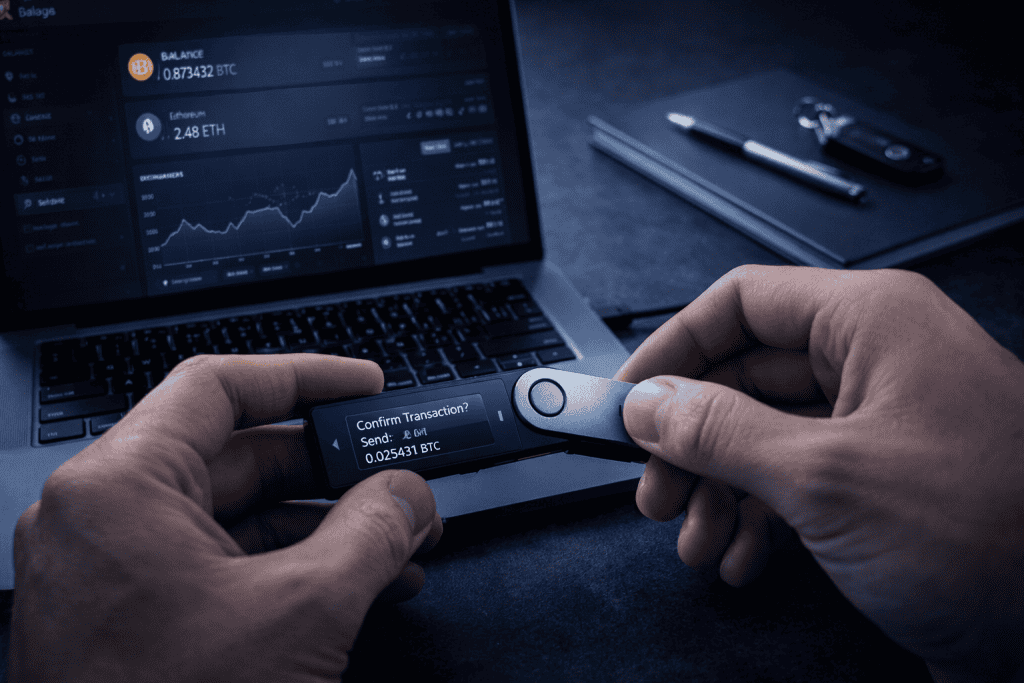
Get comfortable with sending assets out, not just receiving them. To do that, enter the recipient address in Ledger Live, review the network fee, and confirm every detail on the device itself before approving. Never trust only what appears on your computer screen. Malware can alter clipboard addresses. The device screen is your final source of truth. Crypto Ledger is most effective when you use that confirmation habit every single time, even for small transfers.
Step 8: Keep Your Wallet Updated and Your Backup Safe
Keep your setup healthy over time by updating Ledger Live and the device firmware only through official channels. Review your backup phrase location regularly and make sure it remains private, dry, and safe from fire or loss. Some users even create separate secure storage plans for long-term holdings and more active funds. That can be wise if your Investment strategy includes both daily movement and long-term storage. The goal with Crypto Ledger is not just setup, but disciplined ongoing protection.
Crypto Ledger Tips and Warnings
Using Crypto Ledger becomes much easier once you think of it less like a gadget and more like a vault key. The device is powerful, but your behavior is still the biggest security factor. The most common mistake beginners make is trusting convenience over caution. They store their recovery phrase in a phone gallery, click sponsored links, or rush through address checks because the transfer amount seems small. That’s exactly how small mistakes become expensive lessons. In the Coin Market, panic and excitement both make people careless, so build calm habits before you need them.
Another tip is to separate setup day from trading day. When you first configure Crypto Ledger, focus only on security and understanding the workflow. Don’t combine it with a big purchase, a last-minute transfer, or a stressful market move. I’ve found that people retain the process better when they practice with tiny amounts first, then repeat it once or twice. Repetition turns security into muscle memory.
It also helps to remember what a hardware wallet does and does not do. It protects your private keys offline, but it cannot save you from sending funds to the wrong address, approving a fake transaction, or giving away your recovery phrase to a scammer. That’s why every prompt deserves a pause. Read carefully. Verify on the device. Stay skeptical of urgency. No real support agent will ever ask for your recovery phrase, and no giveaway is worth risking it. With Crypto Ledger, patience is not just a virtue. It is a defense system.
| Tip or Warning | Why It Matters |
|---|---|
| Write the recovery phrase on paper only | Digital copies are easier for hackers to steal |
| Verify addresses on the device screen | Prevents clipboard malware and fake destination swaps |
| Send a test transaction first | Reduces the risk of losing a large transfer |
| Use only official Ledger software and links | Helps you avoid phishing pages and fake apps |
| Never share your recovery phrase | Anyone with it can fully access your wallet |
| Update carefully and regularly | Improves security and compatibility over time |
Conclusion
Learning to use Crypto Ledger is really about learning to trust your own process. Once you set the device up, create a strong PIN, protect the recovery phrase, install the right coin apps, and test small transfers before moving larger balances, the whole system starts to feel far less intimidating. That’s the beauty of a good hardware wallet. It turns complicated security ideas into simple daily habits. In Cryptocurrency, control and responsibility always travel together, and Crypto Ledger helps you handle both with more confidence.
Whether you’re holding assets for the long run, organizing funds more professionally, or just stepping away from exchange-only storage for the first time, the payoff is peace of mind. Start slowly, stay alert, and treat every confirmation screen like it matters, because it does. Once you’ve gone through the routine a few times, Crypto Ledger becomes less of a technical tool and more of a dependable part of how you protect your digital life
FAQ
How does Crypto Ledger work for beginners in Cryptocurrency?
For beginners, Crypto Ledger works by keeping your private keys offline inside a physical hardware device instead of leaving them exposed on an internet-connected platform. In Cryptocurrency, that offline protection reduces the risk of hacks, phishing, and exchange failures. You still manage accounts through Ledger Live, but transactions must be confirmed on the device itself, which adds a strong layer of control and verification.
Is Crypto Ledger safe for long-term Cryptocurrency storage?
Yes, Crypto Ledger is widely used for long-term Cryptocurrency storage because it isolates private keys from everyday online threats. That said, the real safety depends on how well you protect your recovery phrase, how carefully you verify addresses, and whether you avoid fake apps and phishing links. A hardware wallet is strong, but smart user habits are what complete the security picture for long-term holders.
What is the best way to use Crypto Ledger for secure Bitcoin and altcoin transfers in Cryptocurrency?
The safest method is to use Crypto Ledger with a small test transaction first, then confirm the wallet address on the device screen before sending larger amounts. For secure Bitcoin and altcoin transfers in Cryptocurrency, you should also double-check network choice, review fees, and avoid copying addresses from untrusted sources. That careful workflow dramatically lowers the chance of costly transfer mistakes.
Resources
- Ledger Academy. How Ledger Hardware Wallets Work
- Investopedia. Ledger Wallet: What It Is, How It Works, Security
- Coinpaprika. How Ledger Wallets Secure Your Crypto
- Vision Factory. Safely Storing Cryptocurrency with Ledger Wallets: How to Protect Your Digital Wealth
- YouTube. Ledger Wallet Setup and Usage Guide
