
Attending Crypto.com Arena is more than showing up for a game or concert. It is about planning your visit so the night feels easy from the start, whether you are a first-time fan, a returning local, or even someone working in the Cryptocurrency space who wants to experience one of the most recognizable branded venues in live entertainment. The Crypto.com arena sits at 1111 S. Figueroa Street in downtown Los Angeles, anchors L.A. LIVE, and hosts major sports and entertainment events throughout the year. The venue uses mobile ticketing through AXS, which means a little preparation before you leave home can save you a lot of stress at the door.
I still remember the first time I went to a large downtown arena and thought, “I’ll figure it out when I get there.” Bad idea. Between parking, crowds, and ticket scanning, that kind of confidence disappears fast. With this guide, you can avoid that scramble. You will know what to bring, when to arrive, and how to move through the evening with less guesswork. If you care about fan experience, live events, branding, or even how Blockchain names now intersect with mainstream culture, this is a practical way to see that connection in real life.
Tools Needed
Before you head out, set yourself up like someone who has done this a dozen times. You will want your ticket account ready, your phone charged, and your route decided before the crowd starts building. Since the venue relies on AXS Mobile ID and does not accept screenshots of mobile barcodes, the basics matter more than people think. If you bought seats for a group, transfer tickets ahead of time when allowed, because some events may limit transfers or require everyone to enter together.
| Item | Why You Need It |
|---|---|
| Smartphone with AXS app | Required for mobile ticket access and entry |
| Charged battery or power bank | Prevents entry issues at the gate |
| Valid AXS account login | Lets you retrieve, transfer, or manage tickets |
| Parking plan or rideshare plan | Saves time around event traffic |
| ID and payment card | Helpful for purchases and account verification |
| Arrival buffer of 30 to 60 minutes | Gives you time for security and finding your section |
Source details for mobile ticketing, transfer rules, and venue entry come from the Crypto.com arena’s AXS Mobile ID and box office guidance.
Crypto.com Arena Instructions
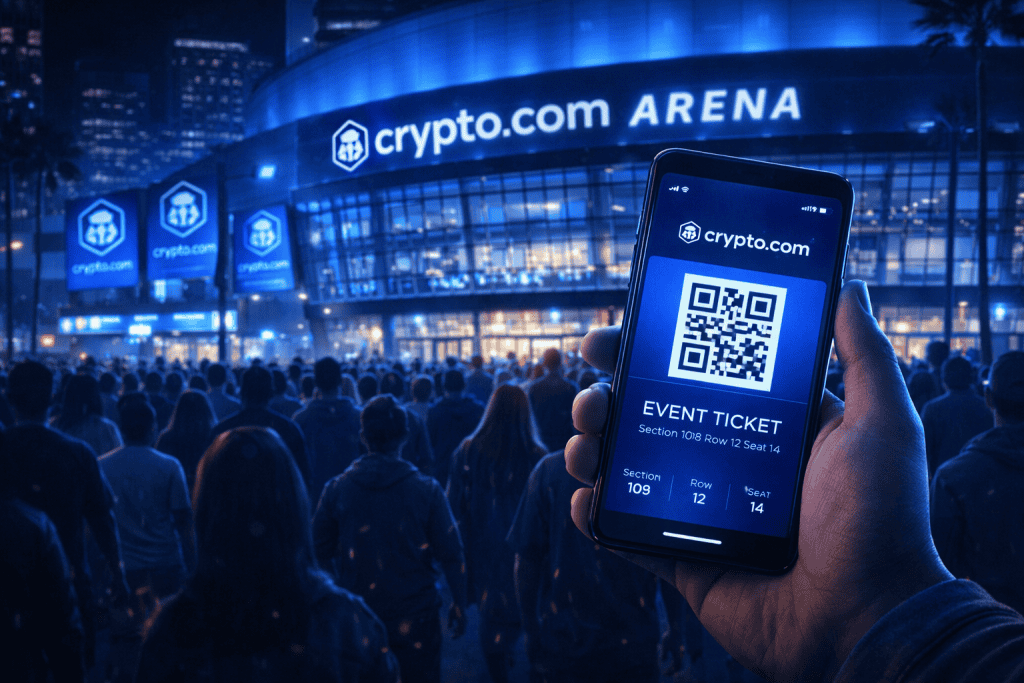
Steps 1: Choose Your Event and Buy Tickets Safely
Start by choosing your event from the official venue calendar or the authorized ticketing platform. This sounds obvious, but it is the best way to avoid messy resale problems and last-minute confusion. Check the event page carefully for start time, door time, parking options, and any special rules. Some shows have transfer freezes or mobile-only entry requirements, so do not assume every event works the same way. Think of this as your calm, smart first move, not boring admin.
Step 2: Set Up Your AXS Mobile Ticket Before Event Day
Download the AXS app and sign in before event day. Seriously, do it while you are still on your couch with decent Wi-Fi and a snack nearby. The venue states that tickets must be scanned through an approved mobile app, and screenshots will not work because the code rotates. That one detail catches people off guard all the time. If you are meeting friends, transfer seats early when the event allows it, so nobody is stuck outside texting, “Where are you?” while the opener starts.
Step 3: Plan Your Transportation and Arrival Time
Plan how you will get there. The Crypto.com arena is part of L.A. LIVE in downtown Los Angeles, and that means event traffic can feel like its own side quest. Driving can work well if you book parking early or know which lot you want. The venue also provides directions, parking, and public transportation information through its visit tools. If your event lasts several hours, the box office page specifically recommends the West Garage for qualifying events, which is the kind of detail that feels minor until it saves you twenty anxious minutes.
Step 4: Arrive Early and Enjoy the Full Experience
Arrive early enough to breathe. Give yourself time to clear security, find your entrance, grab food or merchandise, and settle into your seat without sprinting through the concourse. Box office windows typically open on Tuesdays for walk-up sales, and on event days they open a few hours before start time, though exact timing can vary by event. Once inside, enjoy the atmosphere. This is the part where all the planning pays off and the night stops feeling like logistics and starts feeling like a memory in the making.
Crypto.com Arena Tips and Warnings
The easiest way to enjoy the night is to act like your future self will be tired, distracted, and slightly impatient. Prepare for that version of you. Open your ticket before leaving. Charge your phone fully. Screenshot your parking reservation if it is separate from the event ticket, but do not rely on screenshots for venue entry. Read the event notes one more time, especially for concerts with transfer restrictions.
If you are coming from the worlds of Crypto Market trends, Coin Market chatter, or Bitcoin headlines, it can be funny to see a venue with a digital-finance name run on very real-world timing, staffing, and crowd flow. And if you are treating the outing as an Investment in client hospitality or fan research, the smoother your arrival, the better the whole experience feels.
| Tip or Warning | Why It Matters |
|---|---|
| Do not wait until you arrive to log into AXS | Password issues are harder to solve in a crowd |
| Do not use a barcode screenshot | The venue says screenshots are not valid for entry |
| Transfer tickets before the event when allowed | Helps groups enter smoothly |
| Check the event page for special rules | Some events restrict transfers or resale |
| Arrive early for parking and security | Downtown traffic and venue lines can build quickly |
| Keep your whole group together when required | Certain event policies may require group entry |
A common mistake is assuming every event follows the same entry rules. They do not. Another is thinking the box office will hand you paper tickets, but the venue states that purchases are delivered via mobile delivery. One more thing people underestimate is the neighborhood itself. Because the Crypto.com arena sits within the larger L.A. LIVE district, it is worth building in a little extra time if you want dinner, photos, or a relaxed walk before the doors open. That extra half hour can turn a stressful rush into a genuinely fun start to the night.
Conclusion
If you want your visit to Crypto.com Arena to feel exciting instead of hectic, the formula is simple: buy from official sources, set up your AXS app early, plan your route, and arrive with enough time to actually enjoy the place. Those steps are not glamorous, but they are what turn event day from a scramble into a smooth experience. Once the lights go down or the crowd roars at tipoff, you will be glad you handled the details ahead of time. That is the real trick. A little prep gives you more room for the fun part, which is exactly why this guide is worth using before your next event
FAQ
What is the best way to buy tickets for Crypto.com Arena events?
Purchase tickets directly from the Crypto.com Arena website or authorized platforms like AXS for secure, mobile options.
Are there public transportation options to Crypto.com Arena?
Yes, Metro Rail, buses, and ride-sharing services like Uber and Lyft provide easy access.
Can I bring food or drinks into the arena?
No, outside food and drinks are not allowed, but the arena offers diverse concessions.
Resources
- Crypto.com Arena Official Website. Explore Events and Policies.
- AXS Ticketing Platform. Purchase Tickets Securely.
- Premium Seating and Hospitality. Learn About VIP Options.
- YouTube Walkthrough. See Venue Highlights.
- L.A. Live Entertainment. Explore Nearby Activities.