
Think back to the early days of software development. Developers had to manually set up servers, install operating systems, configure databases, and manage endless maintenance tasks before writing even a single line of code. It was like spending hours building a stage before performing a play. Then along came PaaS, and suddenly, that entire setup became a few clicks away.
In today’s fast-paced digital world, PaaS isn’t just a convenience it’s a revolution. It empowers developers to focus purely on creativity, innovation, and problem-solving, while the platform quietly handles the heavy lifting in the background. Whether you’re building an app for millions or testing a new idea, PaaS is your silent partner in progress.
What is PaaS?
At its core, PaaS (Platform as a Service) is a cloud-based environment that provides everything developers need to build, run, and manage applications—without worrying about the underlying infrastructure.
Imagine renting a fully equipped kitchen instead of building one from scratch. You walk in, cook your meal, and leave the cleaning to someone else. That’s what PaaS offers—a ready-to-use environment with preconfigured tools, databases, and frameworks, freeing developers from infrastructure headaches.
It isn’t just about convenience—it’s about agility and scalability. It eliminates the barriers of hardware dependency and accelerates development cycles, allowing teams to launch products faster and adapt to market changes effortlessly.
Breaking Down PaaS
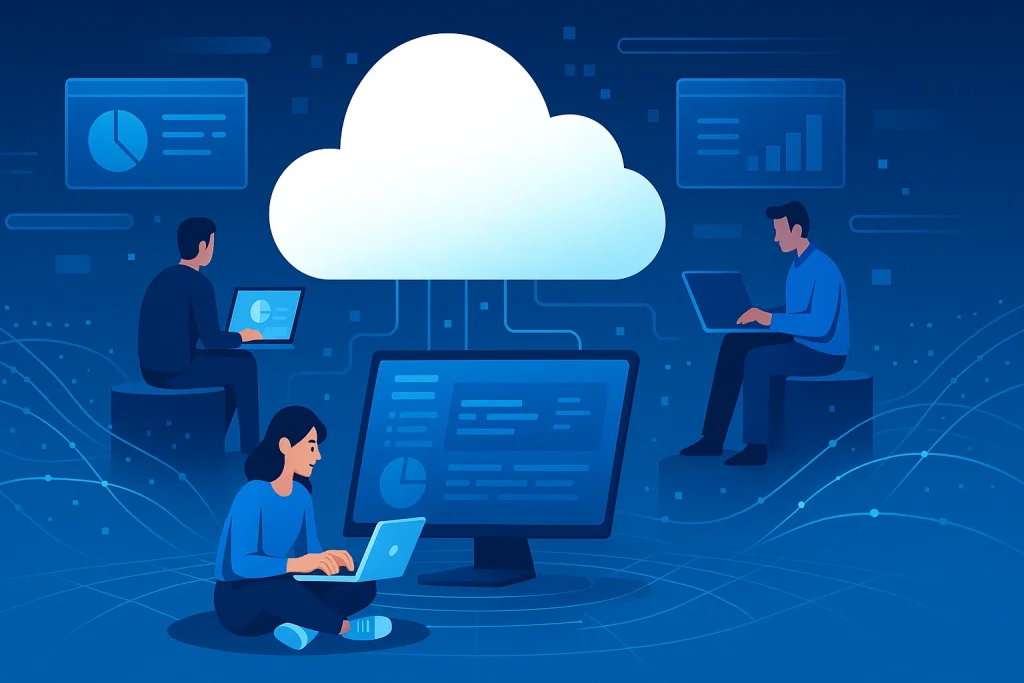
To truly understand what makes it special, let’s explore its main components and how they fit together.
Application Hosting Environment
This is where your apps live and breathe. It provides the servers, operating systems, and runtime environments needed to host applications securely and efficiently.
Development Tools
You get access to built-in frameworks, version control, debugging tools, and APIs—all integrated to streamline development. Think of it as an all-in-one workshop for software creation.
Middleware
Middleware connects different services within your application—like a translator ensuring your database, server, and front-end all “speak” to each other seamlessly.
Database Management
Most platforms offer managed databases, so you don’t have to worry about storage optimization or backups. It’s data handling, simplified and automated, ensuring security, scalability, and consistent performance even as your applications grow and user demands increase.
Scalability & Monitoring
Perhaps the biggest strength is automatic scaling. Whether your app has 10 users or 10 million, it ensures consistent performance while providing real-time insights into app behavior.
For example, if you’re developing a web app on Google Cloud Platform, you can deploy instantly, scale automatically, and even integrate AI features—all without touching a single server command.
History of PaaS
The story begins in the late 2000s, when cloud computing began reshaping how software was built and delivered. Developers were searching for ways to move faster and collaborate more efficiently.
The first major step came in 2007, when Heroku introduced a new way to deploy apps without server management. Then came Google App Engine in 2008, which offered developers infrastructure-free application hosting. Over the next decade, it evolved into a cornerstone of cloud computing, giving rise to platforms like AWS Elastic Beanstalk, Microsoft Azure App Services, and Red Hat OpenShift.
| Year | Milestone in PaaS Evolution |
|---|---|
| 2007 | Heroku launches as an early PaaS provider |
| 2008 | Google App Engine debuts |
| 2010 | Microsoft Azure introduces PaaS capabilities |
| 2013 | Cloud Foundry becomes open source |
| 2020+ | PaaS integrates with AI, IoT, and containerization |
Types of PaaS
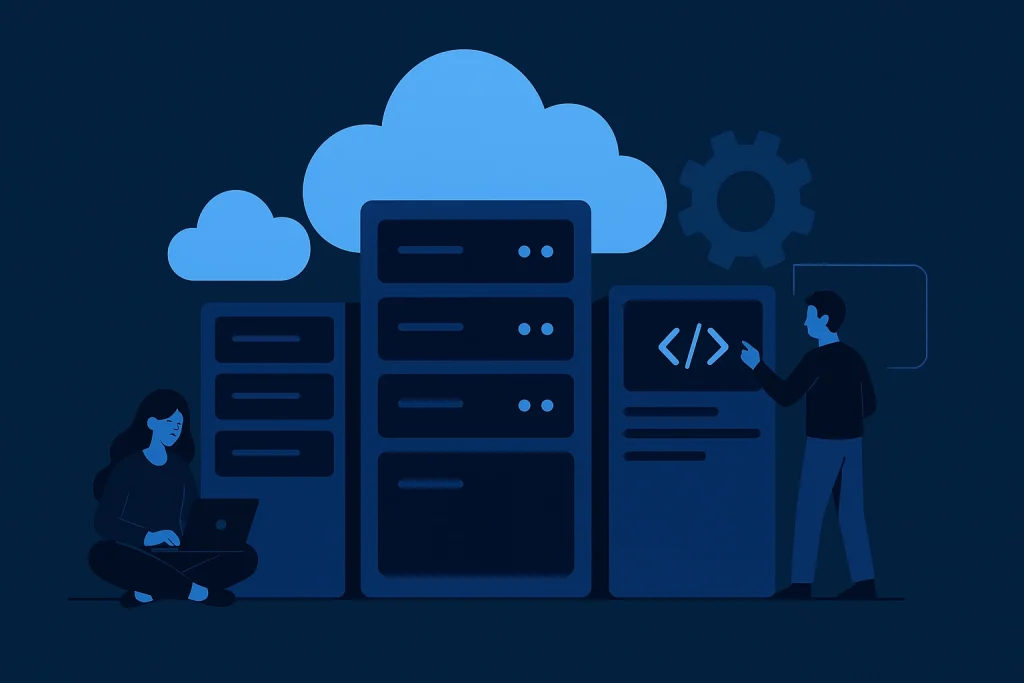
Not all offerings are created equal. Different types cater to different business and development needs.
Public PaaS
This is the most common form, hosted by third-party providers such as AWS, Google, or Azure. Developers share resources but retain isolated environments for their apps. It’s cost-effective and perfect for startups or agile teams.
Private PaaS
Designed for organizations that want benefits without sharing infrastructure. It provides extra layers of security and compliance, often deployed in on-premises or hybrid environments.
Hybrid PaaS
Combining the best of both worlds, it enables businesses to use both public and private infrastructures. It’s ideal for companies needing flexibility—scaling workloads to the cloud while keeping sensitive data secure.
How Does PaaS Work?
Think of it as a layered system. At the bottom is the infrastructure layer—servers, storage, and networking—managed entirely by the provider. Above it sits the platform layer, offering tools, operating systems, and databases that developers use to build and run applications.
When a developer writes code and deploys it, handles everything behind the scenes—from resource allocation to scaling. Need more computing power? It adjusts automatically. App traffic spikes? It scales up without manual intervention.
Essentially, it creates a frictionless experience, where you can focus on innovation rather than administration. You can explore a good example of modern implementation on Google Cloud’s official PaaS overview.
Pros & Cons
While it offers massive advantages, it’s not without trade-offs. Let’s weigh both sides.
| Pros | Cons |
|---|---|
| Rapid development and deployment | Limited control over infrastructure |
| Cost savings on hardware and maintenance | Potential vendor lock-in |
| Seamless scalability and updates | Security concerns in shared environments |
| Built-in tools for testing and monitoring | Compatibility issues with legacy systems |
| Encourages innovation and faster time-to-market | Dependence on provider uptime |
Uses of PaaS
The applications are as diverse as the technology landscape itself. From app development to data analytics, it drives efficiency and innovation across industries.
Web and Mobile App Development
Developers can quickly prototype, test, and deploy web or mobile apps without managing back-end infrastructure. This speeds up time-to-market dramatically.
Data Analysis and Machine Learning
It integrates with tools that allow real-time analytics, machine learning models, and data visualization—helping companies make smarter decisions faster.
API and Integration Services
It makes it easy to build, manage, and scale APIs that connect various software systems seamlessly. It’s especially popular in fintech and healthcare.
IoT and Automation
Modern PaaS solutions like Microsoft Azure IoT Hub let businesses connect devices, collect data, and automate processes—bridging the physical and digital worlds.
Resources
- Google Cloud: Understanding Platform as a Service.
- AWS Elastic Beanstalk: Scalable PaaS deployment platform.
- Microsoft Azure App Services:Build and host web apps.
- IBM Cloud Foundry: Enterprise PaaS solution.
- Red Hat OpenShift: Hybrid cloud and container-based PaaS.
