
Imagine you kept a precious journal locked in a drawer, and you had one key that only you used. You trust that the drawer won’t be broken into, that no one will peek over your shoulder, and that the key won’t fall into the hands of someone else. In the digital world, that precious journal is your data—your passwords, messages, photos, business plans. Information security is like the lock, the guard, and the strategies that keep that digital diary safe.
In an age when nearly everything we care about—our conversations, finances, identities—lives in bits and bytes, understanding information security is no longer optional. It’s essential. Whether you’re a casual internet user, a small business owner, or working in IT, you’ll want to know how to shield your digital “journals” from attackers. In this post, we’ll take a friendly, conversational dive into what information security is, how it came to be, how it works, and how it’s used in real life.
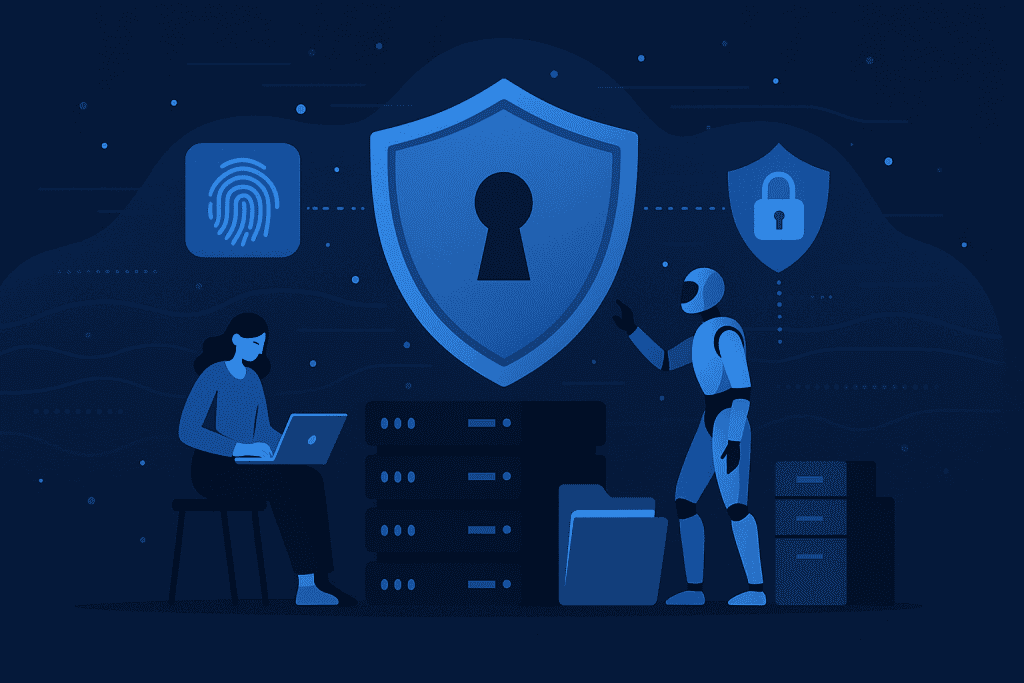
What is Information Security?
At its core, information security is the set of practices, technologies, and policies used to protect information from unauthorized access, disclosure, alteration, or destruction. You might hear other terms like data security, cybersecurity (a close cousin), or IT security used interchangeably in some circles. But information security tends to focus on the confidentiality, integrity, and availability of data—those three pillars are often called the CIA triad in the field.
When someone says “information security,” they’re talking about ensuring that your data is kept secret when needed, remains correct (not tampered with), and is accessible to authorized users when required. It’s the difference between your secrets staying secret or being exposed; your files being accurate or manipulated; and your access being reliable or blocked.
Breaking Down Information Security
When we peel back the layers of what makes information security so essential, several core components stand out that work together to protect our digital world.
Confidentiality
Only authorized individuals should have access to specific data. Think of it like whispering a secret to someone you trust—no one else should overhear it. Encryption, secure passwords, and access control systems all help ensure that sensitive information stays private and protected.
Integrity
Integrity keeps information accurate and unaltered. Just like you wouldn’t want someone sneaking in to edit your diary, organizations use digital signatures, hashing, and system checks to make sure their data remains trustworthy and unchanged.
Availability
Data is only valuable if it’s accessible when you need it. Systems must be resilient and reliable, even during cyberattacks or power outages. Backups, redundant servers, and disaster recovery plans ensure that vital information stays available around the clock.
Authentication
Authentication is the process of verifying that someone really is who they say they are. Whether it’s through passwords, biometrics, or multi-factor authentication, it acts like showing your ID before entering a secure area.
Non-repudiation
This ensures that people can’t deny their digital actions. With tools like digital signatures and transaction logs, organizations can confirm who sent a message or approved a transaction—keeping everyone accountable.
Accountability
Every digital action leaves a footprint. Logging, monitoring, and auditing systems make sure that suspicious activity can be traced, and that users take responsibility for their actions within the network.
History of Information Security
Let’s take a short stroll down history lane to see how we got from pen-and-ink locks to cryptographic protocols.
| Era / Period | Development | Notes / Importance |
|---|---|---|
| Ancient times / pre–digital | Physical locks, sealed letters, private couriers | Humans always cared about secrecy and message authenticity |
| Early computing (1950s–1970s) | Mainframes, basic access controls, simple password systems | The first digital systems needed their own protections |
| 1980s–1990s | Firewalls, antivirus software, intrusion detection systems | Rise of personal computing and networks demanded new defenses |
| 2000s | Public key cryptography, web security protocols (SSL/TLS), regulatory requirements | The web exploded, e-commerce demanded secure channels |
| 2010s–present | Zero trust, cloud security, behavioral analytics, adaptive controls | Advanced threats, mobile work, and large-scale data usage pushed innovations |
Types of Information Security
Information security isn’t one-size-fits-all. Here are different flavors or domains, each important in its own right.
Network Security
Protects the paths that data travels on—think routers, switches, network traffic. Using firewalls, intrusion detection/prevention systems (IDS/IPS), virtual private networks (VPNs), and segmentation helps secure the highways of your data.
Endpoint Security
Covers your devices—laptops, phones, tablets. If one of them gets infected, the whole network can suffer. Tools like antivirus, endpoint detection and response (EDR), patching, and device hygiene practices protect those endpoints.
Application Security
Ensures your software is secure from the inside out. That means secure coding practices, regular code reviews, application firewalls (WAFs), and ongoing vulnerability scanning.
Data Security
Focuses on protecting the data itself—encrypting it at rest and in transit, classifying sensitive information, managing backups, and ensuring strong access control.
Identity & Access Management (IAM)
Defines who gets access to what. IAM involves user identities, role-based access, single sign-on, multi-factor authentication (MFA), and ensuring that only rightful users can perform certain actions.
Cloud Security
Handles new security challenges as data moves to cloud environments. Controls like cloud security posture management (CSPM), encryption in the cloud, and secure configuration of services are key.
Physical Security
Still matters. If someone can walk into a server room or raid your office and steal hardware, your information is at risk regardless of your digital defenses.
Operational Security
Includes procedures, policies, training, and governance. You can have the strongest technology, but if your staff click suspicious links, the system fails.
How Does Information Security Work?
Let’s walk through how information security functions in the life of a file—your digital document. First, you create or receive your file. At that moment, it might be unencrypted and vulnerable. The system can apply encryption (a cipher) so that only someone with the correct key can read it. That’s confidentiality in action. Then it’s stored—perhaps on your local drive, on a backup server, or in the cloud.
To maintain integrity, the system can add hashing or digital signatures, so if someone tinkers with it, you’ll know. When you or an authorized person wants to open the file, authentication kicks in. You might enter a password (something you know), provide a fingerprint (something you are), or use a token (something you have). That’s identity verification and access control at work.
While the document resides, backups replicate it in safe locations and failover mechanisms make sure you can still access it even if your primary storage fails. That’s availability. Throughout the entire lifecycle—creation, storage, transfer, and deletion—information security controls are guarding, monitoring, and responding to risks.
Pros & Cons
Here’s a quick overview of the advantages and challenges of investing in information security:
| Pros | Cons |
|---|---|
| Protects sensitive data from breaches | Can be expensive, especially for small organizations |
| Builds trust with customers, partners | May slow down system performance |
| Helps comply with regulations and avoid fines | Complexity can lead to misconfigurations |
| Prevents downtime and business disruption | Requires staying up-to-date with evolving threats |
| Encourages best practices and security culture | Users may find controls inconvenient |
Uses of Information Security
Let’s look at where information security shows up in real life—how it’s used in different domains, and why it’s so vital.
In Businesses & Enterprises
Corporations use information security to protect customer data, intellectual property, and critical systems. For instance, a bank will employ encryption and fraud detection tools to safeguard accounts. A tech company may run regular audits and penetration testing to find gaps before attackers do.
In Healthcare
Hospitals and clinics handle extremely sensitive personal health data. Information security ensures patient confidentiality, secure communication of records, and compliance with standards like HIPAA or other privacy laws globally.
In Government & Defense
state agencies often deal with national secrets, defense systems, and citizen data. Rigorous information security protects against espionage, sabotage, and attacks on infrastructure.
In Education
Schools, universities, and research institutions safeguard student records, exam data, and research outputs. They typically balance openness (for research) with security.
In Personal/Consumer Use
Individuals use passwords, two-factor authentication, antivirus tools, and cautious habits to protect banking, identity, emails, and photos.
In Cloud & SaaS Platforms
Cloud providers guard multi-tenant environments, enforce isolation, apply encryption, and monitor for suspicious activity so their customers’ data stays safe.

