
If you work on a computer, attend school, run a business, or even just organize your personal life online, chances are Google Apps is already part of your daily routine. You may not think about it much. You open your email, write a document, schedule a meeting, and move on. But behind those simple actions is a powerful set of tools that quietly shapes how modern work gets done.
In the broader landscape of Technology Trends, Google Apps stands out because it represents a shift in how we think about software. Instead of being locked to one device or location, these tools live in the cloud and move with you. That flexibility has become essential in a world where remote work, online learning, and digital collaboration are no longer optional.
Understanding Google Apps is important because it’s more than a product name. It’s a concept that reflects how people now create, share, and manage information. Whether you’re collaborating with teammates across continents or just keeping your personal files organized, these tools influence productivity in ways that are easy to overlook but hard to replace once you rely on them.
What is Google Apps
Google Apps is a collection of cloud-based productivity, communication, and collaboration tools developed by Google. It allows users to create documents, send emails, store files, schedule events, and work together in real time through an internet connection. The term is closely associated with Google Applications and is now commonly referred to as Google Workspace.
Breaking Down Google Apps
To understand Google Apps, it helps to think of it as a digital workspace rather than a bundle of separate programs. Each tool serves a specific purpose, but they are designed to work together seamlessly. When you write a report in Docs, store it in Drive, share it through Gmail, and discuss it over Meet, you’re experiencing the system as it was intended.
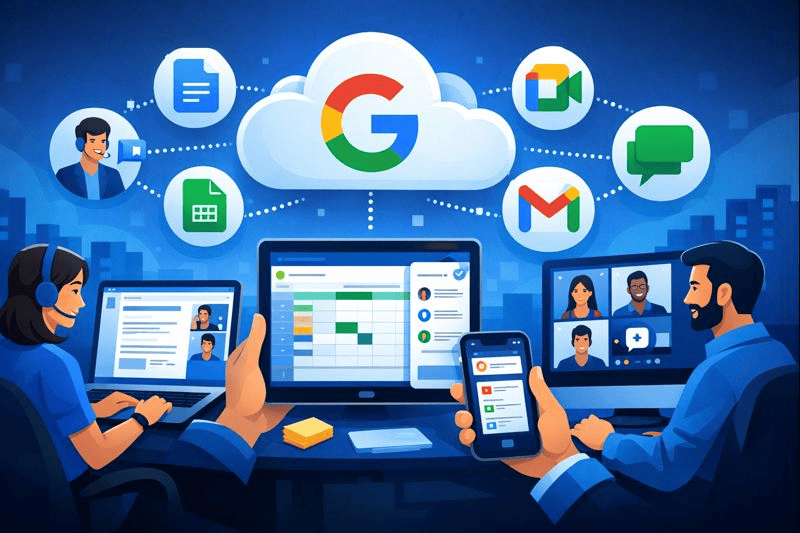
One defining feature of Google Apps is real-time collaboration. Multiple people can work on the same file at the same time, watching changes appear instantly. This eliminates the old habit of emailing attachments back and forth and wondering which version is the latest. I still remember the first time I saw someone typing live in a shared document. It felt strange at first, then completely normal within minutes.
Another key element is accessibility. Because everything is browser-based, you don’t need powerful hardware or special installations. You can log in from almost any device and pick up where you left off. This design reflects the rise of futuristic technology, where tools adapt to users’ lifestyles instead of forcing rigid workflows.
Security and updates also happen behind the scenes. Files save automatically, and new features roll out without manual upgrades. This hands-off maintenance is a major reason Google Apps appeals to both individuals and organizations that want reliability without technical complexity. It’s a quiet example of Innovation applied to everyday tasks.
History of Google Apps
The story of Google Apps began in 2006, when Google introduced a hosted email and calendar service for businesses. At the time, the idea of running core office tools entirely online felt risky. Internet connections were slower, and many organizations were hesitant to trust cloud storage.
Over time, the platform expanded. Google added document editing, spreadsheets, presentations, and collaboration features. Educational institutions adopted it rapidly, drawn by its low cost and ease of use. Eventually, the suite was rebranded to reflect its growing scope.
| Year | Development |
|---|---|
| 2006 | Initial launch for organizations |
| 2008 | Major adoption in education |
| 2016 | Rebranded as G Suite |
| 2020 | Renamed Google Workspace |
Types of Google Apps
Productivity Tools
These tools focus on creating content. Google Docs, Sheets, and Slides replace traditional office software while allowing multiple users to collaborate without friction.
Communication Tools
Gmail, Google Meet, and Chat support email, video conferencing, and instant messaging, keeping conversations tied directly to shared work.
Storage and Administration Tools
Google Drive stores files securely, while admin tools help organizations manage users, permissions, and data policies at scale.
| Type | Examples |
|---|---|
| Productivity | Docs, Sheets, Slides |
| Communication | Gmail, Meet, Chat |
| Storage & Admin | Drive, Admin Console |
How does Google Apps work?
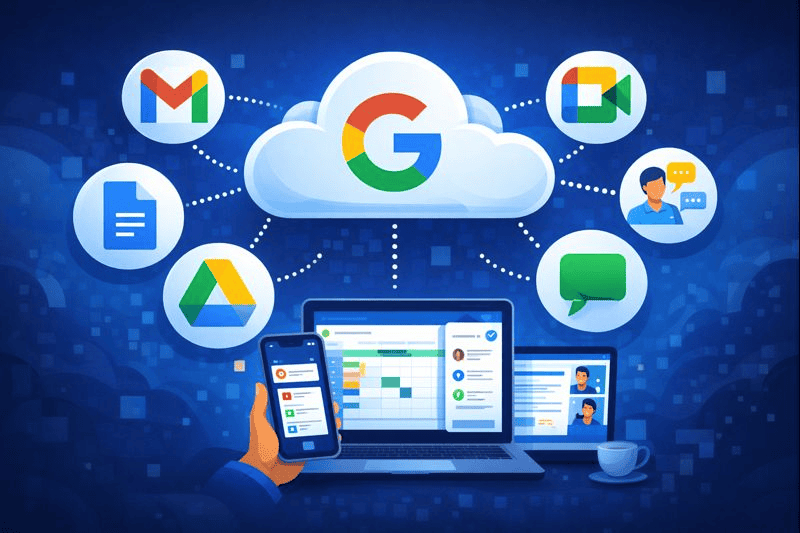
At its core, Google Apps operates on cloud computing principles. Data is stored on remote servers rather than local machines. When you open a file, you’re accessing a live version that updates instantly as changes are made.
Permissions control access, allowing users to view, comment, or edit content. These settings make collaboration safer and more organized. Integrations with other platforms and advanced technology systems allow the tools to connect with calendars, customer management software, and even iot devices like smart displays and conference room hardware.
Because updates happen automatically, users always have access to the latest features without interruptions. This design supports flexibility and scalability in fast-changing digital environments.
Pros & Cons
Before adopting Google Apps, it helps to look at both sides. While the benefits are significant, no platform is perfect.
| Pros | Cons |
|---|---|
| Real-time collaboration | Requires internet access |
| Automatic updates | Limited offline functionality |
| Easy scalability | Data privacy concerns for some |
| Cross-device access | Learning curve for power users |
Uses of Google Apps
Google Apps is used across industries because it adapts well to different needs. Its tools are flexible enough to support both structured organizations and informal personal workflows.
Education
Schools use shared documents, cloud storage, and virtual classrooms to manage coursework and communication. Teachers can give feedback instantly, and students collaborate without worrying about file compatibility.
Small Businesses
Entrepreneurs rely on shared folders, collaborative spreadsheets, and professional email to run operations efficiently. It reduces overhead while supporting growth.
Corporate Environments
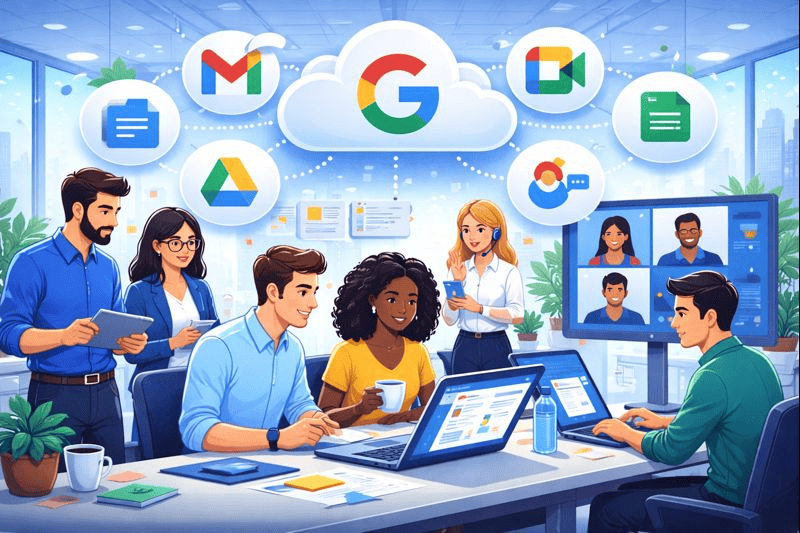
Large companies use advanced administrative controls to manage thousands of users. Shared calendars, team drives, and integrated communication streamline internal processes.
Remote and Hybrid Work
Distributed teams depend on live editing and video meetings to stay connected across locations. These tools became essential during global shifts toward remote work.
Personal Use
Individuals use Google Apps as a digital tools ecosystem for budgeting, writing, planning events, and organizing personal projects. Its simplicity makes it approachable even for non-technical users.
Across all these contexts, Google Apps supports workflows shaped by new inventions and evolving digital expectations.
Resources
- Law Insider. Google Apps Definition
- PCMag. Google Applications Explained
- IGI Global. Google Applications in Education
- Salesforce Help. About Google Apps Integration
- EDUCAUSE Library. 7 Things You Should Know About Google Apps
