
In today’s rapidly changing technology landscape, software development has evolved beyond simple code writing. Teams now need integrated tools that handle version control, collaboration, automation, and deployment — all in one place. That’s exactly where GitLab enters the picture.
More than just a platform for storing code, this DevOps powerhouse has become a complete ecosystem for building, testing, and deploying software. Developers, project managers, and organizations around the world depend on it to streamline workflows and make collaboration seamless.
In this guide, we’ll explore the world of GitLab, its origins, how it works, and why it’s a game-changer in the world of software engineering.
What is GitLab?
At its core, this all-in-one DevOps solution provides a unified environment for writing, reviewing, and deploying code. It combines version control, project management, continuous integration, and delivery under one intuitive interface.
Instead of switching between separate tools, teams can plan sprints, assign tasks, review merge requests, and automate pipelines all in one place. This seamless experience allows developers to focus on innovation rather than juggling disconnected systems.
Picture a workshop where every craftsperson has their own tools but still works toward one shared creation. That’s what this collaboration platform does for developers—it unites their efforts so projects evolve smoothly from idea to launch.
Breaking Down GitLab
The magic behind this DevOps environment lies in its structure. The foundation is built on Git version control, which tracks every change and ensures multiple contributors can work without overwriting each other’s code.
The platform’s Continuous Integration feature automatically tests new code whenever it’s pushed, preventing small errors from snowballing into major bugs. Developers can instantly see feedback and fix issues before they reach production.
Its Continuous Delivery system then takes the tested code and deploys it automatically, ensuring updates roll out efficiently. With issue tracking, code reviews, and built-in documentation tools, this software management hub keeps entire teams aligned and productive.
In essence, it transforms complex workflows into simple, automated routines that enhance creativity rather than constrain it.
History of GitLab
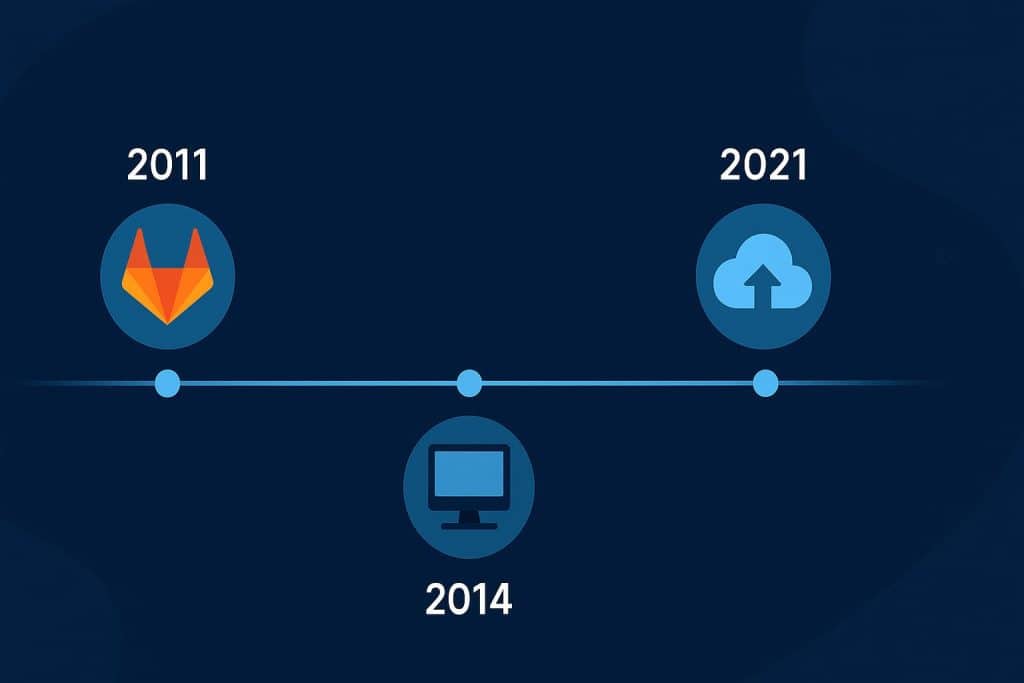
The story of this development platform began in 2011 when two programmers—Dmitriy Zaporozhets and Valery Sizov—set out to simplify collaborative coding. What started as an open-source project soon gained momentum as developers worldwide embraced its transparency and flexibility.
Over time, it evolved from a self-hosted code repository into a comprehensive DevOps ecosystem supporting the full software lifecycle. Today, this open-source innovation powers everything from startups to Fortune 500 companies.
| Year | Milestone | Description |
|---|---|---|
| 2011 | Project Founded | Created as a self-hosted Git management tool. |
| 2013 | Company Formation | Official organization established to scale development. |
| 2015 | CI/CD Introduced | Automated pipelines integrated into the platform. |
| 2018 | Cloud Service Launch | Expanded into a hosted solution for global teams. |
| 2021–Present | Global Growth | Recognized as one of the leading DevOps platforms. |
From its open-source roots to enterprise-level adoption, this engineering toolkit proves that transparency and collaboration can revolutionize software creation.h leader, GitLab’s story reflects the evolution of how teams build software — collaboratively, transparently, and efficiently.
Types of GitLab
Self-Managed Edition
For organizations seeking complete control, the self-hosted edition lets teams run the platform on their own servers. It’s customizable, secure, and ideal for companies with strict compliance requirements.
Cloud-Based Version
This hosted edition removes the need for infrastructure management. Teams simply log in and start coding, with updates and maintenance handled automatically. Perfect for distributed teams that value convenience and scalability.
Enterprise Edition
The enterprise tier expands capabilities with advanced analytics, governance, and performance monitoring. Large corporations use it to synchronize massive projects across departments and time zones.
Community Edition
The free, open-source version keeps the spirit of collaboration alive. Developers worldwide contribute to improving this version-control platform, ensuring innovation stays accessible to all.
Each version caters to different needs, but they all share the same mission: making development faster, smarter, and more collaborative.
How Does GitLab Work?
Version Control and Collaboration
GitLab uses Git repositories to manage and track code changes. Developers can clone projects, make edits, and submit merge requests to propose updates. These requests go through peer reviews to maintain code quality.
Continuous Integration and Testing
Whenever code is pushed to the repository, automated pipelines test it against predefined rules. If any test fails, GitLab flags it immediately — preventing buggy code from reaching production.
Continuous Delivery and Deployment
After successful testing, GitLab automates deployment to servers or cloud environments. This process ensures that updates reach users faster and with fewer risks.
Monitoring and Feedback
GitLab doesn’t stop at deployment. It also offers monitoring tools that track performance, helping teams identify and resolve issues in real-time.
By uniting all these stages — from code to deployment — GitLab empowers teams to move with speed and confidence in every project.
Pros & Cons
| Pros | Cons |
|---|---|
| All-in-one DevOps platform | Can be complex for beginners |
| Supports automation and CI/CD | High resource usage in self-hosted setups |
| Strong security and compliance features | Advanced features require paid plans |
| Excellent collaboration tools | Interface may feel overwhelming initially |
| Open-source flexibility | Requires maintenance for on-premises users |
Despite a few challenges, GitLab’s unified workflow continues to be a favorite among developers, businesses, and open-source communities alike.
Uses of GitLab
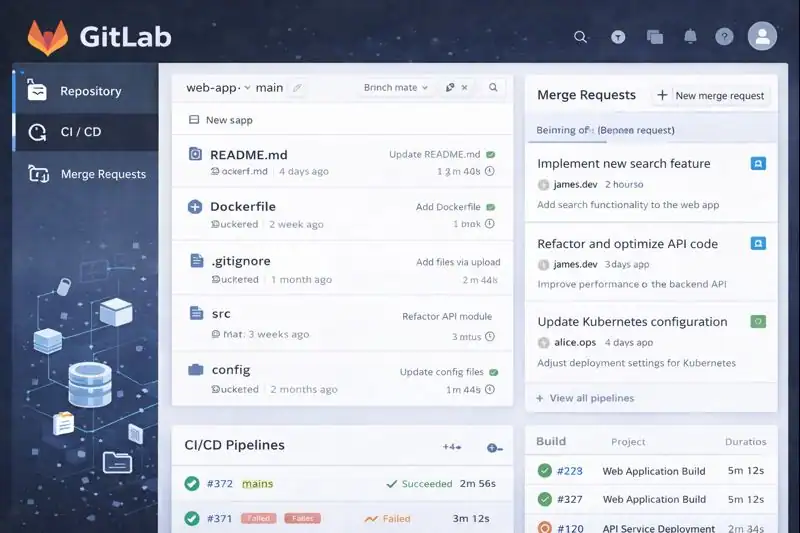
In Software Development
Developers use GitLab as a code repository and collaboration hub. Its merge requests, issue tracking, and automated testing streamline the entire software creation process.
In DevOps Automation
For DevOps teams, GitLab is a powerhouse of automation. It handles everything from build pipelines to deployment, integrating seamlessly with cloud services like AWS, Google Cloud, and Azure.
In Education
Educational institutions use GitLab to teach version control, programming collaboration, and continuous integration principles. It provides students with hands-on experience in modern development practices.
In Enterprise Management
Enterprises use GitLab for governance and scalability. It ensures code quality, compliance, and efficiency in projects with large teams distributed globally.
In Open-Source Communities
GitLab’s community edition is widely used in open-source projects, allowing contributors from around the world to work together transparently and efficiently.
Across every use case, GitLab remains synonymous with reliability, innovation, and open collaboration.
Resources
- GitLab Docs: Official Documentation
- Rewind Backups: GitLab vs GitHub Comparison
- TechTarget: What Is GitLab?
- FreeCodeCamp: Guide to Version Control
- Docker Blog: CI/CD Integration with GitLab
