
In today’s fast-paced world of technology trends, few tools have redefined creativity quite like Figma. This cloud-based design platform has transformed how teams create, share, and collaborate on digital designs. Whether you’re a seasoned designer, a developer, or just exploring the world of user interface design, Figma provides an intuitive way to turn ideas into interactive realities.
The beauty of this platform lies in its simplicity and power. It brings people together in real-time, bridging gaps between design and development. With its web-based accessibility and advanced features, it’s no wonder that Figma has become a cornerstone of innovation in digital design workflows.
What is Figma?
It is a web-based design tool used for interface design, prototyping, and collaboration. It allows multiple users to work on the same project simultaneously, making it ideal for distributed teams. Think of it as the Google Docs of design—everything happens live, in one place, with instant updates for everyone involved.
The platform supports vector graphics, responsive layouts, and interactive prototypes, making it versatile for UX/UI designers, developers, and creative teams alike. Figma can also be referred to as a collaborative interface design tool or an online prototyping platform, emphasizing its multi-functional purpose.
Breaking Down Figma
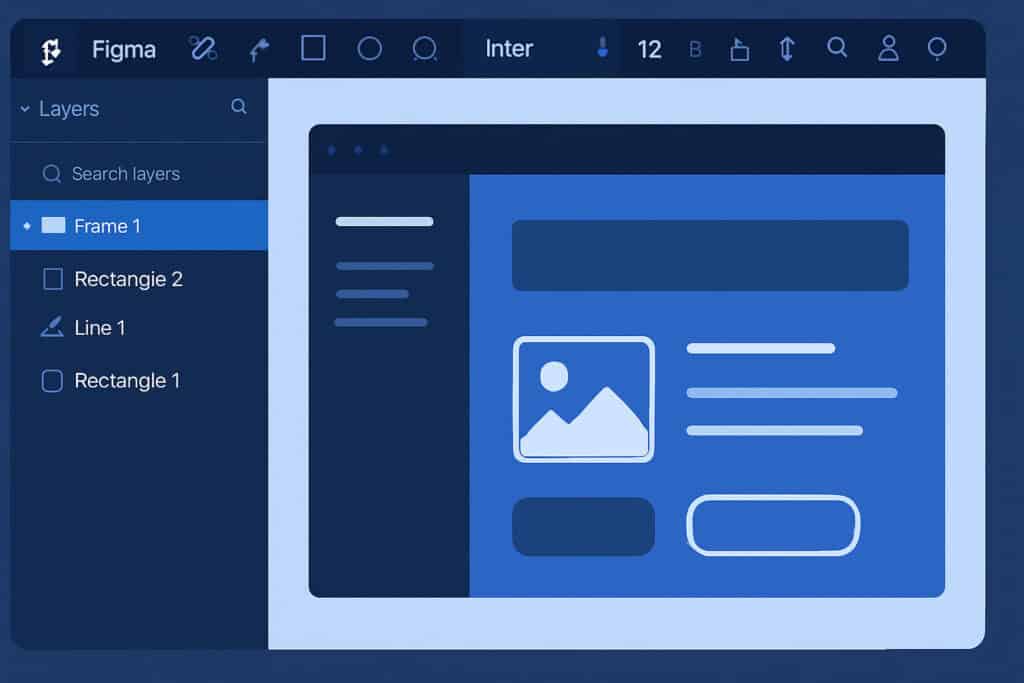
The interface combines elegance with functionality. Each feature contributes to smoother workflows and greater productivity.
- Design Panel: The main workspace where designers create frames, shapes, text, and components.
- Prototype Mode: This allows you to link elements and simulate user interactions for realistic app or website previews.
- Components and Libraries: Designers can reuse assets across projects for consistency and efficiency.
- Collaboration Tools: Real-time comments, version history, and multi-user editing make teamwork effortless.
- Plugins and Integrations: Extend functionality through tools like FigJam, Zeplin, and Slack integrations.
Imagine you’re designing a new mobile app. It lets you create interactive wireframes, test animations, and share your design instantly with developers for feedback—all without needing to export a single file. It feels like everyone’s working together in the same room, even if they’re miles apart.
History of Figma
The story of this application began with a simple yet powerful vision—to make design accessible to everyone, everywhere. Founded by Dylan Field and Evan Wallace in 2012, the platform officially launched in 2016 after years of development and refinement. Its focus on collaboration and browser-based accessibility disrupted the design software market, traditionally dominated by desktop-only tools.
| Year | Milestone | Key Contribution |
|---|---|---|
| 2012 | Figma founded | Dylan Field and Evan Wallace start developing a cloud-based design tool. |
| 2015 | Private beta released | Early testers explore real-time collaboration features. |
| 2016 | Public launch | Figma becomes available to all users. |
| 2021 | FigJam introduced | A collaborative whiteboard tool expands the ecosystem. |
| 2022 | Adobe announces acquisition | Strengthens Figma’s influence in the creative industry. |
It rise mirrors the evolution of advanced technology, transforming traditional workflows into cloud-driven, collaborative ecosystems that empower global creativity.
Types of Figma
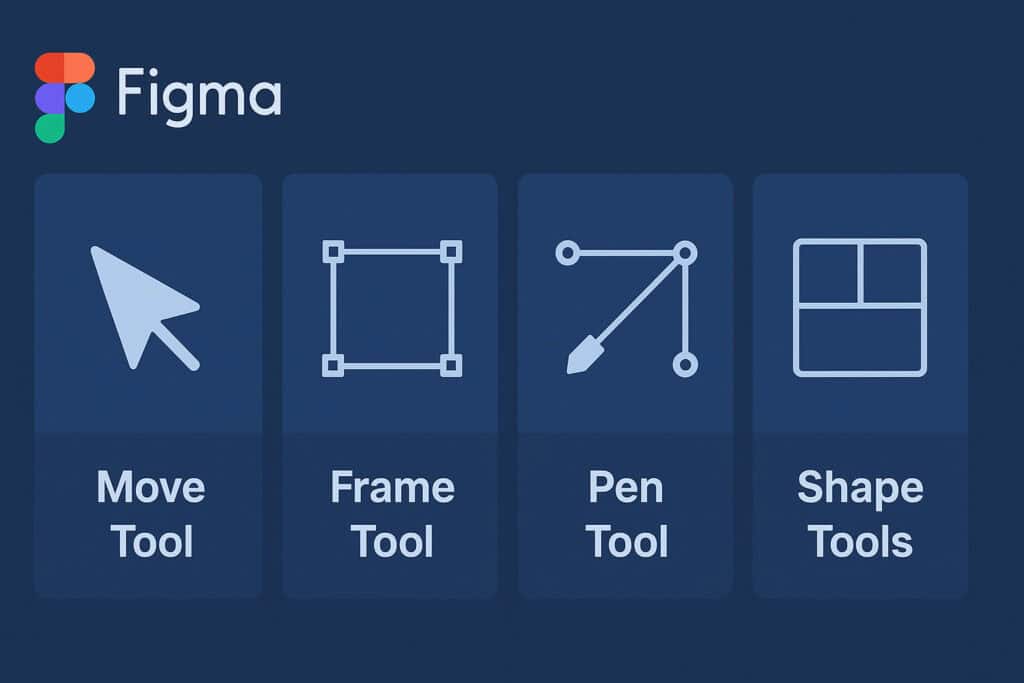
It offers different tools and versions tailored to diverse design needs and professional roles.
Figma Design
This is the core platform where all visual design, prototyping, and collaboration occur. It allows users to create everything from app interfaces to complex web layouts using an intuitive drag-and-drop environment.
FigJam
FigJam is Figma’s online whiteboard tool for brainstorming, planning, and team workshops. It’s perfect for early-stage ideation—sticky notes, mind maps, and flowcharts come alive in collaborative sessions.
Figma Mirror
Figma Mirror lets users preview their designs directly on mobile devices. This ensures that layouts, typography, and interactive elements display accurately across screen sizes before going live.
How Does Figma Work?
It operates entirely online, making it accessible from any device with an internet connection. Here’s how it works step by step:
- Create or Join a File: Users log in and either create a new design file or open an existing project shared by their team.
- Design and Prototype: Using tools like frames, shapes, and components, users build their designs and add interactivity.
- Collaborate in Real-Time: Multiple users can edit the same design simultaneously while leaving feedback through comments.
- Share and Review: Designs can be shared via link—no need for downloads or version conflicts.
- Handoff to Developers: Inspect mode allows developers to view design specs, CSS properties, and export assets directly.
This seamless workflow eliminates the friction of traditional design tools. Everything happens in one place, saving time and improving accuracy.
Pros & Cons
Before fully adopting to this platform, it’s helpful to weigh its strengths and limitations.
| Pros | Cons |
|---|---|
| Real-time collaboration | Requires internet connection |
| Cross-platform accessibility | Limited offline features |
| Intuitive and user-friendly | Can lag with large projects |
| Free version available | Advanced features behind paywall |
| Powerful integrations | Learning curve for new users |
Its greatest strength lies in its collaborative nature. Teams can design, prototype, and comment in real time, fostering creative synergy and transparency. It’s accessible across devices, ensuring seamless workflows whether you’re on Windows, Mac, or even a browser.
However, it does rely heavily on internet connectivity, which can be a drawback for users in areas with unstable access. Large projects can also lead to performance lag, and while its free tier is generous, advanced capabilities require paid plans. Still, for most users, the benefits far outweigh the drawbacks—making Figma an industry favorite for design collaboration.
Uses of Figma
It is more than just a design tool—it’s a creative ecosystem that adapts to multiple industries and roles.
In Web and App Design
Designers use this to build responsive interfaces and interactive prototypes. It bridges the gap between creativity and code, ensuring consistent user experiences across devices.
In Product Development
Product managers and developers use this technology to visualize workflows, track iterations, and maintain design consistency. It helps align vision with execution from the start.
In Education
Educators and students leverage this to teach design thinking, UI/UX principles, and digital storytelling. Its intuitive interface makes it ideal for beginners.
In Marketing and Branding
Marketing teams use Figma for visual assets, campaign mockups, and social media templates. Its real-time collaboration keeps brand visuals unified across all channels.
In Startups and Enterprises
From small teams to global corporations, Figma empowers companies to innovate faster. Its shared libraries and plugins streamline design systems across large organizations.
Resources
- Figma: “Official Figma Blog”
- Adobe: “Figma and the Future of Design Collaboration”
- Smashing Magazine: “Designing with Figma: A Practical Guide”
- UX Design.cc: “How to Master Figma for UX/UI”
- Creative Bloq: “Why Figma Changed Digital Design Forever”
