
If you’ve ever worked with cloud computing, you know how overwhelming managing multiple services can be. But what if I told you there’s a way to navigate AWS like a pro without feeling lost? That’s where the AWS Management Console comes in—a sleek, intuitive interface that’s making cloud operations easier than ever.
With recent enhancements, AWS has taken simplicity to the next level, helping businesses and developers manage their cloud environments with greater efficiency. Whether you’re a seasoned cloud architect or just starting, these updates are a game-changer.
What makes the AWS Management Console so valuable isn’t just that it looks cleaner—it’s that it reduces “context switching.” Instead of bouncing between docs, tabs, and service pages, you can get to the right resource faster and act on it with fewer clicks. That’s a big deal when you’re troubleshooting a failed deployment, checking logs, or quickly scaling infrastructure. It’s also helpful for teams, because a more consistent console experience means fewer “Where do I find that?” questions during onboarding. Even small improvements—better search, clearer menus, and more predictable layouts—add up when you’re in the console daily. The result is less friction, fewer mistakes, and more confidence managing complex cloud environments.
What Happened?
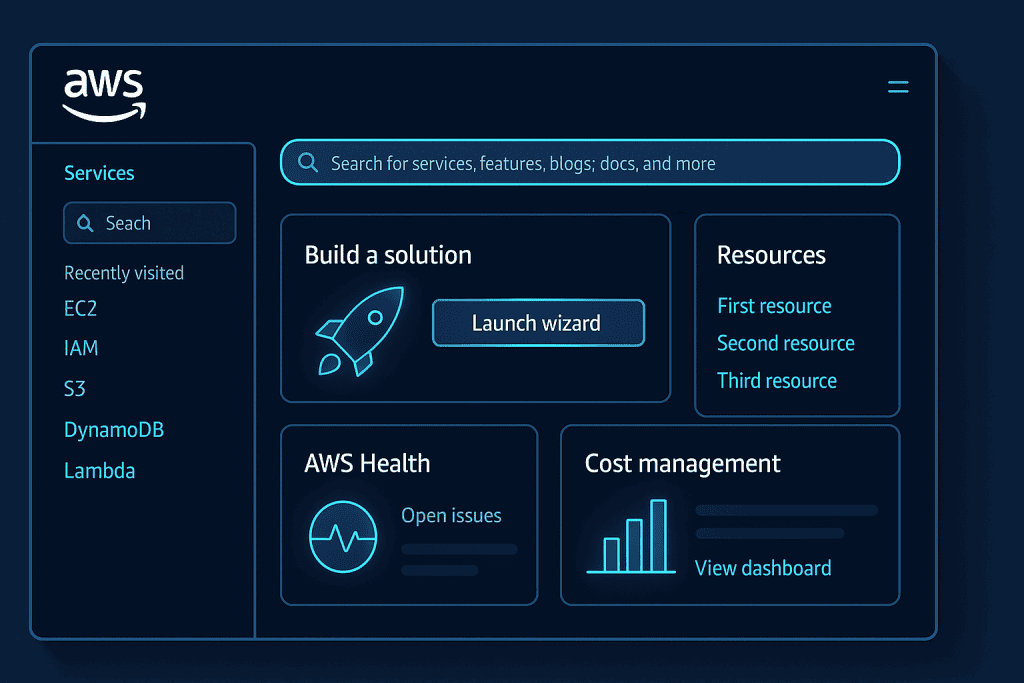
AWS recently rolled out several updates to the AWS Management Console, streamlining workflows, improving navigation, and making it even more user-friendly.
Key Enhancements:
- Refreshed UI & Navigation: A more intuitive, visually appealing interface that simplifies finding and managing resources.
- Personalized Experience: Customizable dashboards, allowing users to pin frequently used services.
- Enhanced Search & Filtering: A faster, smarter search function to locate services and resources with ease.
- Mobile App Improvements: Better functionality on the go, ensuring cloud management is always at your fingertips.
These changes reflect AWS’s commitment to Innovation, making cloud management more efficient and accessible for everyone.
Beyond the headline upgrades, the biggest day-to-day benefit is speed. A smarter search experience helps users jump directly to services and resources without memorizing exact names or hunting through nested menus. Personalization also matters more than it sounds: pinning frequently used services can shave minutes off routine work, especially for roles that constantly move between compute, storage, monitoring, and IAM. For power users, improved filtering makes it easier to focus on the right region, environment, or resource type—reducing the risk of editing the wrong thing. And for teams that work across laptops and phones, stronger mobile usability helps with quick checks, basic actions, and incident response when you’re away from your desk.
When and Where?
The latest AWS Management Console updates started rolling out in late 2024 and are now available worldwide. Users across different AWS regions can access the revamped interface through their accounts, whether on desktop or mobile.
Since AWS changes often roll out gradually, some users may notice improvements appearing at different times depending on account settings, region, or device. If a teammate’s console looks slightly different, it’s usually just a phased rollout or a UI preference setting. It’s also worth testing the console in the browsers your team uses most, especially if you rely on extensions or password managers, to ensure the experience stays smooth during daily operations.
Who Is Involved?
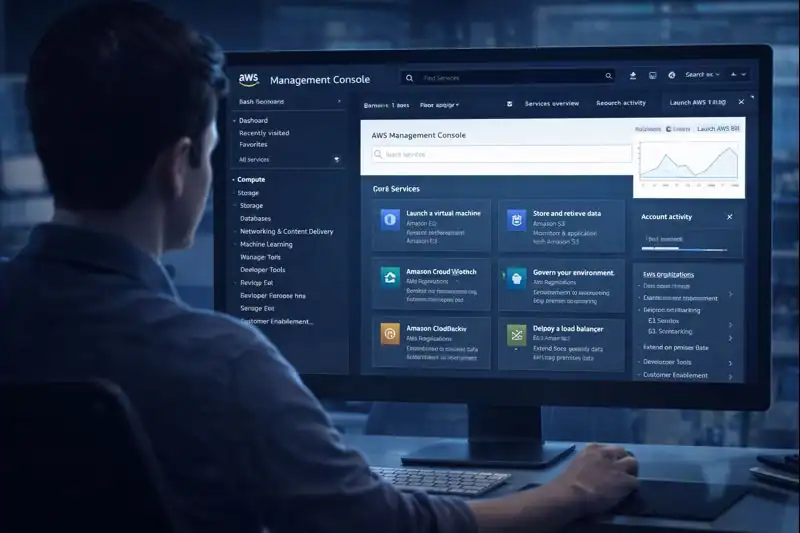
Amazon Web Services (AWS) has been leading the charge in cloud computing, and these improvements are spearheaded by AWS’s user experience and cloud management teams. AWS engineers and product designers have worked closely with user feedback to ensure the updates meet real-world needs.
Additionally, major companies relying on AWS—such as Netflix, Airbnb, and LinkedIn—are expected to benefit from these enhancements.
These updates also reflect a bigger shift in how AWS builds products: more feedback loops and more UX focus. Cloud engineers, SREs, DevOps teams, and security admins all use the AWS Management Console differently—so improvements have to balance simplicity with depth. That’s why user feedback is so influential here. When AWS refines navigation or search, it’s often to reduce the “expert-only” feel and make common tasks obvious for new users while keeping advanced options available for experienced teams. In other words, the console is being designed for collaboration, not just individual experts.
Why It Matters
Managing cloud infrastructure can be daunting, especially for businesses scaling up rapidly. The AWS Management Console’s latest updates address this challenge by making cloud operations more intuitive and less time-consuming.
For startups and enterprises alike, these improvements mean:
- Less time spent navigating the console—more time focusing on core business goals.
- Faster problem resolution—enhanced search and filtering help pinpoint issues instantly.
- A smoother learning curve—new users can onboard with ease, reducing training time.
By prioritizing user experience, AWS is ensuring that businesses of all sizes can leverage the cloud without unnecessary complexity.
There’s also a governance angle. As organizations grow, the console becomes a shared workspace where guardrails matter—clearer navigation and better filtering help teams stay in the right account and region, which can prevent costly mistakes. For security-conscious teams, a smoother console experience pairs well with best practices like role-based access, least privilege permissions, and MFA, because users can more easily find the tools they need without asking for excessive access “just to get work done.”
From a productivity standpoint, these enhancements support faster triage during incidents: if you can locate resources and dashboards quickly, you can confirm whether an outage is isolated to one service, one region, or one environment. The console doesn’t replace automation, but it’s still the fastest way to investigate, validate changes, and understand what’s happening in real time.
Quotes & Statements
AWS has yet to release an official statement, but early users are already praising the improvements. One cloud engineer noted:
“The new AWS Management Console feels like a breath of fresh air. The navigation is more intuitive, and the search function actually helps me find what I need in seconds!”
These positive reactions show just how impactful the updates are in the real world.
Conclusion
The AWS Management Console is evolving to meet the demands of modern cloud computing. With a cleaner interface, personalized dashboards, and improved search capabilities, AWS continues to set the standard for cloud management.
As more updates roll out, we can expect even greater efficiency and ease of use. So, whether you’re running a multi-cloud environment or just exploring AWS for the first time, these changes are designed to make your life easier.
Stay tuned for more AWS updates, and in the meantime, explore the new console for yourself!
Resources
- DEV Community- Automating routine cloud operations with AWS Systems
- Linkedln- What Is AWS Management Console?
- Lumify Work- Cloud Operations on AWS
- awsstatic- AWS Cloud Operations – awsstatic.com
- Virtual Tech Gurus- AWS Cloud Management Tools
