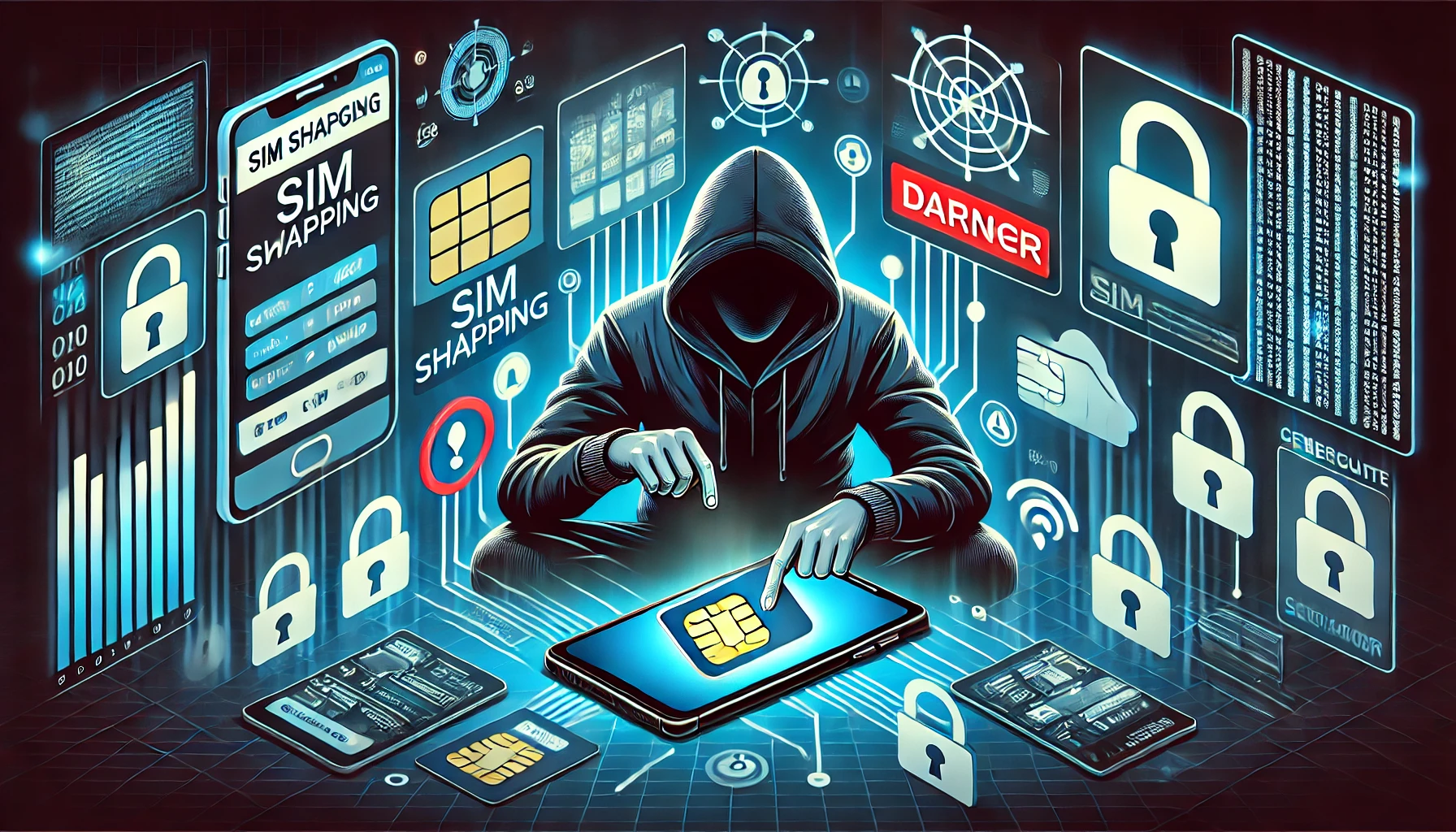
Imagine waking up one morning, only to find out that you’ve lost access to your bank account, email, and social media—all at once. Scary, right? That’s the nightmare scenario of SIM Swapping, a form of identity theft that cybercriminals use to hijack your mobile number and gain control over your online accounts.
In today’s digital age, where hacking and cyber threats are growing more sophisticated, protecting your SIM card is more crucial than ever. Whether you’re a tech enthusiast, cybersecurity professional, or just someone who wants to keep their personal information safe, understanding SIM swapping and how to prevent it is a must.
This guide will walk you through the materials and tools needed, detailed step-by-step instructions, and tips and warnings to keep your mobile identity secure.
Materials or Tools Needed
Before diving into the prevention steps, let’s look at what you need to protect yourself from SIM swapping.
| Material/Tool | Purpose |
|---|---|
| Strong Passwords | Secures online accounts from unauthorized access. |
| Multi-Factor Authentication (MFA) | Adds an extra layer of security. |
| Carrier PIN Codes | Prevents unauthorized SIM changes. |
| Identity Monitoring Services | Alerts you to suspicious activities. |
| Encrypted Messaging Apps | Protects communication from eavesdropping. |
| Physical SIM Locking | Prevents SIM card removal from your device. |
SIM Swapping Instructions
Step 1: Set Up a Strong Carrier PIN Code
One of the most effective ways to prevent SIM swapping is setting up a PIN code with your mobile carrier. This ensures that any changes to your SIM require a secure PIN only you know.
- Contact your mobile carrier and request a SIM lock PIN.
- Choose a strong and unique PIN (avoid birthdays or common patterns like “1234”).
- Store your PIN securely in a password manager instead of writing it down.
Pro Tip: Some carriers allow you to set up a verbal password for customer support verification. Enable this feature if available!
Step 2: Enable Multi-Factor Authentication (MFA)
Multi-Factor Authentication (MFA) adds an extra layer of security to your accounts, making it harder for hackers to gain access.
- Open your account settings on email, banking, and social media platforms.
- Enable app-based MFA (Google Authenticator or Authy) instead of SMS-based MFA.
- Regularly review and update your security settings to keep them effective.
Warning: SMS-based MFA is vulnerable to SIM swapping. Always prefer an authenticator app over text message verification.
Step 3: Be Cautious with Personal Information
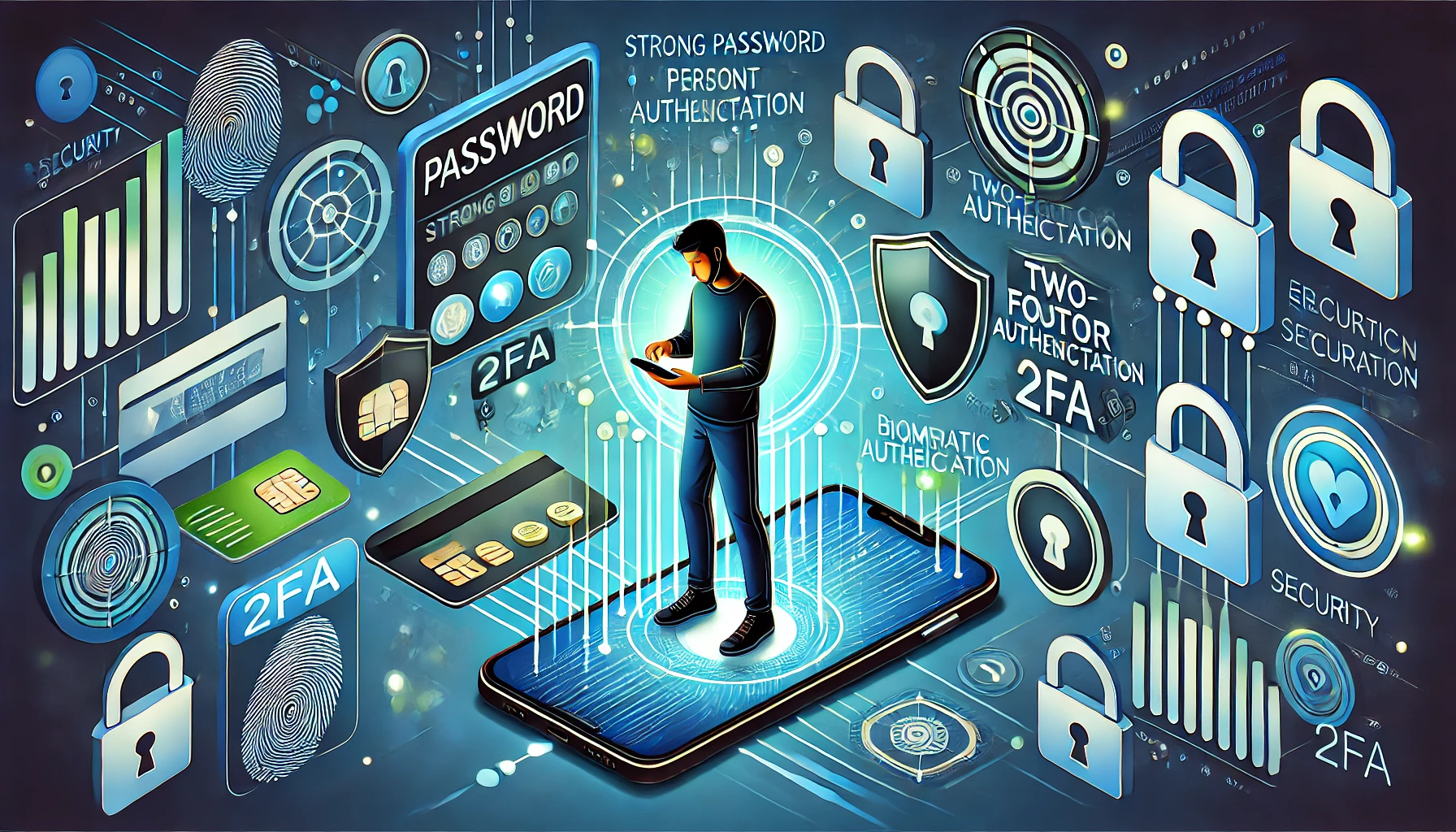
Hackers often use social engineering tactics to gather personal information and trick mobile carriers into performing unauthorized SIM swaps.
- Avoid sharing sensitive information like your phone number or date of birth on public profiles.
- Never click on suspicious links or provide personal data over the phone unless you are sure of the caller’s identity.
- Regularly monitor your credit reports and bank statements for unusual activities.
Step 4: Use a Mobile Identity Monitoring Service
Cybercriminals are constantly finding new ways to exploit vulnerabilities, so proactive monitoring is essential. Mobile identity protection services—such as McAfee Identity Protection and Kaspersky Security—can help detect unusual activity linked to your phone number. These services alert you when your number is found in data breaches, dark web leaks, or unauthorized SIM swap attempts. Additionally, signing up for data breach notifications can help you stay ahead of potential identity theft. While these services don’t prevent SIM swapping directly, they provide early warnings, giving you enough time to lock down your accounts before hackers take full control.
Step 5: Lock Your SIM Card with a PIN
Adding a SIM lock on your device ensures that even if someone physically removes your SIM card, they won’t be able to use it on another device.
- On iPhone:
- Go to Settings → Cellular → SIM PIN
- Enable the SIM PIN feature and set a unique PIN.
- On Android:
- Open Settings → Security & Privacy → More Security Settings
- Select Set Up SIM Lock and create a PIN.
SIM Swapping Tips and Warnings
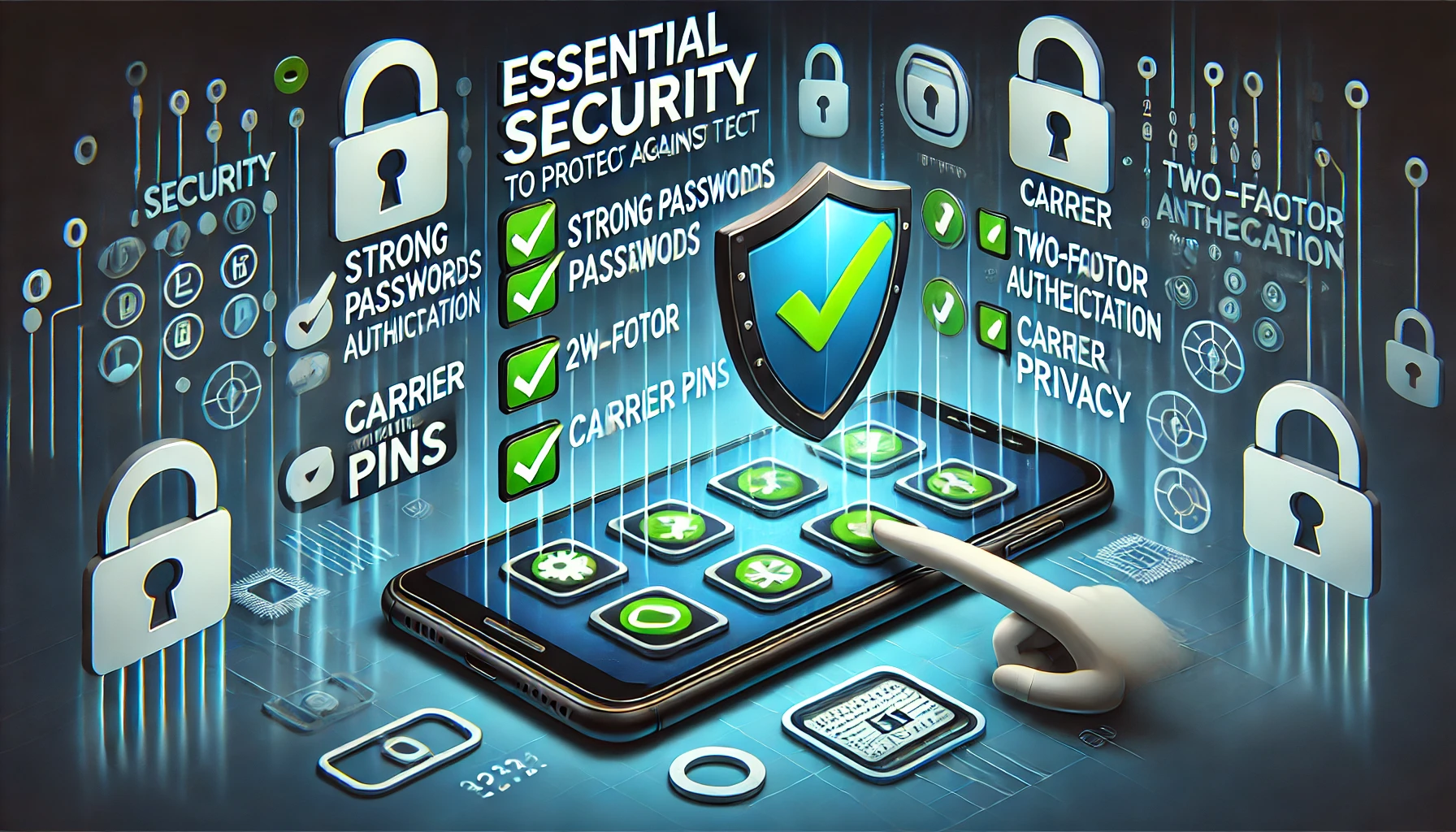
Enhanced security means taking simple precautions and avoiding risky habits. Use a secondary phone number for sensitive accounts, regularly update your security settings, enable bank notifications by email instead of SMS, and use an eSIM if available. Also, avoid reusing passwords, depending on SMS-based MFA, sharing verification codes, or ignoring unusual messages or login attempts.
| Tip / Warning | Benefit / Reason |
|---|---|
| Use a secondary phone number for sensitive accounts. | Reduces the risk of losing access to important accounts. |
| Regularly update account security settings. | Ensures you are using the latest security features. |
| Enable bank notifications via email instead of SMS. | Prevents unauthorized transactions if your SIM is compromised. |
| Use an eSIM instead of a physical SIM (if available). | Makes SIM swapping much harder for hackers. |
| Don’t reuse passwords across multiple accounts. | Increases the risk of hacking if one account is breached. |
| Avoid using SMS-based MFA when possible. | Hackers can intercept text messages through SIM swapping. |
| Never share verification codes with anyone. | Even support agents will never ask for these codes. |
| Don’t ignore unusual messages or login attempts. | They could be signs of an ongoing SIM swap attack. |
Conclusion
In 2025, SIM Swapping remains a serious cybersecurity threat, but with the right precautions, you can significantly reduce the risk. Setting up a strong carrier PIN, enabling MFA, being mindful of personal data exposure, and using identity protection services can help keep your mobile identity safe.
Take charge of your digital security today—a few extra steps now can save you from a major headache later!
FAQ
What is SIM swapping, and how does it happen?
SIM swapping occurs when a hacker tricks your carrier into transferring your phone number to a new SIM card they control. This allows them to intercept calls, texts, and verification codes, gaining unauthorized access to your accounts.
How do I know if I’ve been a victim?
If your mobile service suddenly stops (showing “No Service”), it could mean your SIM has been hijacked. You may also receive password reset emails you didn’t request or find yourself locked out of accounts. If any of these happen, contact your carrier immediately and secure your accounts.
Can SIM swapping bypass two-factor authentication (2FA)?
Yes, if you rely on SMS-based 2FA. Hackers can intercept texts, so use app-based MFA like Google Authenticator or Authy instead.
Resources
- McAfee Blog. What is SIM Swapping?
- Kaspersky. SIM Swapping Protection Guide
- How-To Geek. Protect Yourself from SIM Swapping
- OWASP. SIM Swapping Prevention Guidelines
- Geeks for Geeks. How to Prevent SIM Swapping Attack