
The first time I opened a sequence search tool, I felt like I had walked into a control room where everyone else had already read the manual. Buttons everywhere. Acronyms stacked on acronyms. A blank query box staring back at me like it expected brilliance on command. That is exactly why learning NCBI BLAST matters in today’s Technology Trends landscape. It turns raw DNA or protein sequences into clues you can actually use, whether you are exploring a mystery gene, checking whether a primer is likely to match the right target, or comparing an unknown sequence to known entries in public databases.
At its core, BLAST finds regions of local similarity between a query sequence and database sequences, then ranks matches by alignment quality and statistical significance. That makes it useful for students, researchers, biotech teams, and even curious beginners trying to understand how modern bioinformatics works in practice.
In a world shaped by advanced technology, Innovation, and even connected lab workflows that borrow ideas from iot devices, this tool still stands out because it is practical. It helps you move from “What is this sequence?” to “Here’s the strongest evidence I have.” That is a big leap, and a very useful one.
Tools Needed
Before you begin, keep things simple. You do not need a high-end setup or a huge software stack. Most people can start with a web browser, a sequence in FASTA or plain text format, and a clear idea of what they want to learn from the search. That last part matters more than people think. If your goal is vague, your search settings usually become vague too. A nucleotide sequence may call for blastn, while a protein sequence may fit blastp better.
If you are checking primers, Primer-BLAST can be more appropriate than a general search. Having a notebook open for quick observations also helps because result pages can get crowded fast. In a field full of new inventions and flashy interfaces, the best prep is still a clean sequence and a focused question.
| Tool or Material | Why You Need It |
|---|---|
| Web browser | To access the NCBI BLAST interface online |
| Query sequence | The DNA or protein sequence you want to analyze |
| FASTA format | The most common input format for sequence searches |
| Search goal | Helps you choose the right BLAST program and database |
| Notes document | Useful for recording accession numbers, E-values, and observations |
NCBI BLAST Instructions
Step 1: Start with the right sequence and a clear question
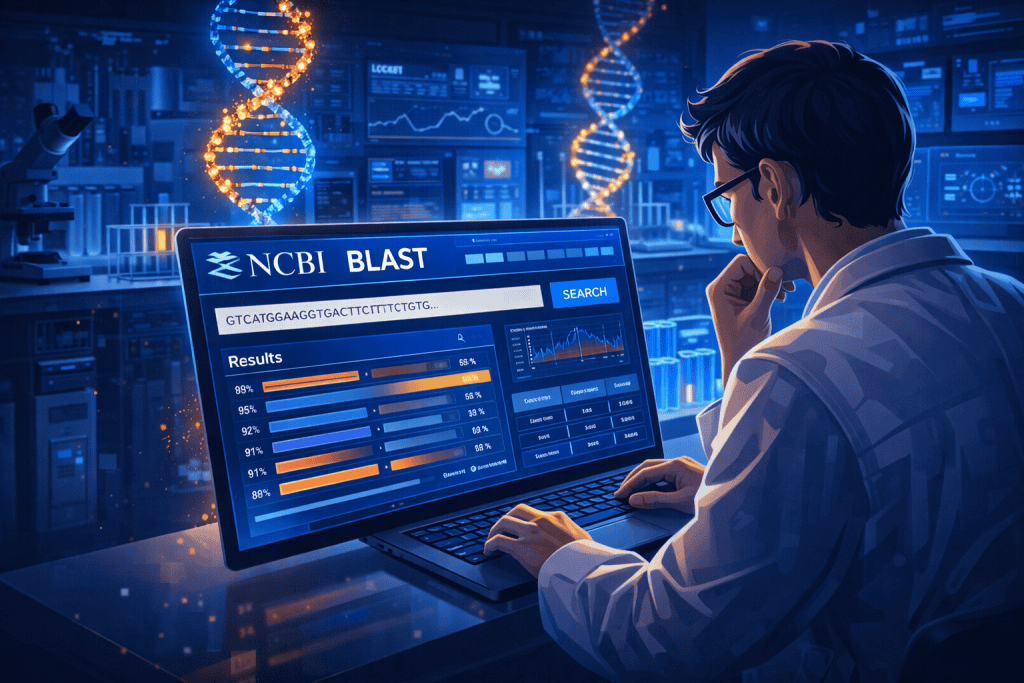
Open the BLAST page and paste your sequence into the query box. This sounds easy, but this is where many searches go off track. Ask yourself what you really want to know. Are you trying to identify an unknown DNA fragment? Compare a protein to known proteins? Check whether a primer pair may hit an unintended target? A tidy sequence and a sharp research question make the rest of the workflow much smoother. If your sequence includes a FASTA header, that is fine, but double-check that the letters match the sequence type you plan to search.
Step 2: Choose the correct program and database
This is where NCBI BLAST starts to feel less like a giant machine and more like a useful assistant. Pick a program that matches your task. For nucleotide-to-nucleotide searches, blastn is the usual starting point. For protein-to-protein comparisons, blastp is a common choice. If you are looking for close nucleotide matches, MegaBLAST is often faster, while more specialized tasks may call for other variants. Then choose the database with care. A broad database gives reach, but a narrower one can cut noise and save time.
Step 3: Adjust settings without overcomplicating things
Beginners often either ignore settings completely or tweak every option in sight. Neither extreme is ideal. Start with the defaults unless you have a reason to change them. Then review a few essentials: organism filters, expected threshold, and whether you need more or fewer results. The Expect value, or E-value, estimates how likely a match would appear by chance in a database of that size. Lower values usually indicate stronger matches. If you are focusing on one species, use an organism filter. That one small choice can clean up your output dramatically.
Step 4: Run the search and read beyond the first hit
When NCBI BLAST returns results, resist the urge to click the top line and declare victory. Read the report in layers. Start with the graphic summary, then scan the descriptions table, percent identity, query coverage, accession details, and E-values. A strong match is not just the first item on the page. It is the result that best fits your biological question. Sometimes the best answer is hidden a few rows lower because the top hit is partial, poorly annotated, or from a sequence you did not intend to compare against. Screenshots are helpful here if you are documenting a workflow for a class or a lab notebook.
NCBI BLAST Tips and Warnings
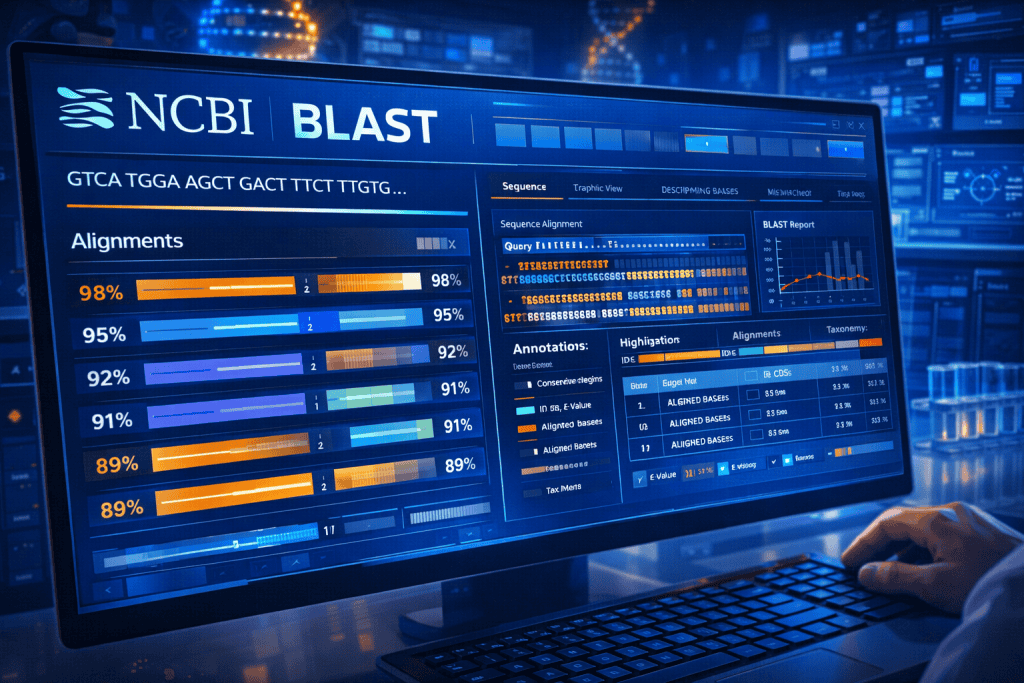
Using sequence search tools feels exciting the first time you get a result that looks meaningful. It also creates a trap. One good-looking alignment can make you overconfident. The better habit is to treat every result like evidence that needs context. Check query coverage before getting attached to percent identity. A 99 percent identity over a tiny fragment can be less useful than a slightly lower identity across nearly the full length of your query.
Think about the database too. If you search broadly, you may pull in entries that are technically similar but not biologically relevant to your project. If you search narrowly, you may miss a surprising but useful lead. That balancing act is a real part of using NCBI BLAST well.
Another warning: do not confuse statistical significance with scientific certainty. An excellent E-value does not replace judgment. Annotation quality varies, and public databases contain records with different levels of review and completeness. I learned this the frustrating way while checking a training dataset years ago. I celebrated a beautiful hit, only to realize the record was not the best biological match for the sample question at hand.
The tool had done its job. I had rushed the interpretation. In Technology Trends, where speed often gets praised, careful reading still wins. You do not need sci-fi dashboards or generic futuristic technology to be effective here. You need patience, comparison, and a willingness to ask, “Does this result actually answer my question?”
| Tip or Warning | Why It Matters |
|---|---|
| Check query coverage, not just identity | High identity over a tiny region can mislead you |
| Use organism filters when relevant | This reduces unrelated hits and improves focus |
| Do not over-tune settings at first | Defaults are often a strong starting point |
| Review multiple top matches | The first hit is not always the best answer |
| Be cautious with annotations | Database entries vary in quality and completeness |
Conclusion
Learning NCBI BLAST is a lot like learning to read a map. At first, every symbol feels abstract. Then suddenly the landscape starts to make sense. You begin with a sequence, choose the right search type, set sensible filters, and read the output with care instead of rushing to the first match. That process is what turns a raw query into insight. In Technology Trends, where bioinformatics keeps becoming more central to research and development, this skill is worth having.
It helps students make sense of class projects, gives researchers a fast way to compare sequences, and supports better decisions in genomics work. Start with one small search, take notes on what each column means, and let the interface become familiar through use. The first run may feel messy. The second already feels smarter. That is usually how real learning begins
FAQ
How can NCBI BLAST help beginners understand sequence analysis in Technology Trends?
For beginners, NCBI BLAST offers one of the clearest entry points into sequence analysis because it connects an unknown DNA or protein sequence to known biological records. In Technology Trends, where data-driven biology is growing fast, that makes it a practical learning tool rather than just a research platform. You can see how similarity, alignment, identity, and E-value work together in a real example. That hands-on feedback helps new users grasp the logic of bioinformatics much faster than theory alone.
What is the best way to interpret NCBI BLAST results for a nucleotide sequence search in Technology Trends?
The best approach is to read several metrics together instead of chasing one number. With NCBI BLAST, look at E-value, percent identity, query coverage, alignment length, organism source, and record annotation before deciding what a hit means. In Technology Trends workflows, this matters because automated outputs can look convincing even when they are incomplete or off-target. A reliable interpretation usually comes from comparing the top few matches and checking whether they align with your biological question.
When should I use Primer-BLAST instead of NCBI BLAST for practical bioinformatics tasks in Technology Trends?
Use Primer-BLAST when your main goal is primer specificity rather than general sequence similarity. While NCBI BLAST is excellent for broad comparisons, Primer-BLAST is designed to evaluate primer pairs against potential targets and unintended matches, which makes it especially useful for PCR planning and validation. In Technology Trends settings, where speed and reproducibility matter, choosing the specialized tool can save time and prevent avoidable experimental mistakes.
Resources
- Berkeley Library Guide. BLAST
- NCBI Bookshelf. BLAST QuickStart – Comparative Genomics – NCBI Bookshelf
- Geneious. BLAST Searching
- Omics Tutorials. How to use and interpret NCBI BLAST?
- NCBI Insights. Primer-BLAST Archives
