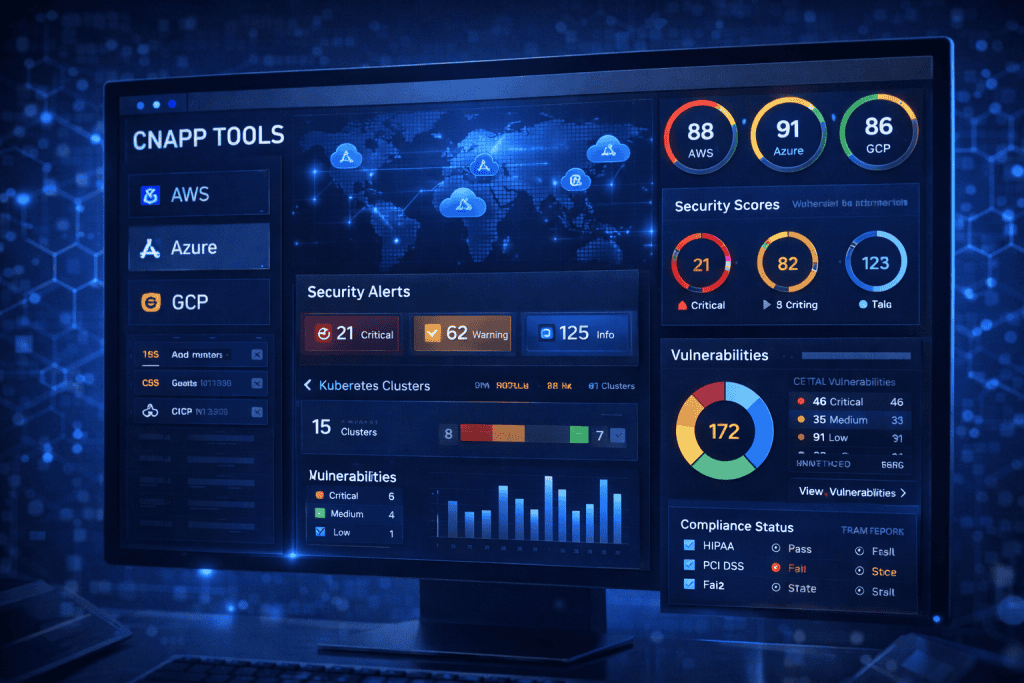
Managing CNAPP Tools isn’t just another item on your cybersecurity checklist. It’s one of the most important steps you can take to protect your cloud environment from real-world risks. In today’s cybersecurity landscape, threats evolve daily. From accidental misconfigurations to sophisticated Cyber Threats, your cloud infrastructure is constantly exposed.
I remember working with a mid-sized tech company that thought its cloud was secure simply because it had firewalls and endpoint protection in place. But once we introduced a unified cloud-native application protection platform, we uncovered dozens of overlooked vulnerabilities hiding in plain sight. That moment changed how their entire security team approached cloud management.
If you’re responsible for securing workloads, containers, or applications in the cloud, learning how to manage CNAPP Tools effectively can save you from sleepless nights and costly breaches. Done right, it gives you visibility, control, and confidence. In this guide, I’ll walk you through the exact steps, tools, and practical tips you need to manage your platform like a pro.
Tools Needed
Before you start managing CNAPP Tools, make sure you have the right foundation in place. Preparation makes the entire process smoother and far less overwhelming.
At a minimum, you’ll need access to your cloud provider dashboard, administrative credentials, and a basic understanding of your cloud architecture. If your environment spans multiple clouds, ensure you have centralized visibility across them. You’ll also need documentation of your current policies and compliance requirements.
Here’s a quick overview:
| Material/Tool | Purpose |
|---|---|
| Cloud Provider Access (AWS, Azure, GCP, Oracle) | Connects your cloud workloads to the platform |
| Admin Credentials | Enables configuration and policy enforcement |
| Asset Inventory | Identifies workloads, containers, and services |
| Compliance Framework Documentation | Aligns security policies with standards |
| Risk Assessment Report | Helps prioritize vulnerabilities |
| Stable Internet Connection | Ensures real-time monitoring and updates |
Think of these as your toolbox. Without them, managing CNAPP Tools becomes guesswork instead of strategy.
CNAPP Tools Instructions
Step 1: Assess Your Current Cloud Environment
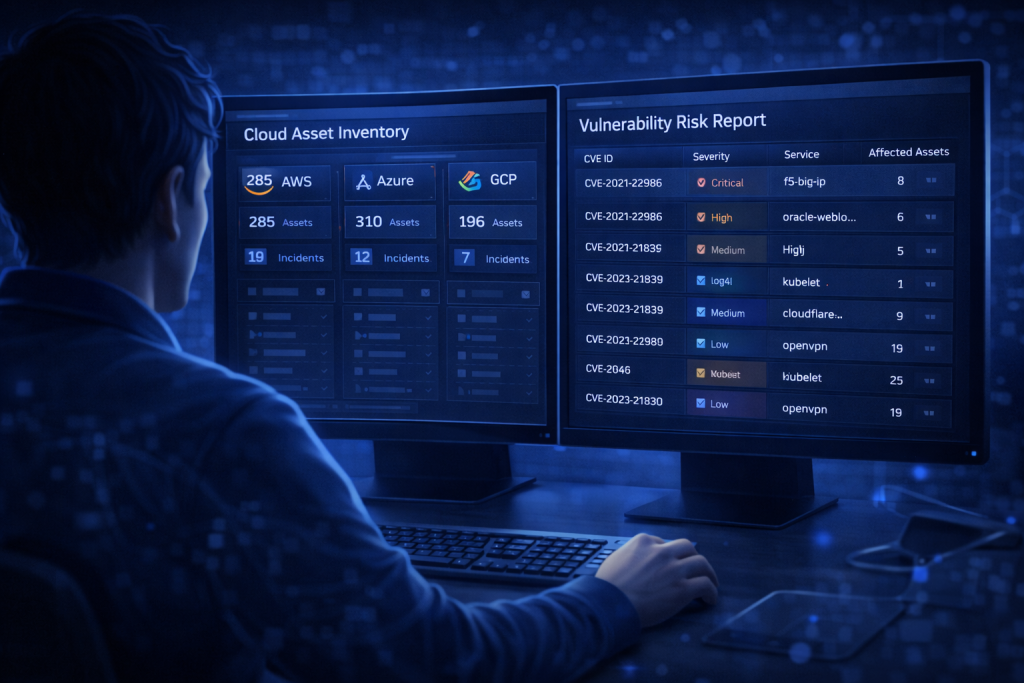
Start by mapping your entire cloud footprint. This includes workloads, APIs, containers, serverless functions, and user access roles. Many organizations underestimate how complex their environment really is.
Log into your cloud dashboard and export a full asset inventory. Look for outdated workloads, excessive permissions, and exposed endpoints. This initial assessment gives your CNAPP Tools the context they need to operate effectively.
If possible, take screenshots of your asset inventory page. These visuals help during audits and internal reviews.
Step 2: Integrate CNAPP Tools with Your Cloud Provider
Once you understand your environment, connect your platform to your cloud accounts. Most integrations require API keys or role-based access permissions.
During setup, select monitoring modes carefully. Some teams prefer read-only access at first to observe risks before enforcing policies. Others move straight to active protection.
Make sure logging is enabled. Real-time data feeds are essential for detecting misconfigurations and suspicious behavior.
Step 3: Configure Security Policies and Compliance Rules
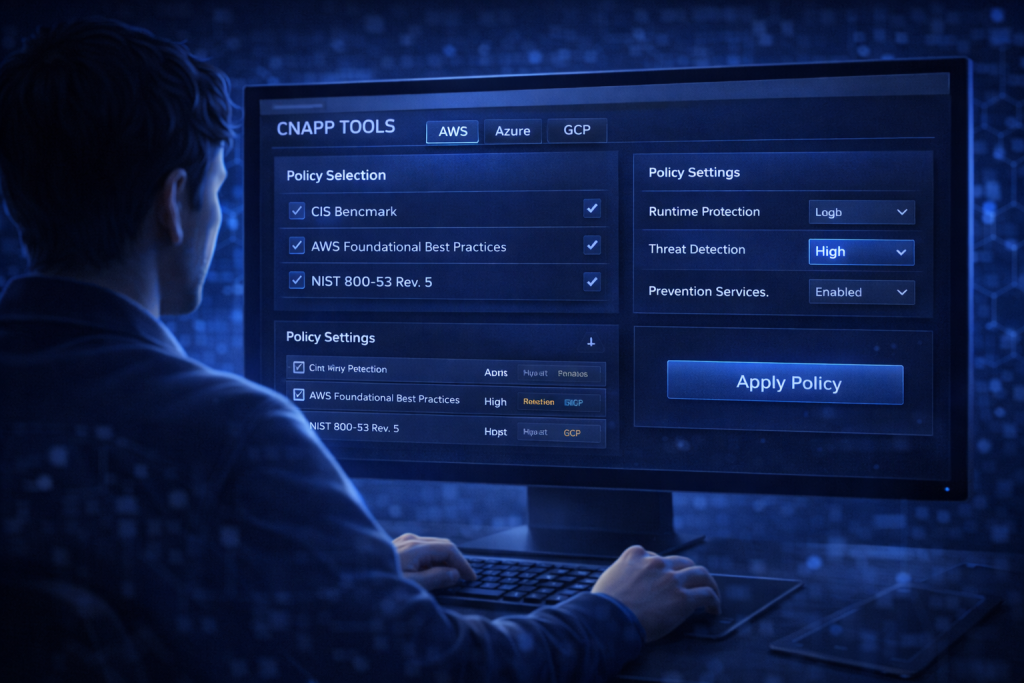
Now comes the strategic part. Define the policies your CNAPP Tools will enforce. Align them with industry standards like ISO 27001, SOC 2, or PCI DSS.
Set rules for:
- Identity and access management
- Container runtime security
- Network segmentation
- Encryption enforcement
This is also where you guard against issues that could enable Hacking attempts. For example, flag public storage buckets immediately and enforce multi-factor authentication across all admin accounts.
Clear policies turn your platform from a monitoring tool into a security engine.
Step 4: Enable Continuous Monitoring and Threat Detection
Your job doesn’t end after configuration. Activate continuous monitoring features and automated alerts.
This step ensures that emerging threats, including AI-driven attacks or manipulated media such as Deepfakes, don’t slip through unnoticed. Modern platforms use behavioral analytics to flag unusual activity patterns before they escalate.
Schedule daily or weekly summaries. Automated reports keep your team aligned and reduce blind spots.
Step 5: Review, Remediate, and Optimize
Security is never static. Review alerts regularly and prioritize remediation based on risk severity.
Patch vulnerable systems promptly. If your workloads depend on operating systems, ensure updates like Windows Update are not disabled or delayed. Outdated systems are easy entry points.
Over time, refine your policies. Remove unnecessary alerts to prevent fatigue and tune detection rules based on real-world findings.
This ongoing cycle is what makes managing CNAPP Tools sustainable.
CNAPP Tools Tips and Warnings
Managing CNAPP Tools effectively requires both discipline and awareness. I’ve seen teams install advanced platforms only to ignore half the alerts. Don’t let that happen.
First, avoid alert overload. Configure severity levels properly so your team focuses on high-risk issues. Second, document every policy change. This makes audits smoother and prevents confusion later.
Be cautious about over-permissioning during integration. Grant only the access your platform truly needs. Excessive privileges defeat the purpose of layered cybersecurity.
Also, don’t assume encryption equals total safety. Even if your team uses tools like Express VPN for secure connections, internal misconfigurations can still expose data. Cloud security requires internal controls, not just secure tunnels.
Another common mistake is ignoring cross-cloud visibility. If you operate in hybrid or multi-cloud environments, ensure your platform covers all assets equally.
Here’s a quick reference:
| Tip | Why It Matters |
|---|---|
| Start with Read-Only Mode | Reduces accidental disruptions |
| Prioritize Critical Alerts | Prevents alert fatigue |
| Enforce Least Privilege | Minimizes internal risk |
| Review Reports Weekly | Keeps security proactive |
| Automate Remediation Where Possible | Saves time and reduces human error |
Consistency beats intensity. Small, regular improvements keep your cloud secure.
Conclusion
Managing CNAPP Tools is one of the smartest moves you can make in cybersecurity today. By assessing your environment, integrating your platform properly, defining clear policies, enabling continuous monitoring, and regularly optimizing your setup, you build a security framework that evolves with your cloud.
The key isn’t complexity. It’s clarity and consistency. When you treat your cloud environment as a living system rather than a static asset, your protection becomes proactive instead of reactive.
If you haven’t fully reviewed your cloud security posture recently, now is the time. Start small, follow the steps outlined here, and refine as you go. With the right approach, managing your platform becomes less about firefighting and more about strategic control.
FAQ
How do CNAPP Tools improve cloud security in modern cybersecurity environments?
CNAPP Tools improve cloud security in cybersecurity by combining posture management, workload protection, and threat detection into one unified system. Instead of juggling separate solutions, security teams gain centralized visibility across multi-cloud environments. This helps identify misconfigurations, reduce risk exposure, and respond faster to active threats.
What are the best practices to manage CNAPP Tools for multi-cloud infrastructure?
To manage CNAPP Tools effectively in multi-cloud environments, ensure consistent policy enforcement across all providers, enable centralized logging, and use automated remediation workflows. Regular audits and compliance checks are essential for maintaining strong cybersecurity standards. Always follow a least-privilege access model.
Can CNAPP Tools help prevent advanced cloud-based cyber threats?
Yes. CNAPP Tools use behavioral analytics, vulnerability scanning, and runtime protection to detect advanced cloud-based cyber threats. In cybersecurity operations, these capabilities help identify lateral movement, privilege escalation, and suspicious workload behavior before attackers can cause significant damage.
Resources
- Palo Alto Networks. Guide to Cloud Security Posture.
- Cynet. CSPM: How It Works and 11 Ways to Evaluate CSPM Solutions.
- Oracle. What is CSPM?
- TechTarget. Cloud Security Posture Management (CSPM).
- Checkpoint. Cloud Native Security with CNAPP.