If you’ve ever stared at a fast-moving crypto chart and thought, “There has to be a smarter way to do this,” you’re not alone. The Binance API is that smarter way. In the world of Cryptocurrency, speed and data aren’t just helpful, they’re everything. Whether you’re tracking price swings, building a trading bot, or pulling historical data for analysis, learning to optimize the Binance API can completely change how you work.
I remember the first time I tried to manually monitor the Crypto Market during a volatile week. Prices were jumping every second. Tabs everywhere. Coffee going cold. That was the moment I realized automation wasn’t optional. It was necessary.
Optimizing the Binance API allows traders, developers, and analysts to access real-time market data, automate trades, and build dashboards without constantly refreshing a browser. For industry professionals, it means efficiency. For enthusiasts, it means control. And for anyone serious about Cryptocurrency, it’s a competitive edge you don’t want to ignore.
Tools Needed
Before you optimize the Binance API, you’ll need a few essentials. Don’t worry, the setup is simpler than it sounds.
First, you need a verified Binance account with API access enabled. Then, you’ll need a programming environment. Python is the most popular choice because it’s beginner-friendly and widely supported. You’ll also want a stable internet connection and a clear idea of what you’re building, whether that’s a trading bot, analytics tool, or price tracker.
Here’s a quick breakdown:
| Tool/Material | Purpose |
|---|---|
| Binance Account | Generate API key and secret |
| API Key & Secret | Authenticate requests |
| Python (or other language) | Interact with the API |
| Binance SDK or Requests | Simplify API calls |
| Secure Storage | Protect API credentials |
| Basic Market Knowledge | Understand trading logic |
Once these are ready, you’re set to begin.
Binance API Instructions
Step 1: Generate Your API Keys
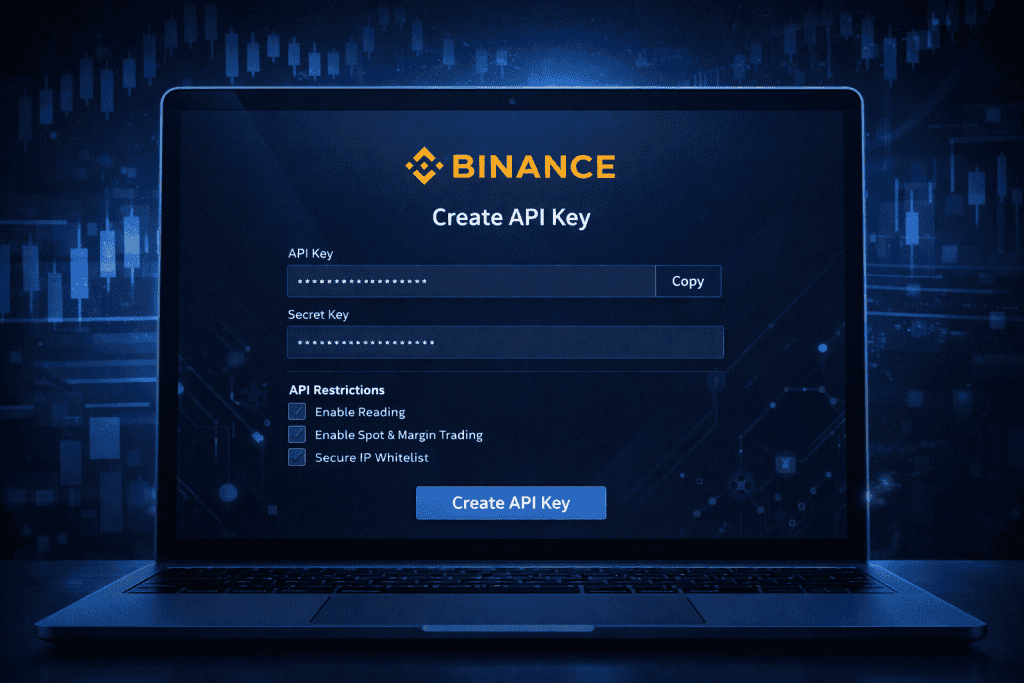
Log into your Binance account and navigate to the API Management section. Create a new API key and label it clearly, especially if you plan to create multiple keys later. Once generated, store the API key and secret securely. Never share them publicly.
Enable only the permissions you need. If you’re not executing trades, disable trading access. This small step can protect your account from unnecessary risk.
(Screenshots of the API management dashboard can help beginners visualize this step.)
Step 2: Connect to the Binance API Using Python
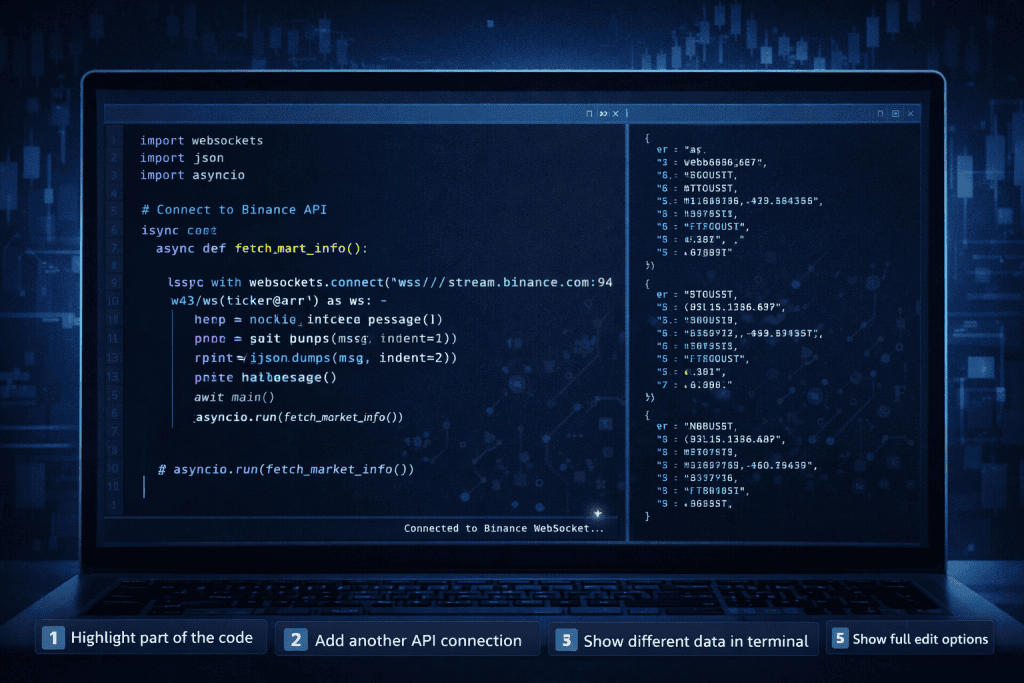
Install the official Binance Python SDK or use a library like python-binance. Then, initialize the client with your API credentials.
Once connected, test it with a simple request like fetching the current price of Bitcoin. This confirms everything works properly. When I first ran this test and saw live market data streaming into my console, it felt like unlocking a hidden door to the market.
Make sure your environment handles exceptions gracefully. API errors happen, and you don’t want your script crashing mid-session.
Step 3: Optimize Data Requests
Now comes the optimization part. Avoid unnecessary API calls. Instead of requesting live data every second, consider using WebSocket streams for real-time updates. They’re faster and reduce server load.
Also, cache frequently accessed data like symbol information. If you’re analyzing historical prices, pull bulk data instead of making repeated small calls.
Optimization isn’t about speed alone. It’s about efficiency. Fewer calls, cleaner code, better performance.
Step 4: Implement Security Measures
Security matters more than most people realize. Never hard-code your API secret directly into your script. Use environment variables instead.
Restrict IP access inside your Binance account settings. If someone somehow gets your key, they won’t be able to use it outside your approved IP addresses.
In Cryptocurrency, security isn’t optional. It’s survival.
Step 5: Monitor and Adjust Performance
Optimization doesn’t stop after setup. Monitor your application’s performance regularly. Check for delayed responses, failed calls, or rate limit warnings.
Binance enforces rate limits. If you exceed them, requests will fail. Spread out your calls intelligently and track request weight.
Think of your system like a trading engine. Tune it. Refine it. Adjust when market conditions change.
Binance API Tips and Warnings
Optimizing the Binance API takes patience, especially if you’re new to coding or Cryptocurrency automation. The biggest tip I can give you is this: start small. Don’t jump straight into automated trading with real funds.
Test everything in a safe environment first. Binance offers testnet options for development. Use them. That one decision can save you from costly mistakes.
Another important tip is to understand how rate limits work. The Binance API assigns weights to different endpoints. Some calls are heavier than others. If you ignore this, your system may suddenly stop working during peak Coin Market volatility.
Also, document your code. I’ve seen developers build powerful tools, only to forget how parts of their own logic worked weeks later. Clear comments and structured design save time in the long run.
Common mistakes include over-requesting data, failing to handle exceptions, and storing credentials insecurely. Avoid shortcuts when dealing with automation and Investment strategies.
Here’s a quick overview:
| Tip | Why It Matters |
|---|---|
| Use Testnet First | Prevent financial loss |
| Monitor Rate Limits | Avoid API bans |
| Use WebSockets | Improve real-time performance |
| Secure API Keys | Protect funds |
| Log All Errors | Easier troubleshooting |
| Avoid Overtrading | Reduce risk exposure |
Lastly, remember that the Binance API reflects real-time market behavior. In a decentralized Blockchain environment, price swings can be sharp and sudden. Your code must anticipate volatility.
Optimization is ongoing. Treat it like maintenance, not a one-time task.
Conclusion
Learning to optimize the Binance API isn’t just a technical upgrade. It’s a mindset shift. Instead of reacting to the Cryptocurrency market manually, you begin interacting with it strategically and efficiently.
We covered generating API keys, connecting through Python, reducing unnecessary calls, strengthening security, and monitoring performance. Each step builds on the last. Together, they create a smoother and more reliable system.
Whether you’re analyzing data, building dashboards, or designing automated trading tools, the Binance API gives you access to real-time intelligence that would be impossible to track manually.
Start small. Test carefully. Improve gradually.
Once you see your optimized system pulling live data seamlessly, you’ll wonder how you ever managed without it. The market moves fast. Now, you can move with it.
FAQ
What are the rate limits of the Binance API?
Binance imposes various rate limits depending on the type of API endpoint you use. REST API limits are typically 1200 requests per minute, whereas WebSocket streams allow for more frequent updates.
Can I access historical data using the Binance API?
Yes, the Binance API allows you to fetch historical market data such as trade history, candlestick data, and more. You can access this data using REST API endpoints.
How secure is the Binance API?
The Binance API is secure as long as users take appropriate precautions. Always enable two-factor authentication, use IP whitelisting, and keep your API keys encrypted.
Resources
- Algotrading101. Binance Python API Guide.
- Mijanur Rahman. Reading and Plotting Historical Crypto Data Using Binance API.
- Finandy. Free Binance API Documentation.
- Towards Data Science. Building a Cryptocurrency Dashboard Using Plotly and Binance API.
- Mesh Connect. Does Binance Have an API?.