
So, what is UX design exactly? It’s more than just how something looks it’s how it works, feels, and guides users toward their goals without friction. Think of It as the invisible glue between humans and technology, shaping every tap, scroll, and interaction into something seamless.
When I first heard the term years ago, I assumed it was all about aesthetics. But after watching a designer test prototypes with real users, I realized it’s about empathy seeing the product through someone else’s eyes.
What Is UX?
At its simplest, UX stands for User Experience the practice of designing products that provide meaningful and relevant experiences to users. It covers the entire journey a person has when interacting with a digital product from the first impression on a homepage to the moment they complete a task.
Good UX design considers usability, accessibility, and emotional satisfaction. It’s not just about getting users to click; it’s about helping them enjoy the process of interacting with technology. Whether you’re navigating a banking app, streaming your favorite show, or ordering food online, it determines how pleasant or painful that experience will be.
Breaking Down UX
Research and Understanding
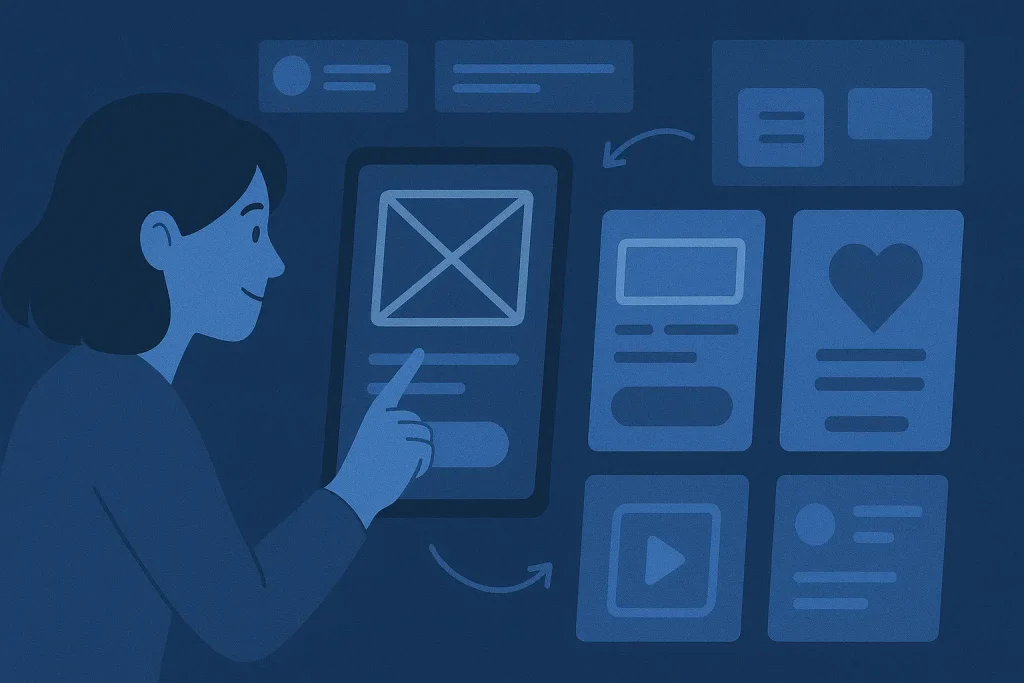
Every successful design starts with research. Designers gather insights through interviews, surveys, and analytics to uncover what users really need, not just what they say they want.
Information Architecture
Next comes organizing content logically so users can find information effortlessly. It’s like designing a digital roadmap that prevents confusion and frustration.
Wireframing and Prototyping
This is where ideas come to life visually. The designers sketch layouts, create wireframes, and build prototypes to test how users will interact with an app or site before final development.
Usability Testing
Before a launch, products undergo real-world testing. Designers observe how people navigate, where they hesitate, and what delights them then refine the design accordingly.
Iteration
It is never truly finished. As user needs evolve, designs are revisited, adjusted, and optimized to ensure the experience stays relevant and engaging.
History of UX
While it may sound like a modern buzzword, its roots stretch far deeper. The concept of improving user experiences dates back to early human-machine interactions.
| Year | Milestone | Impact on UX |
|---|---|---|
| 1940s | Human factors engineering emerges during WWII | Introduced ergonomic design principles |
| 1980s | Don Norman coins “User Experience” at Apple | it becomes a design discipline |
| 1990s | Rise of the Internet | Websites and software focus on usability |
| 2000s | UX integrates with UI and digital products | Experience design becomes mainstream |
| 2020s | AI, VR, and automation redefine user interactions | UX expands into immersive technologies |
From cockpit controls to smartphone screens, it has always been about making technology human-friendly.
Types of UX Design
Interaction Design
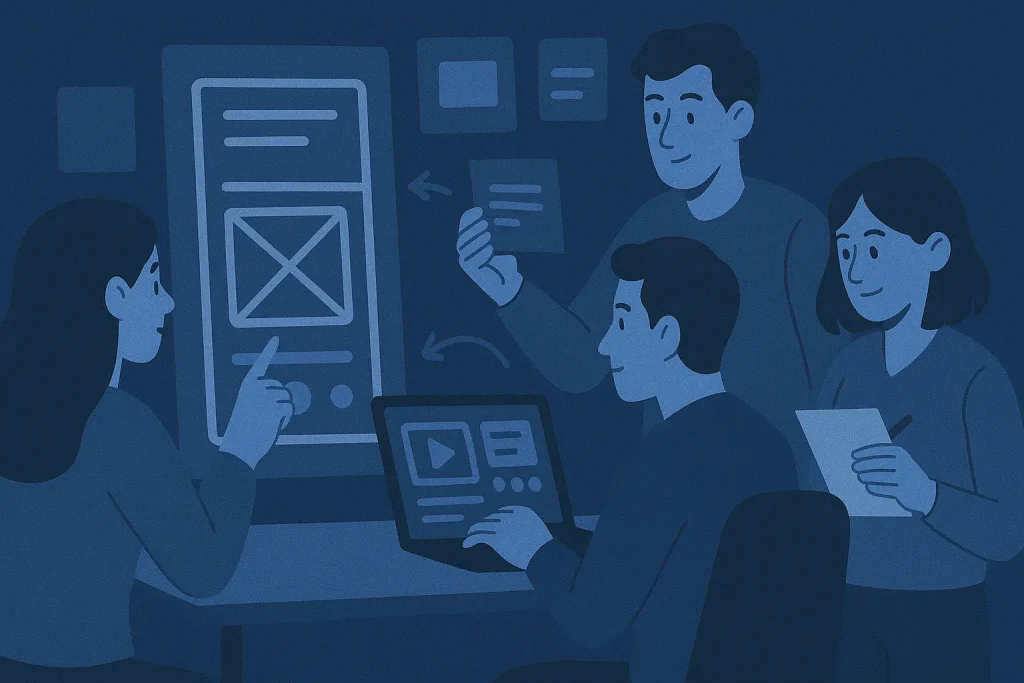
This type focuses on how users engage with an interface buttons, gestures, animations, and transitions. Interaction designers ensure every tap feels natural and every motion has purpose.
Visual Design
Aesthetic appeal meets function here. Visual designers work on color palettes, typography, and layout to support usability while evoking emotion and brand personality.
Information Architecture
It isn’t just visuals; it’s structure. Information architects map how content flows through an app or site, ensuring users always know where they are and where to go next.
UX Research
Researchers gather behavioral data and user feedback to uncover what people need and where they struggle. These insights are then transformed into practical design improvements that make products more intuitive.
Content Strategy
Content strategists craft microcopy, guides, and in-app messages that make interactions feel human, helpful, and clear. A well-placed word can calm frustration, guide action, or spark delight.
How Does UX Work?
The design process usually follows several key stages:
First comes research understanding who the users are and what problems they face. Next, designers move to ideation, brainstorming ways to solve those problems through intuitive design. They then create prototypes, often clickable mockups that allow teams to test ideas early.
Testing and feedback follow, where real users interact with the product. Their reactions often reveal blind spots designers couldn’t see on their own. Finally, after refining the design, the product goes live—but the work doesn’t end there. It is continuous, adapting as technology evolves and user expectations shift.
Pros & Cons
Every field has advantages and challenges, and the design is no exception.
| Pros | Cons |
|---|---|
| High demand across industries | Can involve constant revisions |
| Opportunity to improve lives through design | Requires balancing user and business goals |
| Creative and analytical work combined | Tight deadlines and client feedback cycles |
| Growing salaries and flexible work | Requires continual learning |
| Collaboration with cross-functional teams | Sometimes misunderstood as “just design” |
Uses of UX
No matter the industry, UX plays a pivotal role in shaping digital interactions that feel effortless and enjoyable.
E-Commerce
Retailers use design psychology to guide shoppers smoothly from discovery to checkout, removing friction along the way. Great UX doesn’t just increase conversions—it builds trust and loyalty. When a user feels understood, they’re far more likely to return for repeat purchases.
Healthcare Technology
In medical software and healthcare apps, UX ensures that complex systems remain accessible to doctors, nurses, and patients alike. It enhances safety, reduces errors, and improves efficiency. As healthcare continues to digitize, good UX can quite literally save lives.
Education and E-Learning
Education platforms depend heavily on UX design to keep learners motivated and engaged. Interactive lessons, intuitive navigation, and responsive feedback systems make digital learning both productive and enjoyable. A well-designed e-learning interface can turn a difficult topic into an accessible experience.
Fintech Applications
In the world of finance, UX emphasizes trust, clarity, and control. Simplicity is key—users want to transfer money, check balances, or make investments quickly and securely. Designers use clear typography, intuitive flows, and accessible language to reduce anxiety around financial decisions.
Entertainment and Media
Streaming platforms, gaming apps, and media sites rely on intuitive UX design to keep users entertained. Personalized recommendations, easy navigation, and adaptive visuals create immersive digital experiences.
Resources
- Nielsen Norman Group: UX Design Articles.
- Adobe: Learn UX Design.
- Interaction Design Foundation: UX Courses.
- UX Design Institute: Professional Diploma.
- Smashing Magazine: UX Design Guides.
